ByMax Lee
How to Put a Tesla in Car Wash Mode: Quick & Easy Guide
Washing your Tesla can be easy if you know how to use Car Wash Mode. This mode helps keep your car safe during a car wash. It stops some parts from moving and helps avoid damage. This guide will tell you step by step how to put your Tesla in Car Wash Mode.
What is Car Wash Mode?
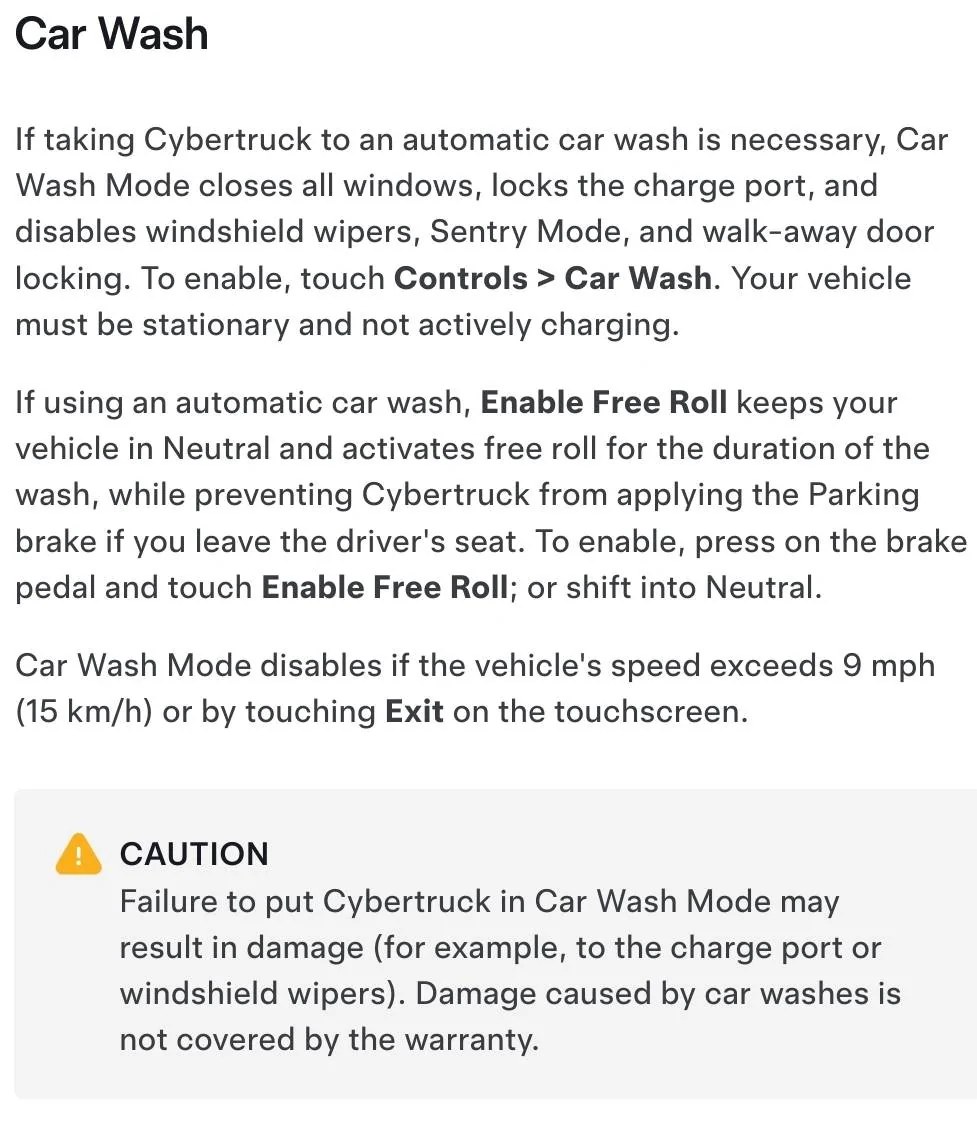
Car Wash Mode is a special setting in Tesla cars. It makes sure the car stays still during a wash. The windows close, mirrors fold in, and the windshield wipers stop. The car will not start to drive by itself. This mode keeps the car safe from water and brushes.
Why Use Car Wash Mode?
Using Car Wash Mode is important to protect your Tesla. When the car is in this mode:
- Doors stay locked and do not open.
- Mirrors fold to avoid damage.
- Windows stay closed to stop water inside.
- Windshield wipers stop moving.
- Autopilot and automatic driving turn off.
- The car will not move on its own.
This helps the car stay safe during a car wash.
When to Use Car Wash Mode
Use Car Wash Mode before you take your Tesla to a car wash. Especially if you use automatic or drive-through car washes. These washes have machines that touch your car. If the car is not in Car Wash Mode, parts may move or open. This can cause damage. So, always use this mode before washing.
How to Put Tesla in Car Wash Mode
Follow these simple steps to activate Car Wash Mode:
- Get inside your Tesla and close all doors.
- Touch the car’s large center screen.
- Tap the “Controls” button on the screen’s bottom left.
- Look for the “Service” tab on the left menu.
- Tap “Service” to open service options.
- Find and tap “Car Wash Mode.”
- A message will appear explaining what Car Wash Mode does.
- Confirm by tapping “Activate.”
Your Tesla is now ready for the car wash. The car will stay still and safe.
What Happens When You Activate Car Wash Mode?
When you turn on Car Wash Mode, your Tesla makes some changes:
- The car locks all doors automatically.
- Side mirrors fold in to avoid brushes.
- Windows close tightly to keep water out.
- Windshield wipers stop working.
- Autopilot and self-driving features turn off.
- The car cannot move unless you press the brake and shift.
These changes help protect your car during the wash.
How to Exit Car Wash Mode
After the car wash, you need to turn off Car Wash Mode. To do this:
- Get back inside your Tesla.
- Touch the center screen and tap “Controls.”
- Go to the “Service” tab again.
- Tap “Car Wash Mode.”
- Tap “Deactivate” to turn off the mode.
The car will unlock the doors and open the mirrors. You can now drive your Tesla normally.
Tips for Using Car Wash Mode
Here are some simple tips to remember:
- Always activate Car Wash Mode before using automatic car washes.
- Do not leave the car during the wash unless it is safe.
- Make sure all windows and doors are closed before starting.
- If your Tesla has a sunroof, check it is closed.
- Remember to turn off Car Wash Mode after washing.
- If your car has a key fob, keep it away from the wash area.
What if Your Tesla Does Not Have Car Wash Mode?
Older Tesla models or some software versions might not have this mode. If your Tesla lacks Car Wash Mode:
- Manually fold the side mirrors.
- Make sure all windows and sunroof are closed.
- Turn off windshield wipers.
- Put the car in “Park” and lock the doors.
- Do not use automatic car washes if possible.
You can also check Tesla’s app or manual for any updates about Car Wash Mode.
Credit: www.cybertruckownersclub.com
Other Ways to Wash Your Tesla
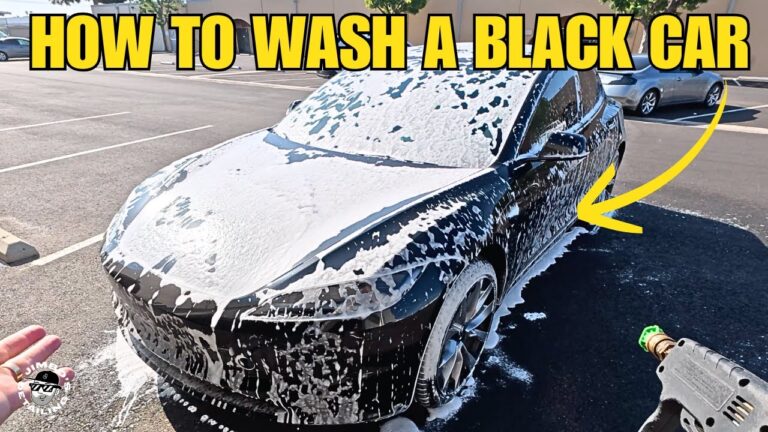
Besides automatic car washes, you can wash your Tesla by hand. Here are some tips for hand washing:
- Use soft cloths or sponges to avoid scratches.
- Use car soap that is safe for electric cars.
- Avoid high-pressure water near charging ports.
- Dry the car with a soft towel after washing.
- Do not spray water directly inside door seals.
Hand washing is gentle and good for your Tesla’s paint.
Summary Table: Steps to Put Tesla in Car Wash Mode
| Step | Action |
|---|---|
| 1 | Get inside the Tesla and close doors. |
| 2 | Touch the center screen and tap “Controls.” |
| 3 | Go to the “Service” tab. |
| 4 | Tap “Car Wash Mode.” |
| 5 | Confirm by tapping “Activate.” |
Credit: insideevs.com
Frequently Asked Questions
How Do I Activate Car Wash Mode In A Tesla?
Open the Tesla app or car screen. Select ‘Service’ then tap ‘Car Wash Mode’ to activate.
What Happens When Tesla Is In Car Wash Mode?
The car locks doors, folds mirrors, and disables windshield wipers to protect during washing.
Can I Use Car Wash Mode With Automatic Car Washes?
Yes, Car Wash Mode prepares your Tesla for automatic car wash safely.
Does Car Wash Mode Stop Automatic Door Locks?
Yes, it keeps doors locked to prevent accidental openings during washing.
Conclusion
Car Wash Mode is a helpful feature in Tesla cars. It protects your car during automatic washes. Using this mode is easy and quick. Always activate it before washing your Tesla. Remember to turn it off after the wash. Doing this keeps your Tesla safe and clean.