ByMax Lee
Illinois Voter Registration at the DMV: Complete Guide
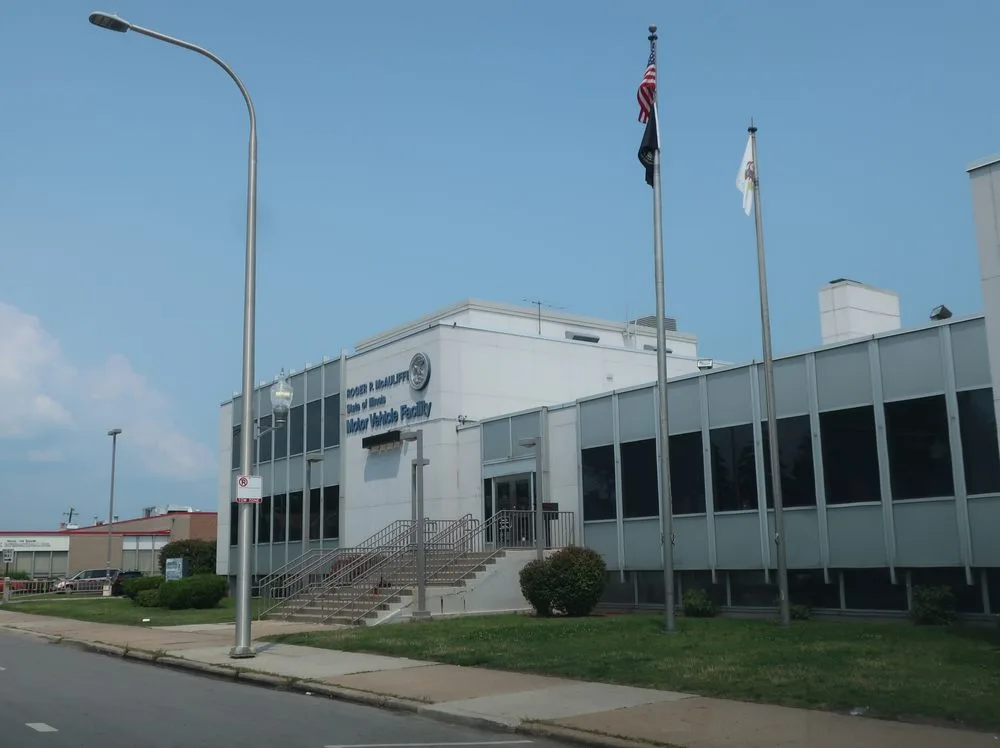
Illinois voter registration through Secretary of State motor vehicle services handles roughly 2.3 million transactions since Automatic Voter Registration launched in July 2017. Most people assume it happens automatically when they get a license. That only works if you answer the citizenship question correctly and your documents match.
A single missed screen or mismatched address can leave you unregistered.
The system transmits data to the Illinois State Board of Elections nightly. Confirmation takes five to ten business days to appear online. As of 2026, the 28-day pre-election cutoff still applies to standard registration.
Let's walk through who qualifies, how the kiosk flow works, and which path matches your situation.
Quick Answer
Illinois voter registration through Secretary of State motor vehicle services uses Automatic Voter Registration during license or ID transactions. You must be a U.S. citizen, answer "yes" on the citizenship screen, and provide qualifying documents. The system sends your data to the State Board of Elections nightly.
Confirmation appears online in five to ten business days.
Who Should Register at the SOS — And Who Shouldn't
Secretary of State facilities process registration for anyone completing a driver's license or state ID transaction who meets eligibility requirements. You must be a U.S. citizen, an Illinois resident, at least 18 by the next general election (or 16 to pre-register), and not currently incarcerated for a felony conviction. Rights restore automatically upon release.
Register at the SOS if:
- You're applying for a first Illinois license or ID
- You're renewing and need to update your address
- You're a new citizen adding citizenship proof to your record
- You're 16 or 17 and want to pre-register
Use another channel if:
- The election is fewer than 28 days away (grace period requires county clerk)
- You only need to update your name, SOS requires a license transaction
- You lack documents for a license/ID but have them for voter registration alone
- You prefer online registration at ova.elections.il.gov (requires IL license/ID + last 4 SSN)
The 60-Second Version: How Automatic Voter Registration Actually Works
AVR triggers only during a qualifying license or ID transaction at an SOS facility. The kiosk or counter agent asks: "Are you a citizen of the United States?" Answer "Yes" and the system auto-fills your name, address, and date of birth from the license record. You review, sign electronically, and receive a receipt with a confirmation number (format: VR-XXXXXX).
If you answer "No" or skip the screen, AVR does not activate. The opt-out checkbox declines registration without canceling your license transaction. Data transmits to the Illinois State Board of Elections in a nightly batch.
Your county clerk then processes it into the local voter roll. Check status at ova.elections.il.gov using your confirmation number or driver's license number.
Your Path Depends on These Four Variables
Citizenship
Only U.S. citizens may register. Lawful permanent residents, visa holders, and undocumented individuals cannot register, doing so is a Class 4 felony under 10 ILCS 5/29-10 and carries immigration consequences. New citizens must present a naturalization certificate or U.S. passport to update their SOS record before AVR will work.
Age
You must be 18 by the next general election to vote. Sixteen- and seventeen-year-olds can pre-register during any license/ID transaction. The system flags the record and converts it automatically when you turn 18.
If you're 17 and the primary occurs before your 18th birthday but the general election falls after, you can vote in the primary.
Documents
AVR pulls address and identity from your license/ID application. That application requires specific documents (see the Documents section below). If your license uses a PO box or mailing address, the voter registration will too, which can cause precinct-assignment problems.
You need a residential address on the license for proper precinct assignment.
Timing
Standard registration closes 28 days before each election. SOS transactions after that cutoff still process but won't make you eligible for that election. You'll need grace-period registration at your county clerk's office (available through Election Day) or Election Day registration at your home precinct polling place with two IDs.
Scenario A: First-Time Illinois Voter Getting a License or ID
Walk into any Driver Services facility with the full document set: one proof of identity (passport, birth certificate, or current IL license), one proof of Social Security Number (SSN card, W-2, or pay stub with full SSN), two proofs of residency dated within 90 days (utility bill, lease, bank statement), and one proof of signature (signed credit card, canceled check, or passport). REAL ID requires all four categories. Standard license requires identity, one residency, and signature, SSN is optional but recommended.
At the counter or kiosk, complete the license application. The citizenship question appears. Answer "Yes." Review the auto-filled voter registration fields, name, residential address, date of birth.
Correct any errors on the spot. Sign electronically. Take the receipt with your VR-XXXXXX confirmation number.
Check status online in five to ten business days. If you don't see confirmation, contact your county clerk or the ISBE help desk.
Typical timeline:
- Facility visit: 15, 45 minutes depending on location and time
- Nightly batch to ISBE: 1, 2 business days
- County clerk processing: 3, 7 business days
- Online status update: 5, 10 business days total
Scenario B: Already Registered — Just Updating Your Address
If you're already on the Illinois voter roll and move within the state, a license/ID address change at the SOS updates your registration automatically, provided you answer "Yes" to the citizenship question. The system matches your name and date of birth to the existing record and overwrites the address.
Bring two proofs of residency for the new address (dated within 90 days). Your current license serves as identity and signature proof. No SSN document needed for address change alone.
The kiosk shows your old address pre-filled. Update it to the new residential address. Confirm the citizenship question.
Sign. Done.
Watch for:
- Name mismatch, if you married/divorced but haven't updated your license name, the system may create a duplicate registration instead of updating the existing one
- PO box address, the license allows it, but voter registration needs a residential address for precinct assignment
- Moving across county lines, the update still works, but your new county clerk processes it
If you moved from another state, you're not "already registered" in Illinois. Follow Scenario A as a first-time Illinois registrant.
Scenario C: 16- or 17-Year-Old Pre-Registering Before the Primary
Teens can pre-register during any license/ID transaction, including a first license or a permit upgrade. The process mirrors Scenario A. The kiosk flags the record as "pre-registered." Conversion to active status happens automatically on the 18th birthday.
No further action needed.
Bring a parent or guardian if you're under 18, they'll need to sign the license application. Document requirements are the same: identity, SSN, two residency proofs (parent's documents work if you live with them), and signature. The citizenship question still appears.
Answer "Yes" if you're a citizen.
If you'll be 18 by the general election but not the primary, you can vote in the general only. The system handles this automatically based on your birth date.
Scenario D: New Citizen Adding Citizenship Proof to an Existing Record
If you naturalized after getting your Illinois license, your SOS record still shows non-citizen status. AVR won't trigger until you update it. Visit an SOS facility with your naturalization certificate or U.S. passport.
Request a license/ID update to reflect citizenship. The agent will scan the document and change the citizenship flag.
Once updated, any future license/ID transaction (renewal, address change, duplicate) will activate AVR. You don't need a separate transaction just for registration, but you do need the citizenship flag flipped first. If an election is close, ask the agent to process a duplicate license immediately after the update.
That transaction will capture the registration.
Step-by-Step at the Facility: Kiosk Screens, Signatures, and the Receipt
- Check in at the kiosk or counter. Select "Driver's License/ID Card" transaction.
- Scan or hand over documents. Agent verifies or kiosk prompts for scans.
- Application screen appears. Confirm name, address, date of birth.
- Citizenship screen appears. "Are you a citizen of the United States?" Tap "Yes."
- Voter registration screen auto-fills. Review every field. Correct address if it shows a PO box.
- Sign on the signature pad or touchscreen.
- Receipt prints with VR-XXXXXX confirmation number. Keep it.
- Check status at ova.elections.il.gov in 5, 10 business days.
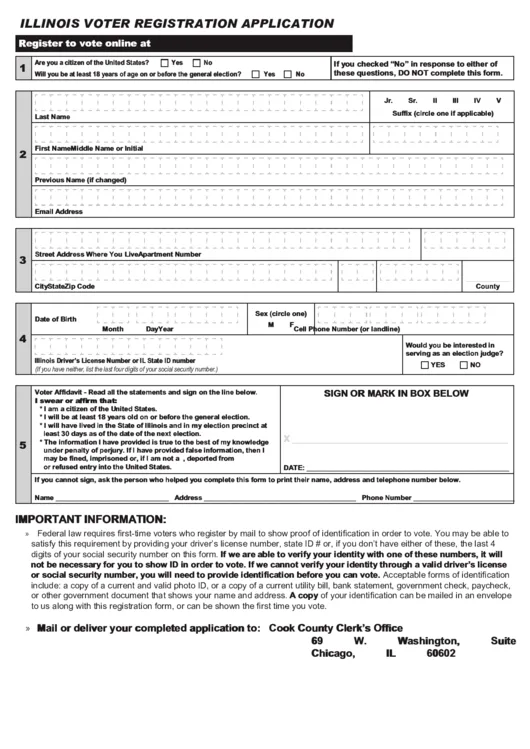
If the kiosk freezes or the citizenship screen doesn't appear, alert the agent. They can switch you to a counter terminal or paper form (VR-1). Paper forms still transmit nightly but take longer to appear online.
Documents That Move You Forward — and the Ones That Don't
| Category | Accepted | Rejected |
|---|---|---|
| Identity | Passport, birth certificate, current IL license | Expired license, school ID, work badge |
| SSN | SSN card, W-2, pay stub with full SSN | Pay stub with last 4 only, tax return (no SSN) |
| Residency (2) | Utility bill, lease, bank statement, pay stub (≤90 days) | Junk mail, magazine, envelope, >90 days old |
| Signature | Signed credit card, canceled check, passport | Unsigned card, printed name only |
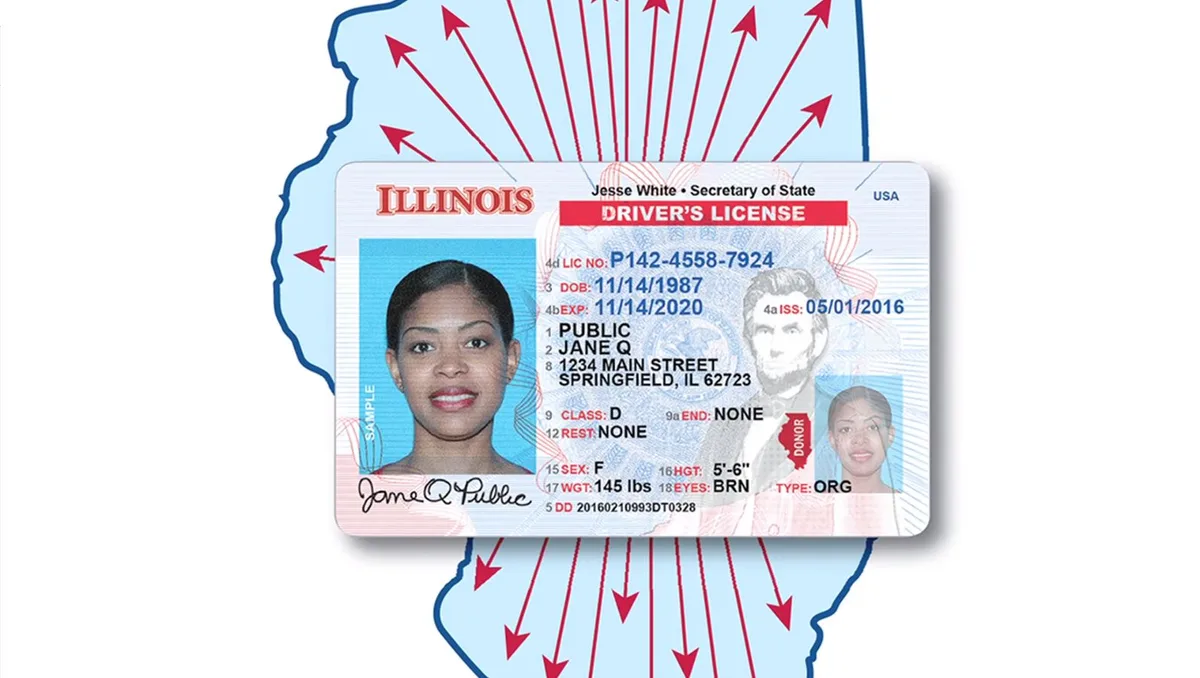
REAL ID requires one from each column. Standard license requires identity, one residency, and signature. SSN document is optional for standard but bring it anyway, it prevents future hassles.
Documents must be originals or certified copies. Photos on phones are not accepted.
The 28-Day Cliff: When SOS Registration Stops Working
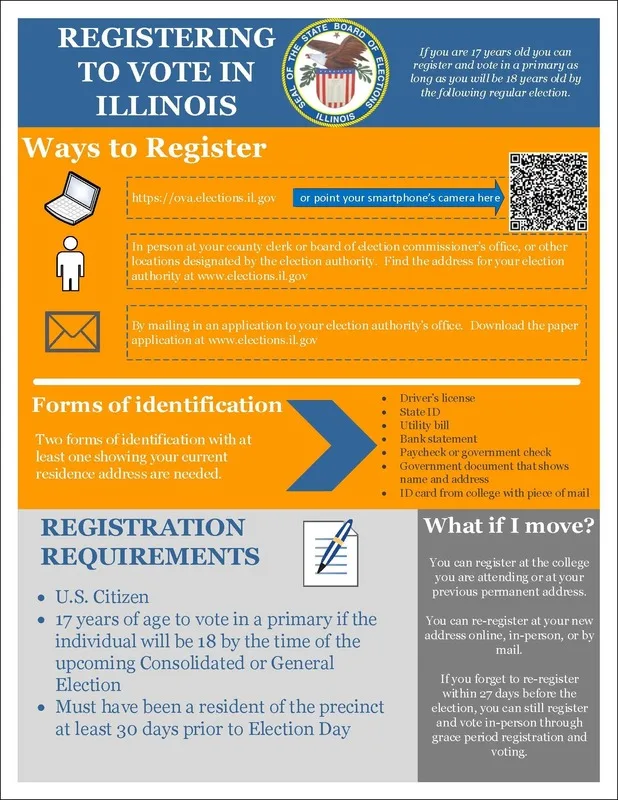
Standard registration closes 28 days before every election. The date is statutory (10 ILCS 5/4-6, 5/5-5, 5/6-29). An SOS visit on day 27 processes your license but not your voter registration for that election.
The system still transmits, but the county clerk cannot legally add you to the pollbook.
2026 deadlines (example):
- Primary election (March 17): Register by February 16
- General election (November 3): Register by October 6
Mark these on your calendar. The SOS website posts them at ilsos.gov. If you're within the window, go to the SOS.
If you've passed it, skip to the next section.
Grace Period and Election Day: Your Backups If You Missed the Cutoff
Grace-period registration runs from the 27th day before the election through Election Day. It's only available at your county clerk's office (or designated satellite sites). Bring two IDs, one with your current address.
You register and vote in the same trip, either in-office absentee or by taking a ballot to your precinct.
Election Day registration is available only at your home precinct polling place. Bring two IDs, one with current address. You vote a regular ballot.
Not all poll workers know this process well. Ask for the "Election Day registration" form. If they say no, call the county clerk hotline posted at the polling place.
Grace period vs. Election Day:
| Feature | Grace Period | Election Day |
|---|---|---|
| Location | County clerk office | Home precinct only |
| Dates | 27 days before – Election Day | Election Day only |
| Vote same day | Yes (absentee or take ballot) | Yes (regular ballot) |
| IDs required | 2 (1 with address) | 2 (1 with address) |
Common Ways This Goes Sideways
- Citizenship question skipped or misunderstood, AVR doesn't trigger. Fix: Return to SOS with receipt, ask to reopen transaction.
- Address mismatch, SOS has PO box, voter roll needs residential. Fix: Update license address to residential, confirm citizenship screen.
- Name change not synced, Marriage/divorce updated with SSA but not SOS. Fix: Update license name first, then address change will match voter record.
- 28-day cutoff missed, Forced to grace period or Election Day registration. Fix: Go to county clerk, not SOS.
- Kiosk offline, Paper form (VR-1) used. No instant confirmation number. Fix: Ask agent for receipt copy, check status in 10, 14 days.
- Non-citizen accidentally registers, Felony risk, immigration consequences. Fix: Do not answer "Yes." If already done, contact immigration attorney immediately.
- Duplicate registration, Online + SOS both submitted. Fix: County clerk merges records. Check status to confirm.
- Teen pre-registration doesn't convert, System glitch at 18. Fix: Contact county clerk before election, provide birth date proof.
Online vs. Mail vs. Deputy Registrar vs. SOS: Pick the Right Channel
| Channel | Best For | Deadline | Documents |
|---|---|---|---|
| SOS (AVR) | License/ID transaction anyway | 28 days | Full license doc set |
| Online (ova.elections.il.gov) | Has IL license/ID + last 4 SSN | 28 days | License/ID #, last 4 SSN |
| Mail (PDF from ISBE) | No license, has docs | Postmarked 28 days | Printed form + copy of ID |
| Deputy registrar | Community events, campuses | 28 days | Varies by registrar |
| Grace period | Missed 28-day cutoff | Election Day | 2 IDs (1 with address) |
| Election Day | No other option | Election Day | 2 IDs (1 with address) |
Online is fastest if you already have an Illinois license/ID. Mail works if you're out of state. Deputy registrars appear at libraries, colleges, and fairs, ask for their certificate.
SOS is the only one-stop if you need a license anyway.
After You Leave: Confirmation Numbers, Status Checks, and What to Do If It's Missing
Your receipt shows VR-XXXXXX. Save a photo. At ova.elections.il.gov, enter the confirmation number or your driver's license number.
Status shows "Pending," "Registered," or "Action Required." "Pending" means the nightly batch hasn't reached the county clerk yet. "Action Required" means a mismatch, usually address or citizenship.
If no record appears after 10 business days:
- Call your county clerk (list at elections.il.gov).
- Call ISBE help desk: 217-782-4141.
- Visit the SOS facility with your receipt, ask them to verify transmission.
- If all else fails, re-register via grace period or online.
Don't wait until Election Day to discover a problem.
Pro Tips from People Who Do This Daily
- Go mid-week, mid-morning. Tuesday, Thursday, 9, 11 AM has shortest waits. Avoid Mondays, Fridays, and lunch hours.
- Book an appointment at ilsos.gov. Walk-ins wait 2, 3x longer. Appointments guarantee a time slot.
- Bring a folder with originals and copies. Agents keep copies; you keep originals. Copies speed things up.
- Know your residential address cold. Not your mailing address. The kiosk won't correct it for you.
- If you're a new citizen, bring the passport. Naturalization certificates can be hard to read on scanner. Passport is instant.
- Pre-register teens at permit stage. One visit covers permit + pre-registration. No extra trip at 18.
- Check status before every election. Even if you didn't move. Purges happen. Catching it early saves Election Day drama.
Legal Lines You Cannot Cross
Only U.S. citizens may register. Non-citizen registration is a Class 4 felony under 10 ILCS 5/29-10 and triggers removal proceedings. You must be 18 by the general election to vote.
Sixteen- and seventeen-year-olds may pre-register only. Incarcerated felons cannot register. Rights restore automatically upon release, no petition needed.
Your license address must be residential for precinct assignment. A PO box on the license puts you in the wrong precinct. Answering "Yes" to citizenship when you're not a citizen is the most common felony exposure.
The kiosk does not verify status. You attest under penalty of perjury.
Quick Decision Card: Match Your Situation to the Right Move
| Situation | Go To | Deadline | Key Document |
|---|---|---|---|
| First license + register | SOS facility | 28 days | Full doc set |
| Address update only | SOS facility | 28 days | 2 residency proofs |
| Pre-register at 16/17 | SOS facility | 28 days | Parent + docs |
| New citizen, have license | SOS facility | 28 days | Naturalization cert |
| Missed 28-day cutoff | County clerk | Election Day | 2 IDs, 1 with address |
| No license, early enough | Online or mail | 28 days | Varies |
| Election Day only | Home precinct | Election Day | 2 IDs, 1 with address |
Frequently Asked Questions
Can I register at the SOS without getting a license?
No. AVR only triggers during a license or ID transaction. Use online, mail, or a deputy registrar instead.
What if I answered "No" to citizenship by mistake?
Return to the facility with your receipt. Ask them to reopen the transaction and flip the answer. If they can't, go to your county clerk with the receipt.
Does a REAL ID automatically register me?
Only if you answer "Yes" to citizenship. The credential type doesn't matter, the citizenship screen does.
How long does SOS registration take to show online?
Five to ten business days. Nightly batch to ISBE, then county clerk processing. Check at ova.elections.il.gov.
What if I move after registering at the SOS?
Update your license address at any SOS facility. The voter record updates automatically if you confirm citizenship.
Can I register at the SOS on Election Day?
No. Standard registration closes 28 days prior. Election Day registration is only at your home precinct polling place.