ByMax Lee
Disable BMW 330i Car Wash Sensor Easily
Your BMW 330i’s sensors can go haywire in an automatic car wash, triggering wipers, alarms, or error codes. To turn off the 2025 sensor for car wash for BMW 330i, you’ll need to temporarily disable the rain, light, or parking sensors via iDrive or a dedicated mode. Manufacturer specs confirm these sensors are sensitive to high-pressure water, which is why many owners run into this issue.
As of 2026, most 2025 330i models let you toggle these settings in under a minute. The trick is knowing which sensors to disable and how to do it without leaving your car in a wonky state afterward.
YouTube / BMWBLOG (YouTube thumbnail (fair-use with source credit))
Quick Answer
The 2025 BMW 330i lets you turn off car wash sensors via iDrive. Navigate to Vehicle Settings and select Sensor or Car Wash Mode. This stops rain and parking sensors from reacting to water.
Reactivate them after washing to avoid errors.
Why Your BMW 330i’s Sensors Act Up in a Car Wash
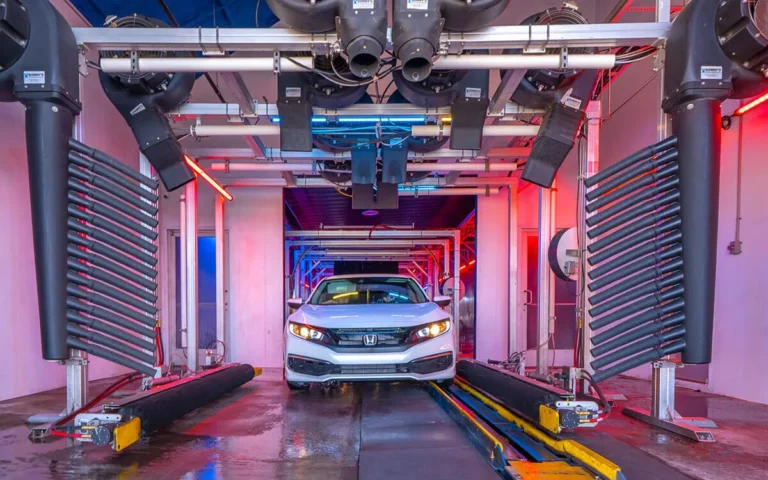
Automatic car washes blast water at 800, 1,200 PSI. That’s enough to trick the rain sensor into thinking it’s pouring. The parking sensors may also false-trigger from spray or brushes.
BMW’s rain sensor uses infrared light to detect water on the windshield. High-pressure jets disrupt this signal, causing the wipers to activate mid-wash. Parking sensors use ultrasonic waves, which can bounce off car wash equipment.
The Sensors That Cause Trouble (And Which Ones You Can Disable)
Your 330i has three sensor types that may misbehave:
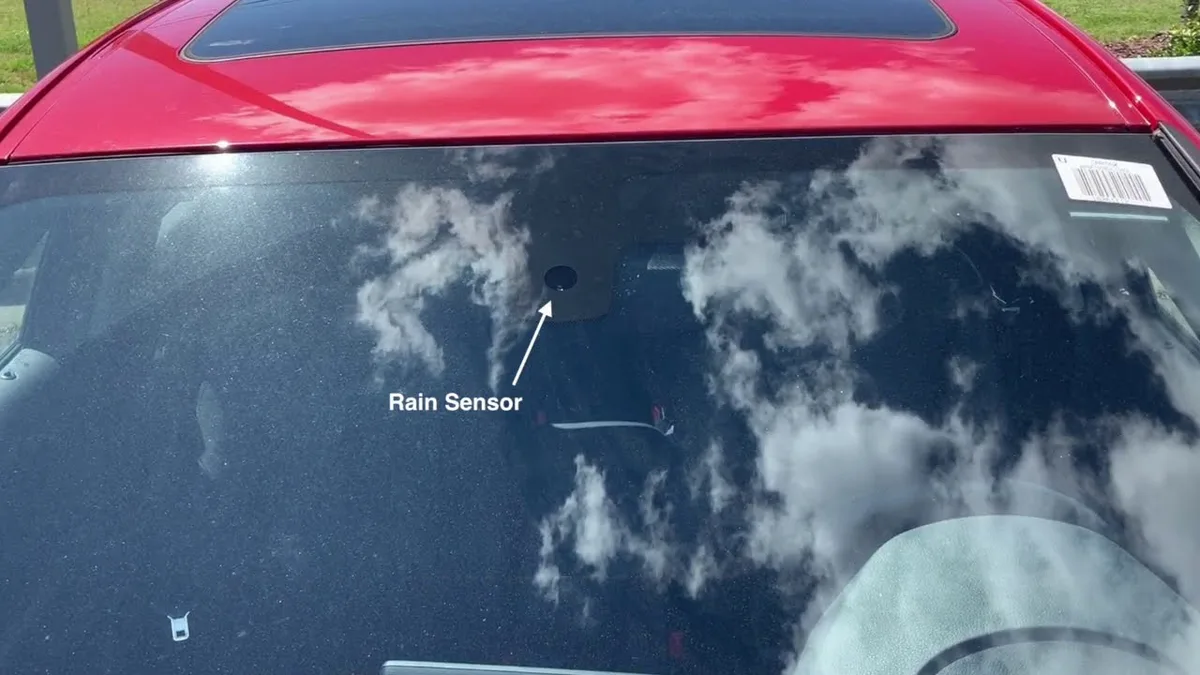
- Rain sensor, Mounted behind the rearview mirror, triggers wipers
- Automatic light sensor, Adjusts headlights, rarely affected by car washes
- Parking sensors, Front and rear, may alert to obstacles that aren’t there
You can disable the rain and parking sensors. The light sensor usually doesn’t need adjustment.
YouTube / EVERYTHING AUTOGLASS (YouTube thumbnail (fair-use with source credit))
The rain sensor is the most common culprit. It’s a small, rectangular module bonded to the windshield glass.
Does Your 330i Have a Dedicated Car Wash Mode?
Not all 2025 330i models include this feature. Here’s how to check:
- Turn the ignition to position 1 (accessory mode).
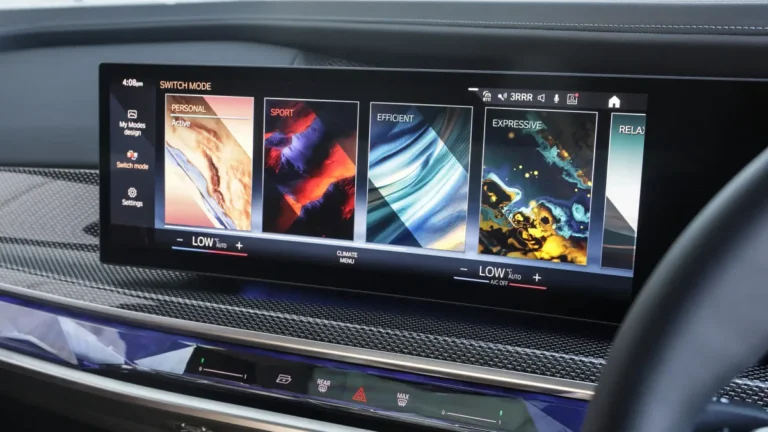
- Open iDrive and go to Vehicle Settings.
- Look for Car Wash Mode or Service Mode.
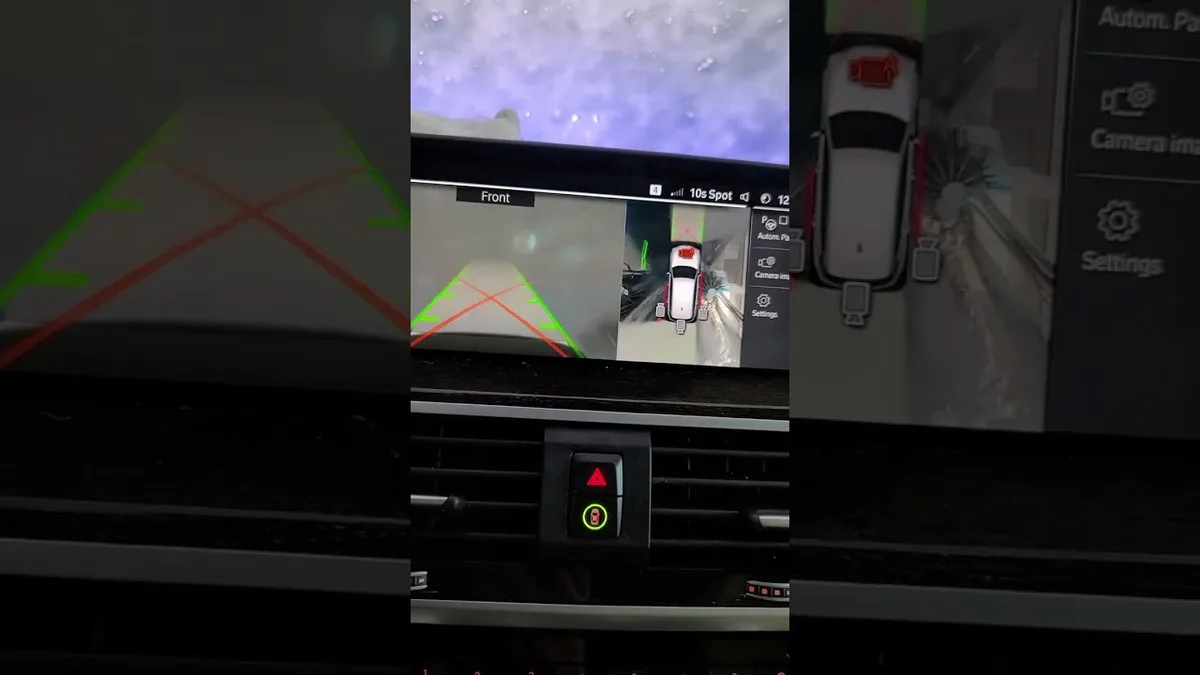
If you see it, select it to disable sensors automatically. If not, you’ll need to manually toggle the rain and parking sensors off.
YouTube / life in new york usa (YouTube thumbnail (fair-use with source credit))
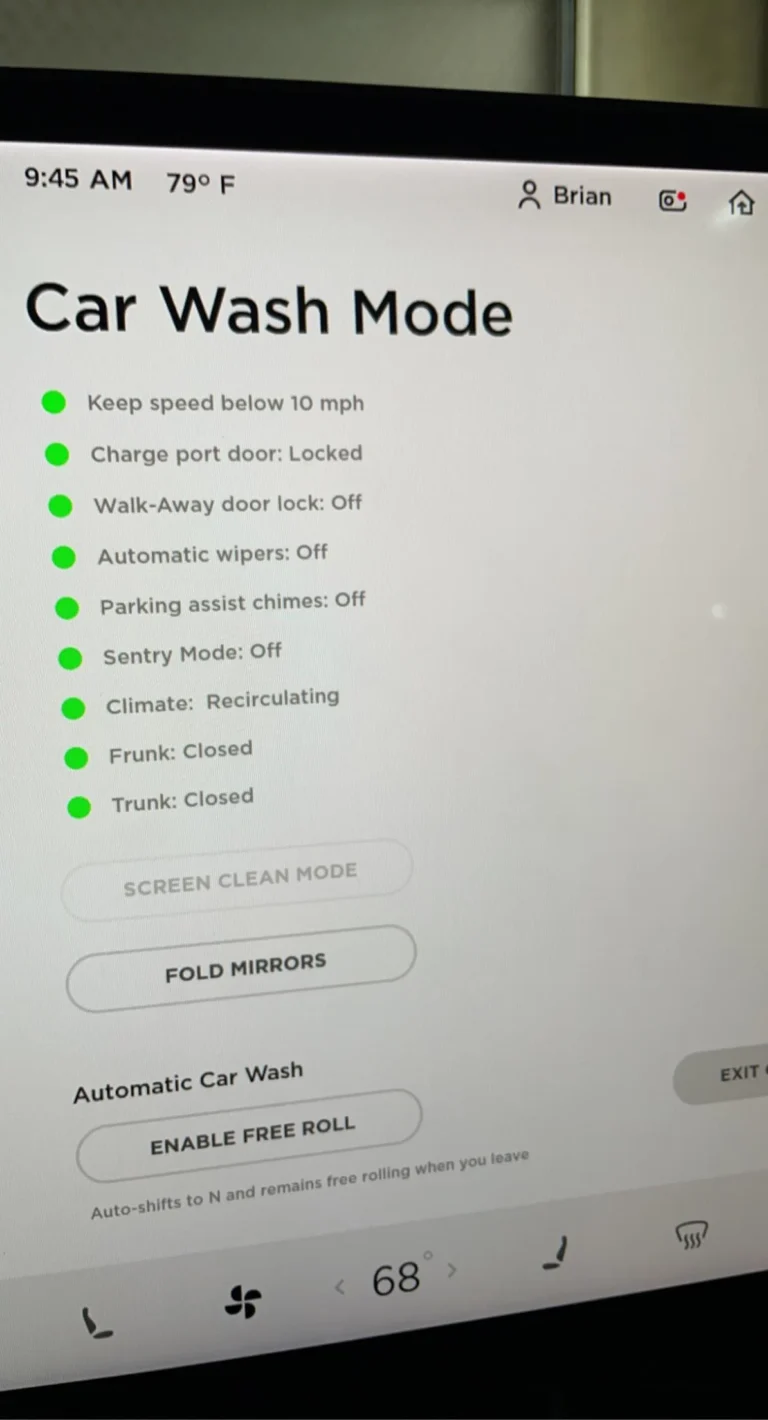
Car Wash Mode typically disables:
- Rain sensor
- Parking sensors
- Automatic wipers
- Some models also dim exterior lights
Step-by-Step: Disabling Sensors via iDrive
Follow these steps to manually turn off the sensors:
- Start the car or turn the key to position 1.
- Press the iDrive controller to open the main menu.
- Navigate to Vehicle Settings (usually a car icon).
- Select Sensors or Driver Assistance.
- Toggle Rain Sensor to Off.
- Toggle Parking Sensors to Off (if available).
- Exit the menu. The changes take effect immediately.
To re-enable, repeat the steps and toggle the sensors back to On. Forgetting to reactivate them can leave your wipers and parking alerts non-functional.
How to Disable Sensors Using an OBD-II Scanner (If iDrive Fails)
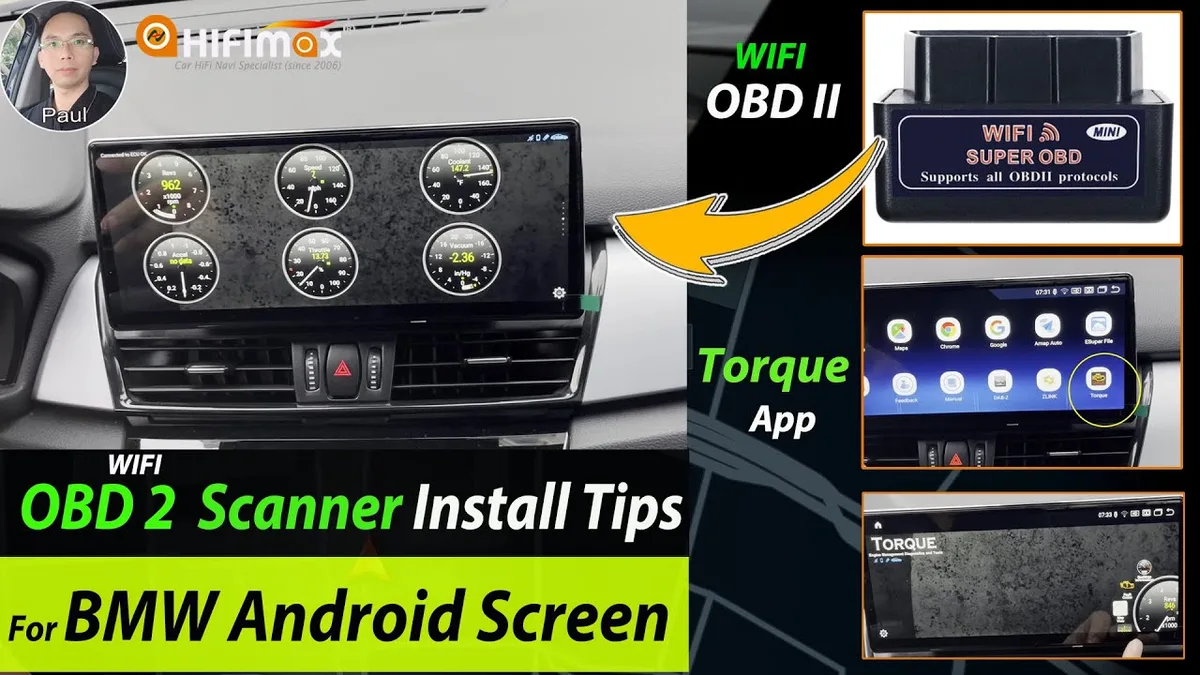
If your 330i lacks Car Wash Mode or the iDrive method doesn’t work, an OBD-II scanner can force-disable the sensors. This is a last resort for stubborn systems.
You’ll need a BMW-compatible OBD-II tool like Carly or Foxwell. Plug it into the port under the dash, select your model, and look for sensor or service mode options. The process takes about 5 minutes.
YouTube / Hifimax, Car GPS Navigation (YouTube thumbnail (fair-use with source credit))
Some scanners let you toggle individual sensors. Others offer a full "Service Mode" that disables all external sensors at once. Always reactivate them after washing.
What Happens If You Don’t Turn Them Off?
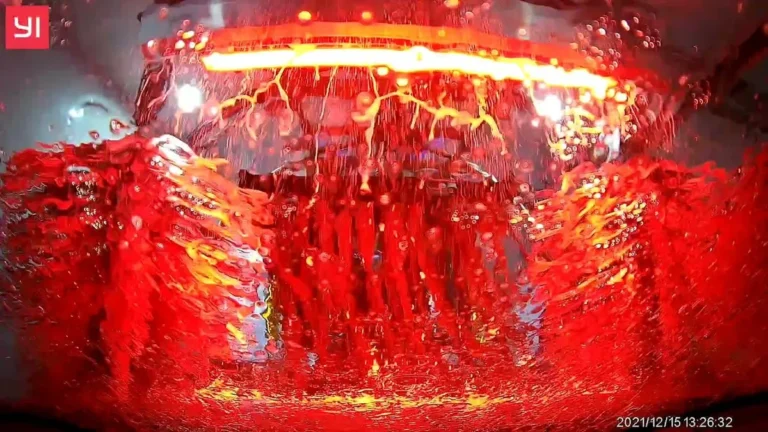
The rain sensor may trigger the wipers repeatedly during the wash. This wastes motor life and can leave streaks if the blades move over dry glass.
Parking sensors might beep constantly or display false obstacles. Some car washes will stop the cycle if they detect persistent alerts. You could get stuck mid-wash.
Long-term, water forced into sensor housings can corrode contacts. BMW’s sensors are rated to IP67, but high-pressure jets can still cause issues over time.
Physical Workarounds (When Software Disable Isn’t an Option)
If you can’t access iDrive or an OBD-II tool, cover the sensors physically. Use painter’s tape over the rain sensor on the windshield. For parking sensors, a thin plastic sheet taped over the bumpers works.
This blocks water but doesn’t damage the sensors. Remove the cover immediately after washing. Leaving it on can overheat the sensor or block its function.
How to Re-Enable Sensors After the Car Wash
Turn the ignition back to position 1. Reopen the iDrive menu and toggle the sensors back to On. If you used an OBD-II scanner, reconnect it and exit Service Mode.
Test the sensors before driving. Spray a little water on the windshield to confirm the rain sensor works. Walk around the car to check parking sensor alerts.
If errors persist, the system may need a reset. Disconnect the battery for 10 minutes or use the OBD-II tool to clear codes.
Mistakes That Can Damage Your Sensors or Trigger Errors
Using a pressure washer above 1,200 PSI can crack sensor housings. Stick to automatic car washes with soft brushes or touchless systems.
Don’t use harsh chemicals on the windshield. Ammonia-based cleaners can cloud the rain sensor lens.
Forgetting to reactivate sensors leaves you without wipers or parking alerts. This is a safety hazard in rain or tight parking spots. Always double-check after washing.
When to Skip the Car Wash and Wash by Hand Instead
Some situations call for manual cleaning. If your 330i has aftermarket wraps or paint protection film, high-pressure car washes can lift edges or cause peeling. Hand washing is safer.
Older or damaged sensors may not handle car wash conditions well. If you’ve had past issues with false triggers, a gentle hand wash avoids the risk entirely.
BMW’s Official Stance on Car Wash Sensor Handling
BMW’s owner manual for the 2025 330i recommends disabling sensors before automatic car washes. They note that repeated false triggers can stress the wiper motor over time.
The manual also warns against using car washes with harsh brushes. These can scratch the rain sensor lens or damage parking sensor housings. Stick to touchless or soft-cloth systems.
For official guidance, refer to your vehicle’s manual or BMW’s USA support site.
FAQs About BMW 330i Sensors and Car Washes
Can I drive with sensors disabled?
Yes, but it’s not ideal. You’ll lose automatic wipers and parking alerts. Reactivate them as soon as possible for safety.
Why do my wipers keep turning on in the car wash?
The rain sensor mistakes car wash water for actual rain. Disabling it before washing prevents this.
Will disabling sensors void my warranty?
No, temporary deactivation via iDrive or Car Wash Mode won’t void it. Physical modifications or damage from improper use might.
How do I know if my 330i has Car Wash Mode?
Check the iDrive menu under Vehicle Settings. If it’s not there, your model may not include it.
Final Decision: Best Method for Your Situation
If your 330i has Car Wash Mode, use it. It’s the simplest and safest option.
If not, disable sensors manually via iDrive. This takes under a minute and works for most owners.
For stubborn systems, an OBD-II scanner is the next best choice. It gives you more control but requires a compatible tool.
As a last resort, cover the sensors physically. This works but isn’t as clean as a software solution.