ByMax Lee
Do You Need to Turn Off CWR Wash Mode in Tesla Model Y?
YouTube / Life in Chill Mode (YouTube thumbnail (fair-use with source credit))
If you're wondering do you need to deactivate CWR wash mode in Tesla Model Y, the short answer is usually no. This feature is designed to protect your vehicle during car washes, so leaving it on is the safest choice for most drivers.
Tesla introduced Car Wash Mode (CWR) to prevent damage to sensors and cameras during automatic washes. As of 2026, it’s a standard feature in Model Y vehicles, but there are specific cases where you might want to turn it off.
Quick Answer
You don’t need to deactivate CWR wash mode in Tesla Model Y for most car washes. It automatically protects your vehicle. Only disable it if you’re doing a manual wash or troubleshooting.
The mode works best in automatic car washes. It prevents water damage to sensitive components.
What Is Tesla’s CWR Wash Mode and How It Works
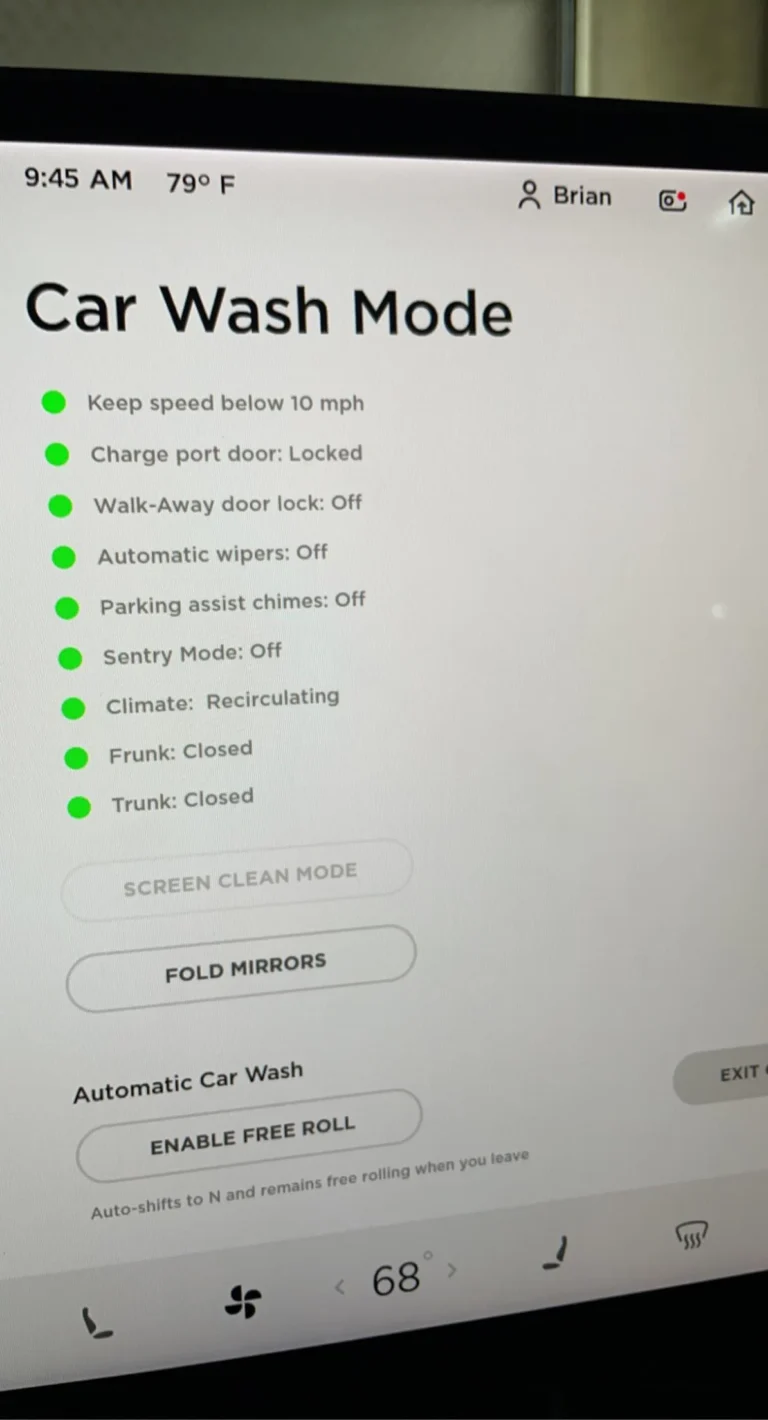
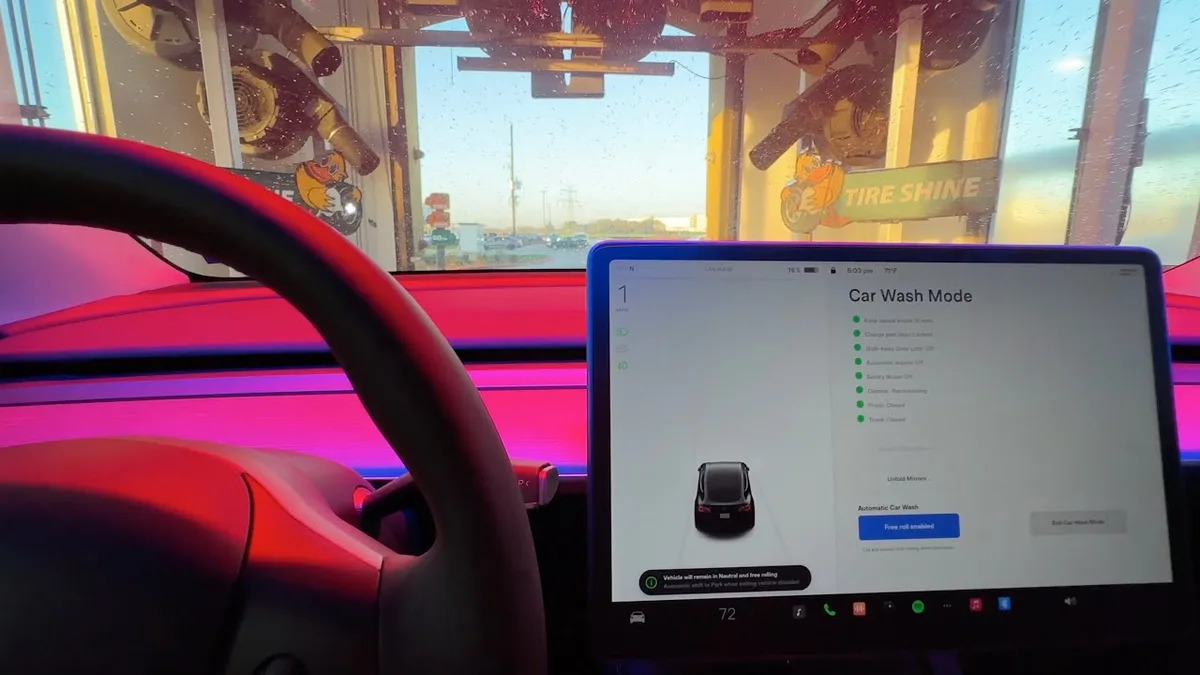
Car Wash Mode (CWR) is a Tesla feature that prepares your Model Y for a car wash. It closes all windows, locks the charge port, and disables Sentry Mode to avoid false alarms. The system also disables automatic wipers and some sensors to prevent damage.
This mode activates automatically when the car detects it’s in a car wash. You’ll see a notification on the touchscreen. If it doesn’t activate, you can enable it manually through the Controls menu.
Why Tesla Added Car Wash Mode (and Free Roll Mode)
Tesla added Car Wash Mode to protect the Model Y’s sensitive cameras and sensors. High-pressure water and brushes can damage these components if they’re active during a wash.
YouTube / MyGadgetsWorld (YouTube thumbnail (fair-use with source credit))
Free Roll Mode complements this by allowing the car to move through a wash without driver input. It prevents the regenerative braking system from engaging, which could cause the car to lurch or stop unexpectedly. Together, these features make car washes safer and smoother for Tesla owners.
When You Should Deactivate CWR Wash Mode
Deactivate CWR wash mode if you’re washing the car manually. The mode’s protections aren’t necessary for hand washing, and you might want full access to features like Sentry Mode. It’s also useful to disable if you’re troubleshooting issues with the mode itself.
Another reason to turn it off is if you’re using a touchless car wash that doesn’t require Free Roll Mode. In these cases, the automatic protections might not be needed, and you can resume normal operation.
When You Shouldn’t Deactivate It
Never deactivate CWR wash mode in an automatic car wash with brushes or high-pressure water. The mode’s protections are critical here to prevent damage to cameras, sensors, and other sensitive parts. Leaving it on ensures your Model Y stays safe during the wash.
If you’re unsure about the type of car wash, it’s safer to leave CWR enabled. The mode is designed to handle most scenarios, and disabling it unnecessarily could expose your vehicle to risk.
How to Enable or Disable CWR Wash Mode in Model Y
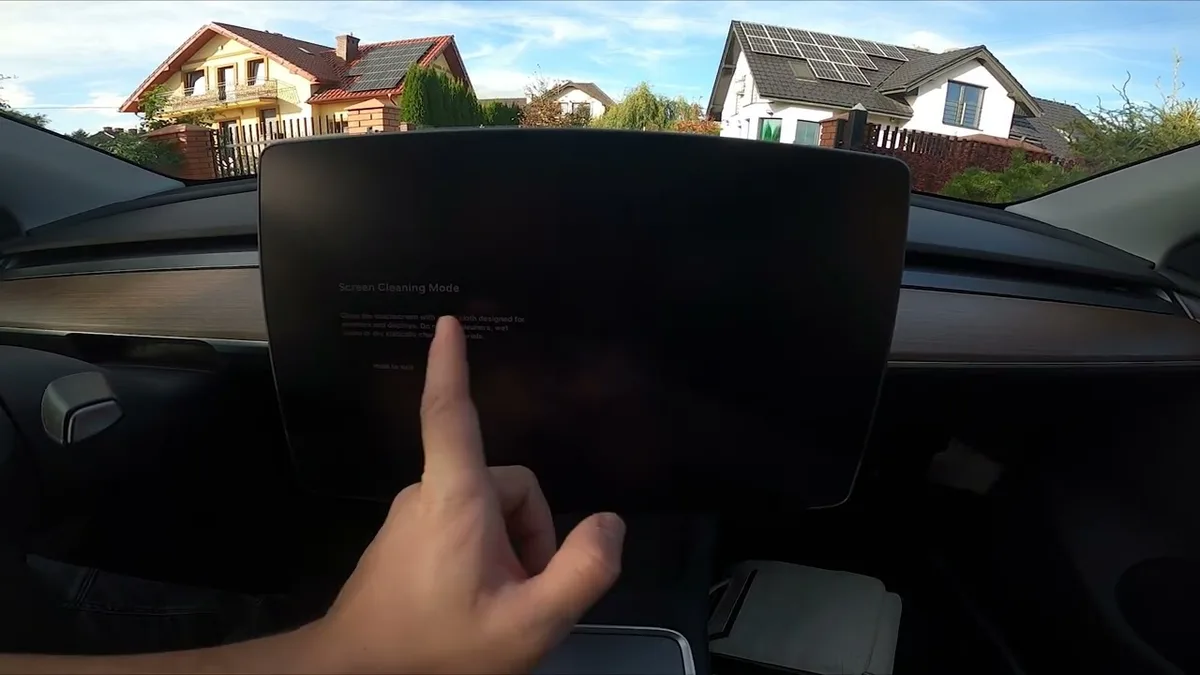
To turn Car Wash Mode on or off, open the Controls menu on your touchscreen. Select Service, then Car Wash Mode. Toggle it to enable or disable as needed.
YouTube / HardReset_info CARs (YouTube thumbnail (fair-use with source credit))
If the option is grayed out, your vehicle may already be in a car wash or moving. Park the car and try again. The setting should update immediately.
What Happens If You Don’t Use CWR in a Car Wash?
Skipping Car Wash Mode risks water damage to cameras and sensors. High-pressure jets can force water into unsealed components. Sentry Mode may also trigger false alarms from brushes or water spray.
In worst cases, you might face costly repairs for damaged sensors. Tesla’s warranty may not cover water damage if CWR wasn’t enabled. Always activate it for automatic washes.
Common Problems with Tesla’s Car Wash Mode
Some owners report CWR not activating automatically. This can happen if the car doesn’t detect the wash environment. Manually enabling it solves this in most cases.
Another issue is Free Roll Mode not engaging. Check that your software is updated, as older versions had bugs. Tesla’s 2024.14.x update fixed many of these glitches.
Does CWR Conflict with Sentry Mode or Other Settings?
Yes, Car Wash Mode temporarily disables Sentry Mode. This prevents false alarms from brushes or water. It also locks the charge port and closes windows.
Other features like Dog Mode or Camp Mode will pause while CWR is active. The car prioritizes wash safety over these functions. Everything returns to normal once the wash is complete.
Best Practices for Automatic vs. Manual Car Washes
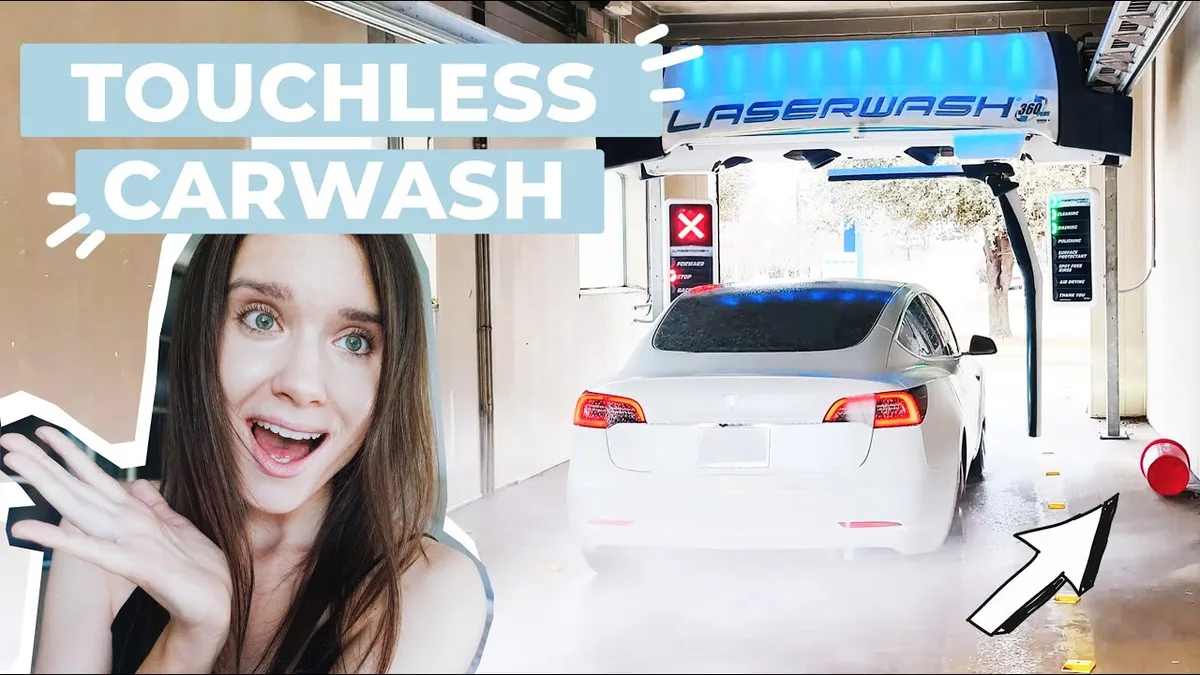
For automatic washes, always enable CWR and Free Roll Mode. These protect sensors and ensure smooth movement. Avoid touchless washes with harsh chemicals, as they can still damage finishes.
YouTube / Maytag's Tesla Model 3 & Y (YouTube thumbnail (fair-use with source credit))
For manual washes, disable CWR if you need Sentry Mode active. Use a reliable pressure washer with safe settings. A quality bucket and good soap help avoid swirl marks.
How to Troubleshoot Wash Mode Issues
If CWR won’t activate, first check your software version. Tesla’s 2024.14.x update fixed many activation bugs. Update via the touchscreen if you’re behind.
If the mode activates but Free Roll doesn’t engage, try shifting to Neutral. Some washes require this for the conveyor to move the car. Restart the vehicle if the issue persists.
Will a Car Wash Mess Up a Car Wrap
Automatic car washes with brushes can damage wraps over time. The friction can lift edges or cause peeling. Stick to touchless washes or hand washing for wrapped Teslas.
If you must use a brush wash, disable CWR and go through slowly. Check the wrap afterward for any lifting. For wrapped vehicles, specialized cleaning methods are safer.
Are Car Washes Responsible for Damage
Most car washes have liability disclaimers for vehicle damage. If CWR wasn’t enabled and sensors get damaged, you may have limited recourse. Document any issues immediately with photos.
Tesla’s warranty typically doesn’t cover water damage from improper washing. Always use CWR in automatic washes to minimize risk. For peace of mind, consider car wash subscriptions with reputable providers.
Frequently Asked Questions
Does CWR work with all Tesla models?
CWR is available on Model Y and other recent Tesla vehicles. Older models may need a software update to access it. Check your touchscreen under Controls > Service.
Can I wash my Tesla in the rain with CWR off?
Yes, but Sentry Mode may trigger false alarms from raindrops. CWR isn’t needed for rain, as the car’s weatherproofing handles it. Just avoid high-pressure water directly on sensors.
How do I know if CWR is active?
A notification appears on the touchscreen when CWR activates. The windows will close, and the charge port will lock. You’ll also see a car wash icon in the status bar.
What if my Tesla won’t shift into Free Roll Mode?
Ensure the car is in Neutral and the software is updated. Some washes require you to stay in Neutral manually. If issues persist, contact Tesla Service.
Is it safe to use a pressure washer on my Model Y?
Use low pressure (under 1,500 PSI) and keep the nozzle at least 12 inches away. Avoid spraying directly at sensors or cameras. A proper pressure washer setting prevents damage.