ByMax Lee
Enable BMW 430i Carwash Camera Mode Easily
The 2025 BMW 430i’s carwash camera is a lifesaver for automatic washes, but it doesn’t always turn on by itself. If you’re wondering how to turn on carwash camera 2025 BMW 430i, the answer depends on whether your car has the optional Surround View package. Manufacturer specs confirm this feature is tied to the 3CA or 3CB camera packages, which aren’t standard on all trims.
Most owners don’t realize the camera can be triggered manually through iDrive or voice commands. As of 2026, BMW’s latest iDrive 9 system streamlines the process, but older versions may require digging into hidden menus.
Quick Answer
The 2025 BMW 430i carwash camera turns on automatically in carwash mode. Press the CAM button on the steering wheel or iDrive. Say "Hey BMW, show 360 view." Check iDrive settings if it’s not working.
Does Your 2025 BMW 430i Have a Carwash Camera?
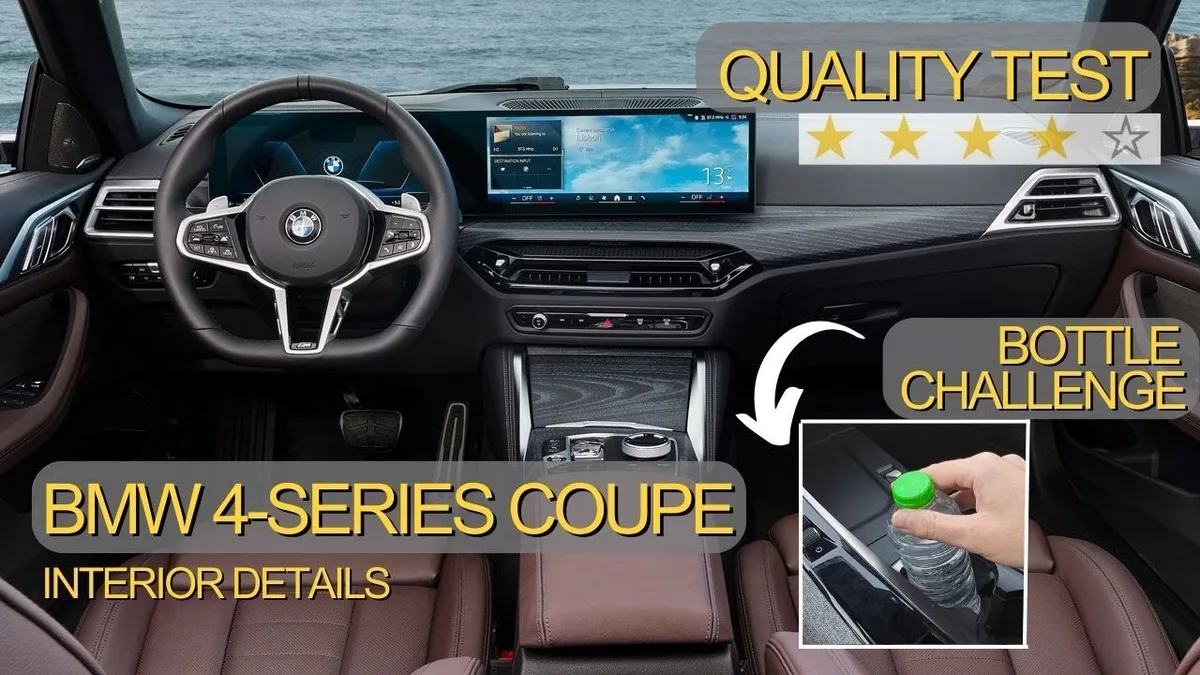
Not all 430i models include this feature. The carwash camera is part of BMW’s Surround View system, which comes bundled in the 3CA (Parking Assistant Plus) or 3CB (Surround View Camera) packages.
YouTube / Interior Details (YouTube thumbnail (fair-use with source credit))
To confirm, check your window sticker or BMW’s build sheet. Look for "3CA" or "3CB" in the options list. Without these, your car only has the standard rearview camera, which won’t activate in carwash mode.
Where to Find the Camera Controls in iDrive 8 or 9
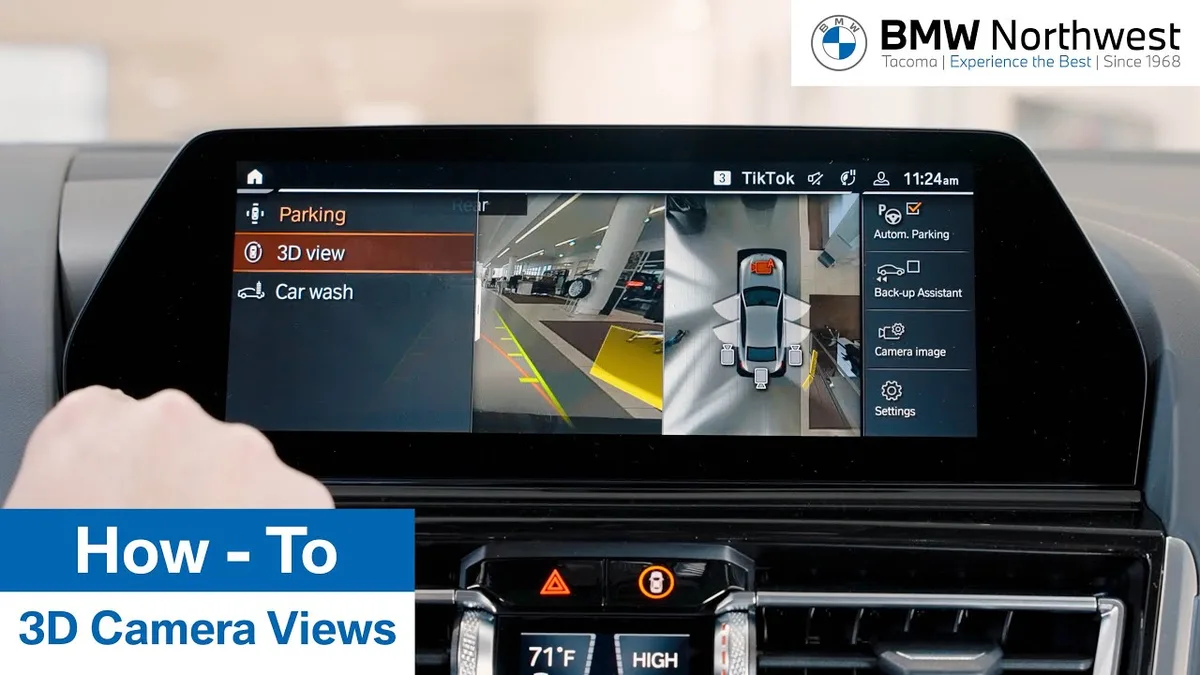
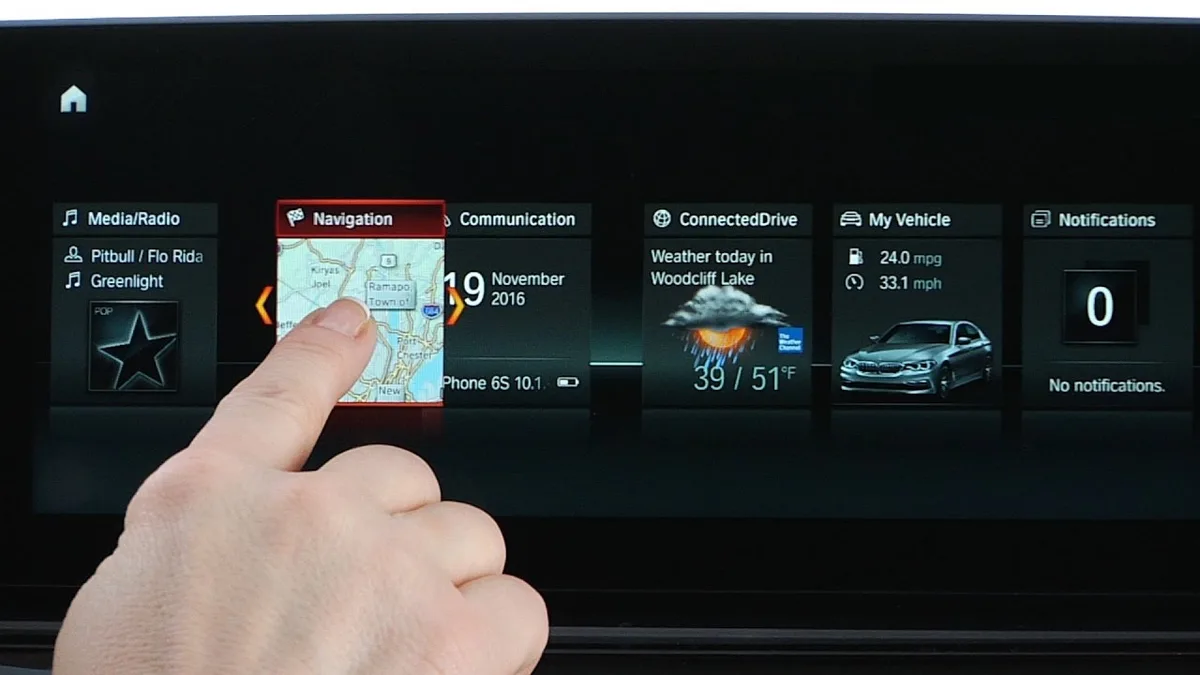
The controls vary slightly between iDrive versions. In iDrive 8 (2022, 2024 models), you’ll find the camera under:
- Main Menu > Camera > Surround View
- Quick Access Bar (swipe up from the bottom of the screen)
In iDrive 9 (2025 models), BMW simplified it:
- Main Menu > View > 360° Camera
- Voice Command: "Hey BMW, show 360 view"
YouTube / BMW Northwest (YouTube thumbnail (fair-use with source credit))
Some models also have a dedicated CAM button on the steering wheel or center console. If you don’t see these options, your car likely lacks the Surround View package.
Step-by-Step: Activate the 360° View Manually
Here’s how to turn it on yourself:
- Start the car and shift into Park or Neutral.
- Press the CAM button (if equipped) on the steering wheel or center console.
- Or, in iDrive: , Tap Menu > View > 360° Camera (iDrive 9)
, Tap Menu > Camera > Surround View (iDrive 8)
- Use the touchscreen to switch between front, rear, and side views.
The camera stays active for about 30 seconds after shifting into Drive or Reverse. If it turns off too soon, you may need to reactivate it.
How to Trigger Carwash Mode Automatically
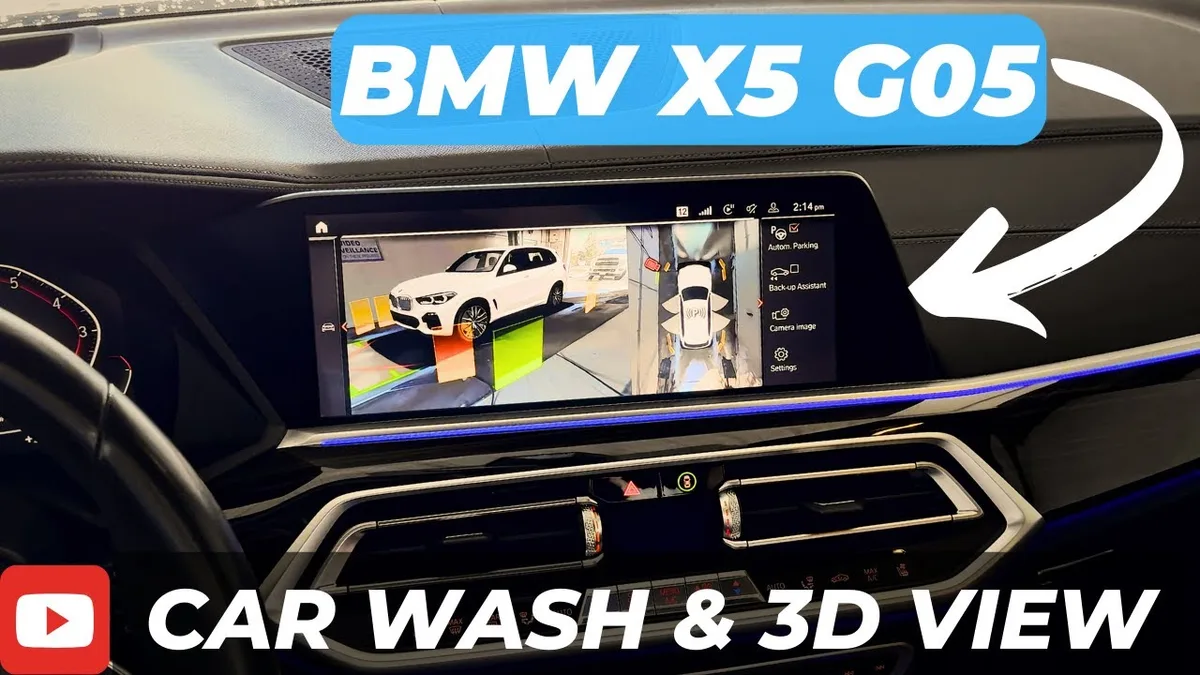
Carwash mode is designed to activate the cameras automatically when you enter a carwash. Here’s how it works:
- Shift into Neutral and turn off traction control (if required by the carwash).
- The system detects the carwash environment and switches to a split-screen view showing front and rear cameras.
- The display may also show guidelines to help you align the car.
YouTube / BIMMER LEAGUE (YouTube thumbnail (fair-use with source credit))
If carwash mode doesn’t activate, try:
- Manually selecting the camera view before entering the wash.
- Ensuring your software is updated (older versions may have bugs).
- Checking if the carwash is recognized (some tunnels or touchless washes may not trigger it).
Why Isn’t My Camera Turning On? (Common Fixes)
The most common issue is a missing Surround View package. If your 430i doesn’t have 3CA or 3CB, the carwash camera won’t exist.
YouTube / BMW USA (YouTube thumbnail (fair-use with source credit))
Other fixes to try:
- Restart iDrive by holding the power button for 10 seconds.
- Check for software updates in Settings > Software Update.
- Enable camera in settings under Vehicle > Camera > Surround View.
If the screen stays black, the camera may need recalibration at a dealer.
Hidden Menu Trick for Stubborn Cameras
Some 2025 models require a hidden menu to enable the camera. Here’s how to access it:
- Press and hold the iDrive controller for 5 seconds.
- Select Service Menu (may require a code like 12345).
- Navigate to Camera Calibration and run the reset.
This often fixes cameras that won’t activate in carwash mode.
What If You Don’t Have Surround View?
Without the 3CA or 3CB package, you’re limited to the standard rearview camera. It won’t show a 360° view or activate in carwash mode.
Your options:
- Use the rear camera manually by shifting into Reverse.
- Upgrade at a dealer (costs vary by model).
- Aftermarket cameras exist but void warranties.
Pro Tips for Using the Camera in a Carwash
Always shift into Neutral before entering the wash. This ensures the camera stays active.
Use the split-screen view to monitor both front and rear. If the display freezes, tap the CAM button again to refresh.
Avoid touching the screen in wet conditions. The touchscreen may not register inputs with water droplets.
Safety Note: When Not to Use the Camera
Never rely on the camera while driving. It’s for low-speed maneuvers only.
BMW’s manual warns against using the display for navigation. Keep your eyes on the road.
If the camera glitches, pull over and restart the system. Don’t attempt to troubleshoot while moving.
Frequently Asked Questions
Does every 2025 BMW 430i have a carwash camera?
No. Only models with the 3CA Parking Assistant Plus or 3CB Surround View Camera package include this feature. Standard trims only get a rearview camera.
Why won’t my camera stay on in the carwash?
The system times out after 30 seconds in Drive or Reverse. Shift to Neutral to keep it active. Some washes may not trigger automatic mode.
Can I add the camera later?
Yes, but it requires dealer installation. Costs typically range from $1,200 to $2,500 for parts and labor. Aftermarket options exist but may void warranties.
How do I know if my car has Surround View?
Check your window sticker or build sheet for codes 3CA or 3CB. You can also look for the CAM button or 360° view option in iDrive.
What’s the difference between Surround View and the rear camera?
Surround View uses four cameras for a 360° top-down display. The rear camera only shows what’s behind you when in Reverse.
Can I use the camera while driving?
No. BMW’s system disables the display above 12 mph for safety. The camera is for low-speed maneuvers only.