ByMax Lee
Tesla Car Wash Mode: How to Enable & Disable
Bing (Web (fair-use with source credit))
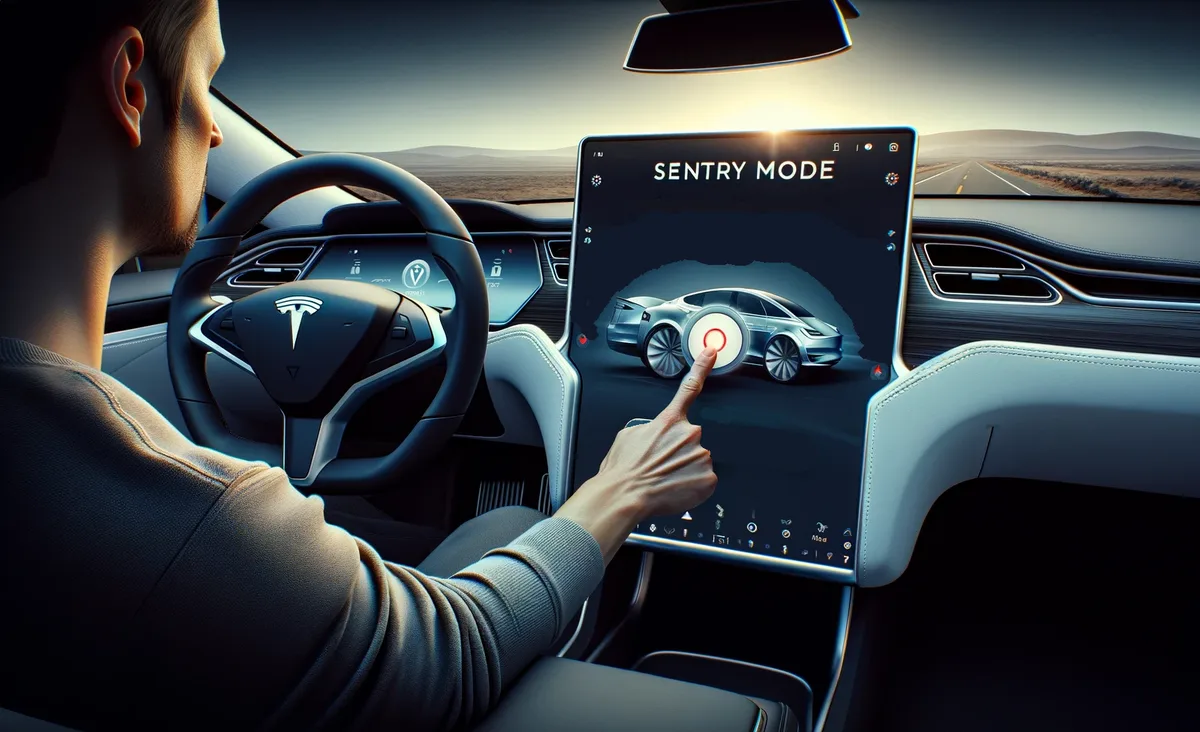
Tesla’s Sentry Mode and Autopilot cameras can turn a routine car wash into a false-alarm nightmare. If you’ve ever pulled up to a wash only to have your Tesla blare warnings, you need to know how to properly disable these systems before driving in.
As of 2026, newer models include a dedicated Car Wash Mode, but older Teslas require manual steps. The wrong approach can damage sensors or leave your car vulnerable.
Quick Answer: How to Disable Tesla for a Car Wash
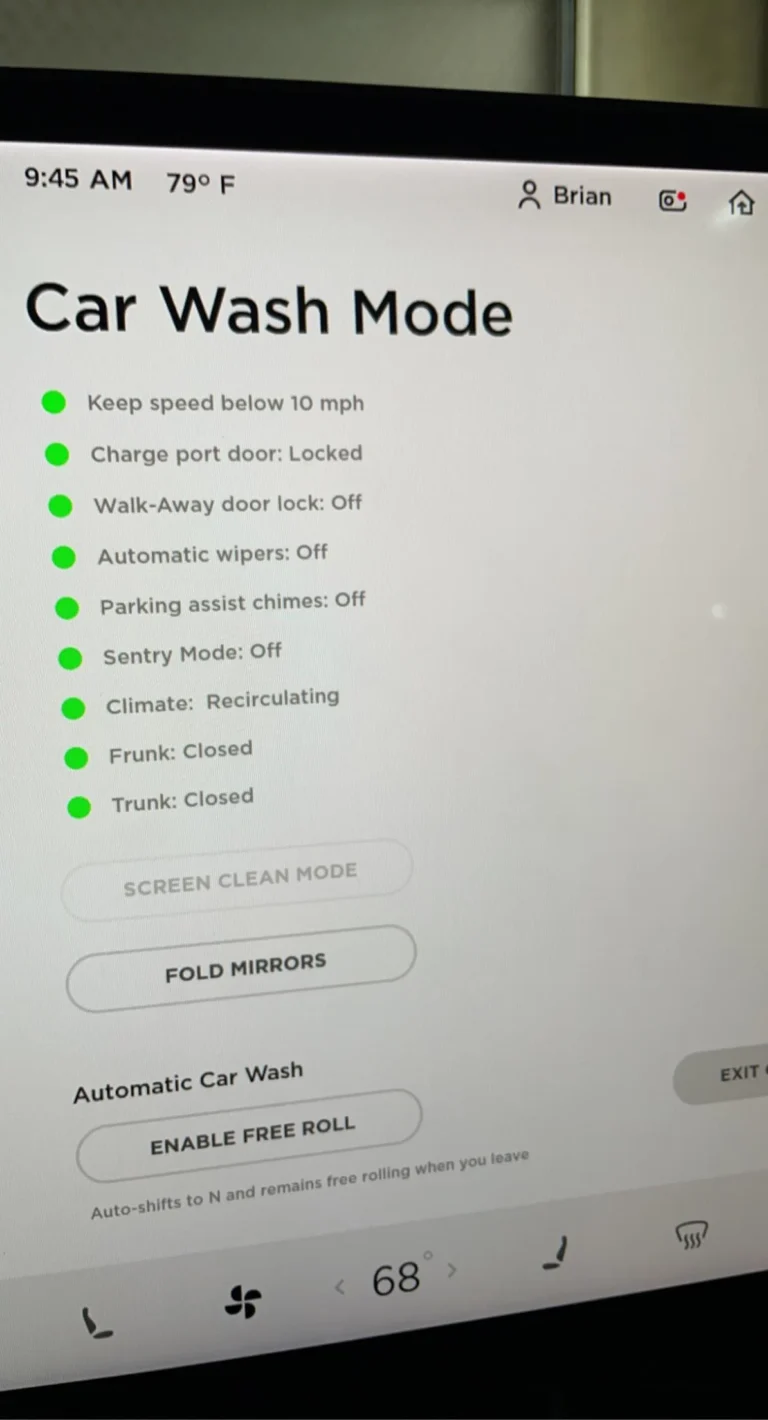
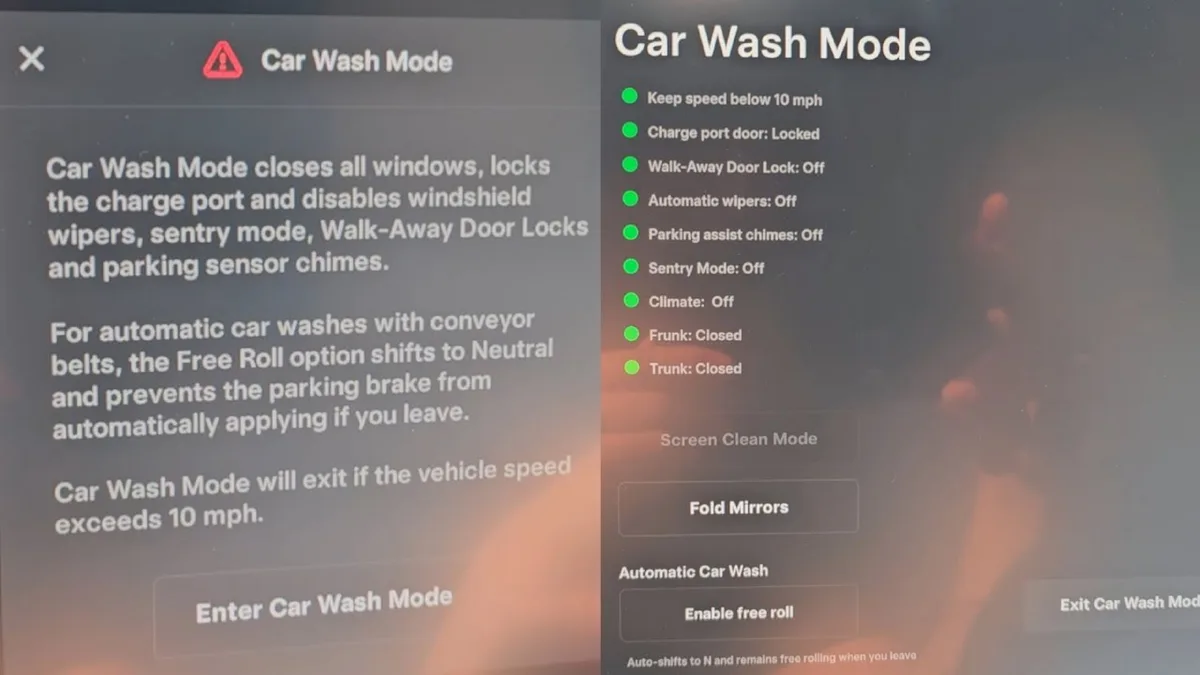
Turn on Car Wash Mode via Controls > Service > Car Wash Mode. This disables Sentry Mode, cameras, and ultrasonic sensors. Older Teslas must manually disable Sentry Mode in the Security tab.
Always re-enable protections after washing.
Bing (Web (fair-use with source credit))
Why Tesla Owners Get Stuck at the Car Wash
Tesla’s security features are overprotective by design. Sentry Mode triggers alarms for perceived threats, and Autopilot cameras keep recording. Brush car washes set off both systems constantly.
Manufacturer specs confirm that ultrasonic sensors can misread brushes as obstacles. The result is blaring alerts, emergency calls, or even sudden parking brake engagement.
Car Wash Mode vs. Manual Disable: What’s the Difference?
Car Wash Mode is the one-tap solution for 2022+ models. It automatically:
- Disables Sentry Mode
- Retracts cameras (where applicable)
- Mutes ultrasonic sensors
- Locks the charge port
Manual disable works on older Teslas but requires:
- Turning off Sentry Mode in Security settings
- Lowering suspension (if air suspension equipped)
- Folding mirrors manually
Car Wash Mode is faster and more reliable. Manual disable risks missing a step.
Step-by-Step: How to Enable Car Wash Mode
- Park the car and shift into Park
- Tap Controls on the touchscreen
- Select Service
- Choose Car Wash Mode
- Confirm when prompted
The screen will display a confirmation message. The car is now safe for automatic washes.
Step-by-Step: How to Manually Disable Sentry Mode & Sensors
For pre-2022 models without Car Wash Mode:
- Tap Security on the touchscreen
- Toggle Sentry Mode Off
- Lower suspension via Controls > Suspension (if equipped)
- Fold mirrors via Controls > Mirrors
- Close all windows and lock the car
Double-check that the camera icon in the status bar is grayed out.
What Happens If You Don’t Disable It?
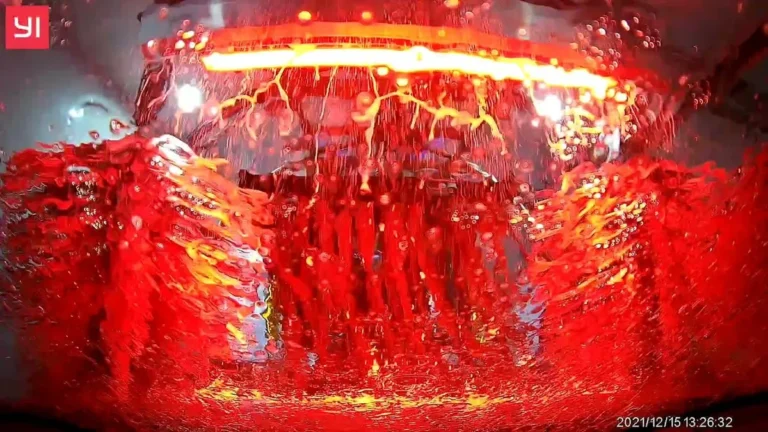
Sentry Mode will trigger repeatedly in brush car washes. The system interprets brushes as potential threats, activating alarms and recording footage.
Bing (Web (fair-use with source credit))
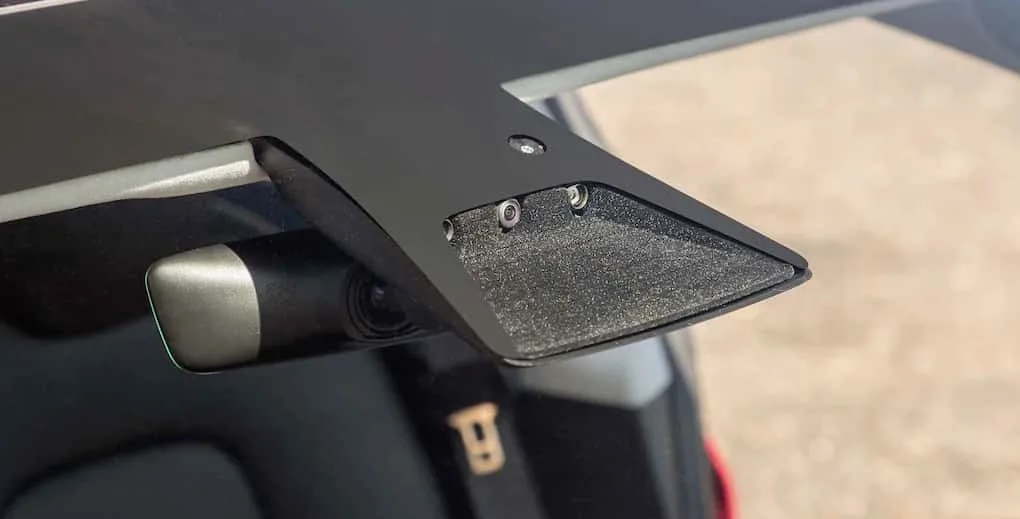
Ultrasonic sensors may also misfire, causing the car to apply brakes unexpectedly. Worst case, brushes can physically damage exposed cameras.
Model-Specific Quirks You Need to Know
Pre-2022 models lack Car Wash Mode entirely. These require manual Sentry Mode disable and mirror folding. The 2020 Model S and X have retractable cameras that need extra attention.
Newer Model 3 and Y vehicles have Car Wash Mode built into software version 2022.44 and above. Cybertruck owners should check for updates, as early units had inconsistent rollouts.
Touchless vs. Brush Car Washes: Which Is Safer for Teslas?
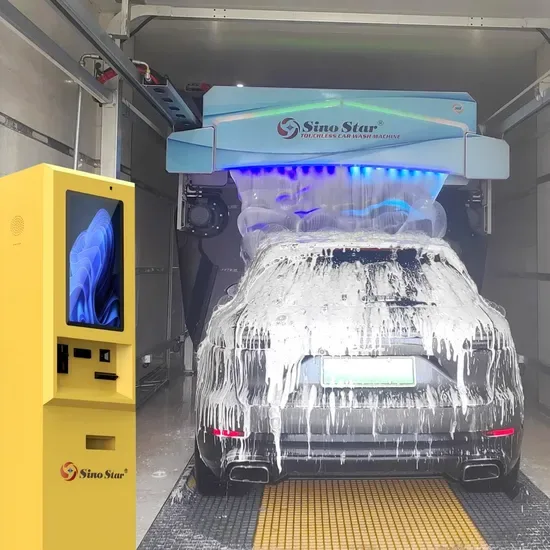
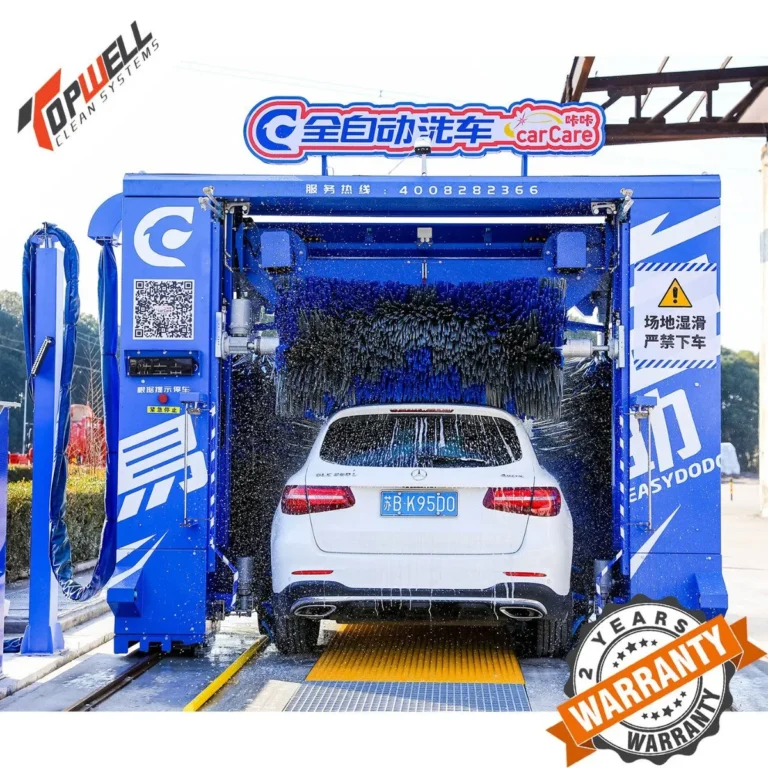
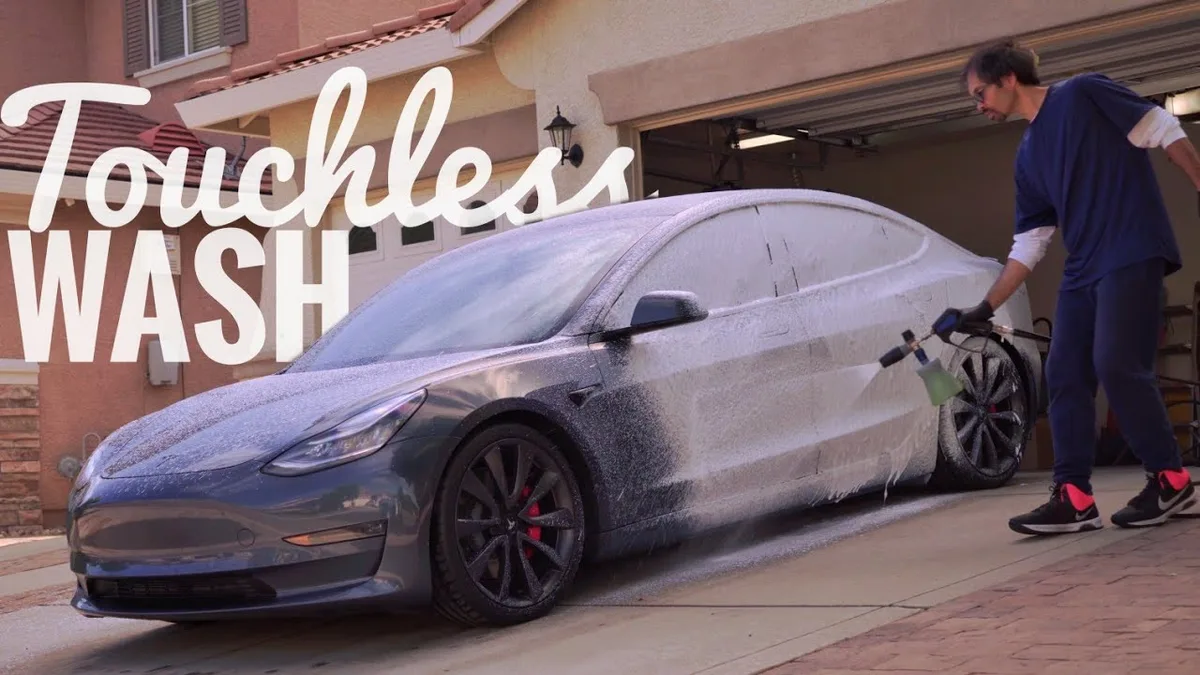
Touchless washes use high-pressure water and chemicals. They’re safer for sensors but may leave more water spots. Brush washes are faster but risk scratching paint and damaging cameras.
Bing (Web (fair-use with source credit))
Tesla’s official guidance recommends touchless for all models. If using a brush wash, Car Wash Mode or manual disable is mandatory.
Common Mistakes That Damage Cameras or Sensors
Forgetting to re-enable Sentry Mode is the most common error. This leaves the car unprotected after the wash. Another frequent mistake is not checking camera housing for water intrusion post-wash.
Using a brush wash without disabling systems can scratch camera lenses. Some owners also overlook folding side mirrors, which can get clipped.
How to Re-Enable Everything After the Wash
Exit Car Wash Mode the same way you enabled it. The system will automatically reactivate Sentry Mode and sensors. For manual disable, you’ll need to re-enable each feature individually.
Check the touchscreen for confirmation messages. Test Sentry Mode by locking the car and walking away.
FAQs About Tesla Car Wash Settings
Does Car Wash Mode work on all Tesla models?
No. It’s available on 2022 and newer models with software version 2022.44 or later. Older Teslas require manual disable of Sentry Mode and sensors.
Can I use a brush car wash if I disable Sentry Mode?
You can, but it’s not ideal. Brushes can still scratch paint or damage cameras. Touchless washes are the safer choice for all Teslas.
How do I know if Car Wash Mode is active?
The touchscreen will show a confirmation message. The Sentry Mode icon will also disappear from the status bar.
What if Car Wash Mode isn’t available on my Tesla?
Manually disable Sentry Mode in the Security tab. Fold mirrors and lower suspension if equipped. Double-check all cameras are off before entering the wash.
Do I need to re-enable Sentry Mode after washing?
Yes. Car Wash Mode and manual disable both leave Sentry Mode off. Reactivate it via the touchscreen or it won’t protect your car.