ByMax Lee
Tesla Auto Camera Washing: How to Turn It Off (And Why You Should) Quickly
Tesla cars have many smart features. One of them is the auto camera washing. This feature helps keep your car’s cameras clean. But sometimes, it can cause problems. In this article, we will explain what auto camera washing is, why you might want to turn it off, and how to do it.

Credit: www.youtube.com
What Is Tesla Auto Camera Washing?
Tesla cars have cameras all around. These cameras help with driving. They watch the road, other cars, and obstacles. For these cameras to work well, they need to be clean.
Auto camera washing is a feature that sprays water or cleans the cameras automatically. This happens when the car thinks the cameras are dirty. The system tries to clear dirt, rain, or dust from the lenses.
It is useful when the weather is bad or when the car is dusty. Clean cameras mean better pictures. This helps the car drive safely using its systems.
Why Does Tesla Use Auto Camera Washing?
The cameras on a Tesla help with many things. For example:
- Parking assistance
- Autopilot driving
- Monitoring traffic
- Detecting obstacles
If the cameras are dirty, these features might not work well. Dirt or water drops can block the view. Auto camera washing tries to fix this problem.
When Can Auto Camera Washing Be a Problem?
Even though this feature is helpful, some people may want to turn it off. Why? Here are some reasons:
- Water waste: The system sprays water often. This can waste water if you live in a dry place.
- Battery use: Using the washer uses battery power. This can reduce your car’s range.
- Noise: The washing noise can be loud and annoying.
- Freezing weather: In cold weather, water may freeze on the cameras. This can cause damage.
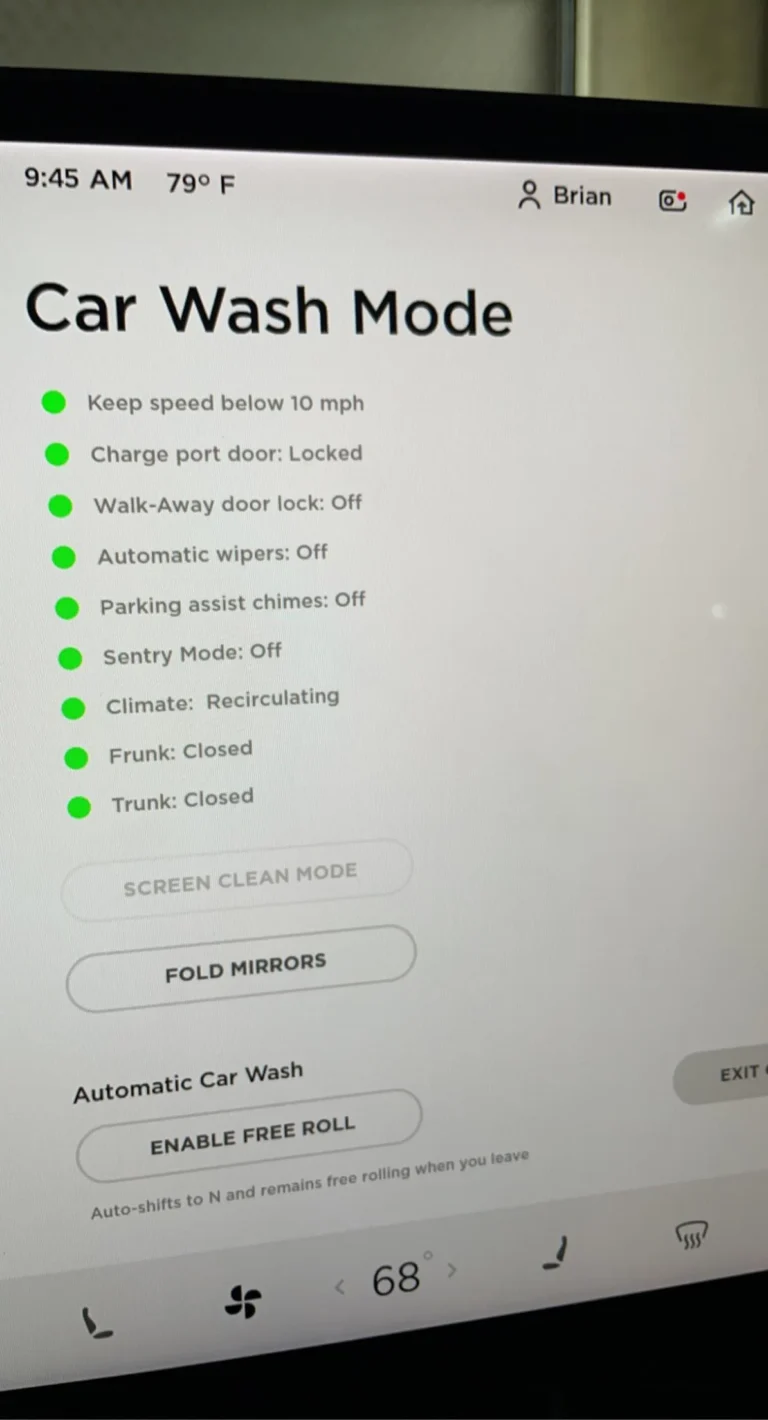
- Car washes: When you use a car wash, the auto washing may start at the wrong time.
For these reasons, some Tesla owners want to turn off the auto camera washing feature.

Credit: www.siddillon.com
How to Turn Off Tesla Auto Camera Washing
Turning off this feature is simple. You do it from your car’s screen. Follow these steps:
- Go to your Tesla’s main screen (touchscreen).
- Tap the Controls menu.
- Find the section named Service.
- Look for Auto Camera Wash or similar option.
- Turn the option off.
Once off, the cameras will not wash automatically. You can still clean the cameras yourself when needed.
How to Clean Tesla Cameras Manually
If you turn off auto washing, you must clean cameras by hand. Here are easy steps:
- Use a soft cloth, like microfiber.
- Gently wipe the camera lenses.
- If needed, use water or a mild soap solution.
- Do not use strong chemicals or rough cloths.
- Make sure cameras are dry before driving.
Clean cameras help keep your Tesla’s safety features working well.
When Should You Keep Auto Camera Washing On?
Auto camera washing is useful in many situations. You may want to keep it on if:
- You live where it rains a lot.
- Your car gets dusty often.
- You use Tesla’s Autopilot feature regularly.
- You want less work cleaning cameras.
In these cases, the automatic cleaning helps keep your cameras clear and safe.
Summary: Should You Turn Off Auto Camera Washing?
Auto camera washing is a helpful feature. It keeps Tesla cameras clean. Clean cameras help the car drive safely.
But, it uses water and battery power. It can make noise. In cold weather, it might cause freezing problems.
If these are problems for you, turning off auto camera washing is a good choice. You can clean cameras yourself when needed.
If you want the car to clean cameras by itself, keep the feature on.
Important Tips
- Check your Tesla manual for exact steps.
- Clean cameras often if you turn off auto wash.
- Use gentle cleaning tools only.
- Watch for camera problems if cameras are dirty.
- Turn auto wash back on if you need it.
Frequently Asked Questions
How Do I Turn Off Tesla’s Auto Camera Washing Feature?
You can disable auto camera washing in the Tesla settings menu under ‘Safety & Security. ‘ Simply toggle off the camera wash option to stop the sprays.
Why Should I Turn Off Tesla’s Auto Camera Washing?
Turning it off saves water and prevents unnecessary wear on camera lenses. It also helps avoid disruptions during light rain or mist.
Does Turning Off Camera Washing Affect Tesla’s Camera Performance?
No, the cameras will still work properly without washing. Just clean them manually when they get dirty for best results.
Conclusion
Tesla’s auto camera washing helps keep cameras clean. This helps Tesla’s smart systems work well. However, the feature is not always perfect. Water use, battery use, noise, and freezing can be issues.
You can turn off auto camera washing easily. This stops the system from spraying water automatically. Then, you can clean cameras yourself when needed.
Think about your needs. Choose what works best for your Tesla and your area.