ByMax Lee
BMW X5 Car Wash Mode: Step-by-Step Guide
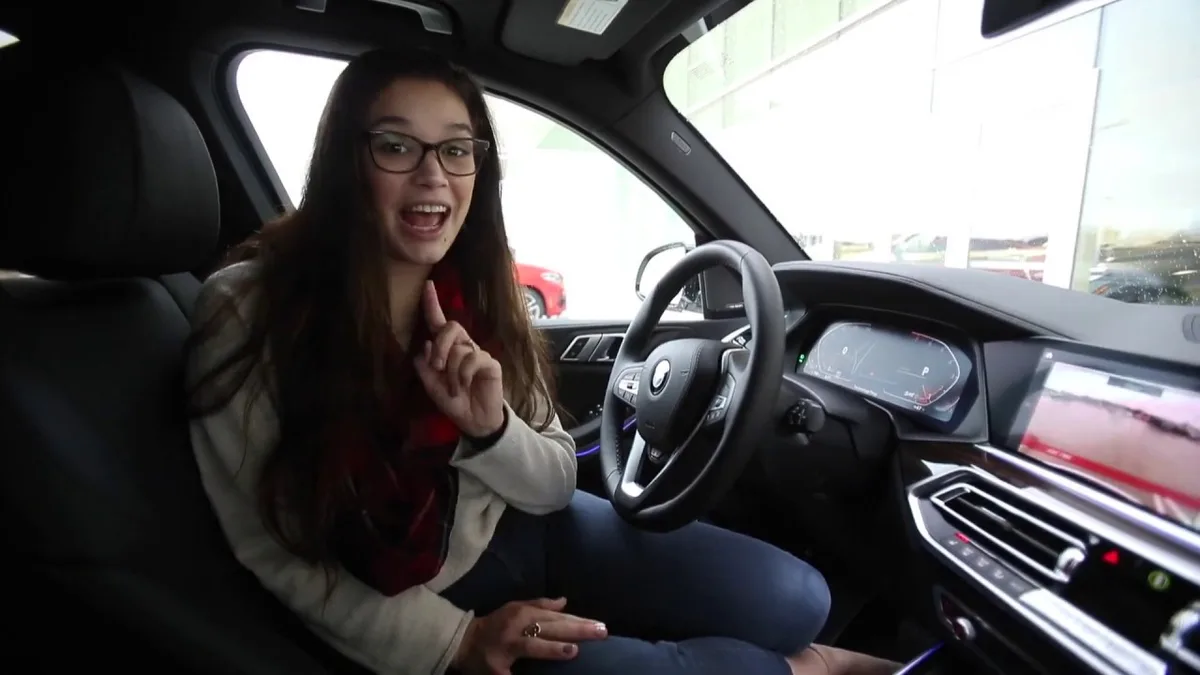
Image source: YouTube / BMW of College Station (YouTube thumbnail (fair-use with source credit))
If you’ve ever pulled into a car wash only to realize your BMW X5’s sunroof or windows didn’t close automatically, you’re looking for x5 bmw car wash mode instructions. This feature preps your SUV for a wash by sealing openings and folding mirrors, but it’s not always obvious how to activate it.
Manufacturer specs confirm Car Wash Mode has been standard on most X5 models since the G05 generation (2019, present), though some earlier F15 trims include it too. The exact steps depend on your iDrive version, which is where most owners get stuck.
Quick Answer
x5 bmw car wash mode instructions start in your iDrive menu. Go to Settings, then Vehicle, then Car Wash Mode. Some models allow voice activation with "Hey BMW, activate car wash mode." It auto-closes windows, sunroofs, and mirrors.
The mode turns off above 20 mph or manually.
Does Your BMW X5 Have Car Wash Mode? (Quick Check)
Not every X5 has it. The G05 (2019, present) almost always does. The F15 (2014, 2018) is hit or miss, higher trims and later model years are more likely to include it.
The easiest way to check is to look for the option in your iDrive menu. If you don’t see it under Settings > Vehicle, your model probably doesn’t support it. As of 2026, BMW hasn’t added it to older models via software updates.
How Car Wash Mode Works on the X5
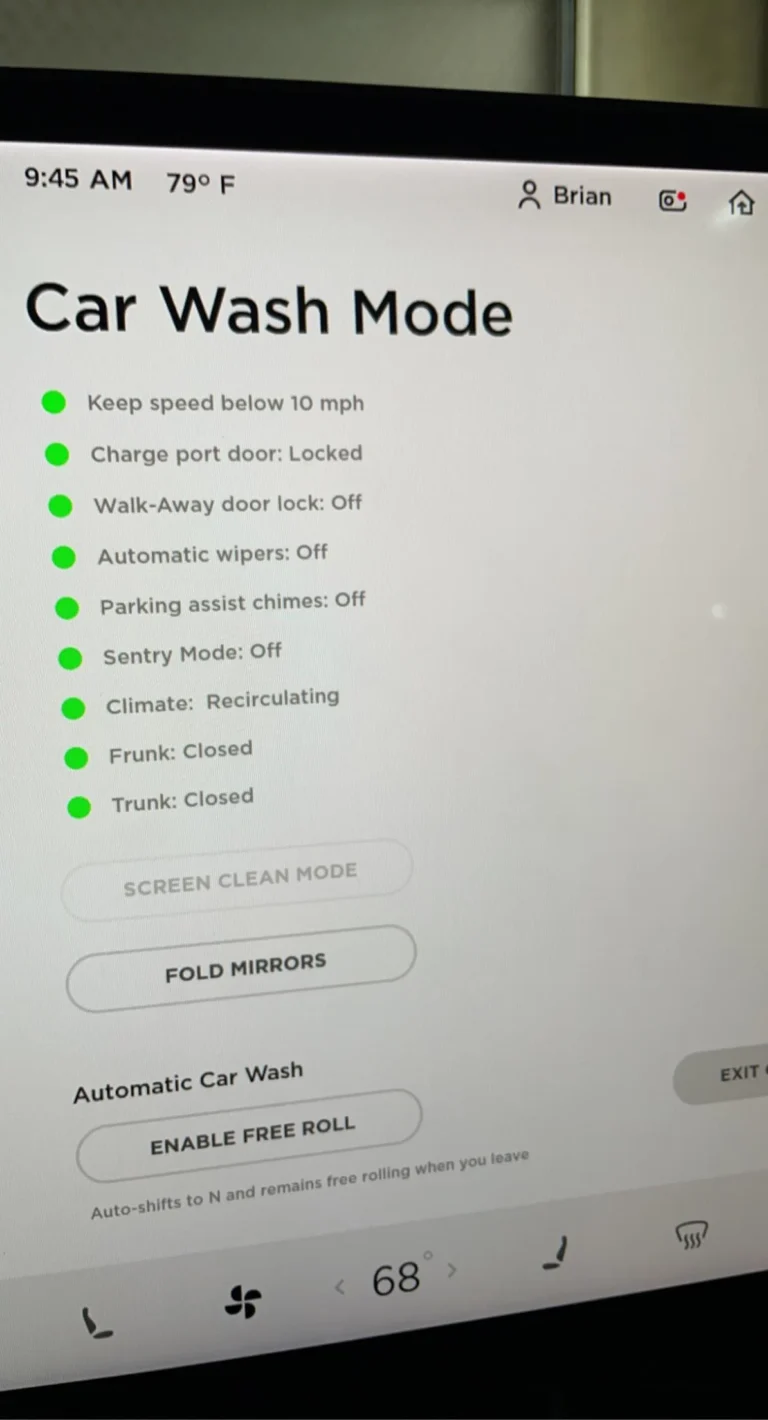
Car Wash Mode is a preset configuration that prepares your X5 for automatic or manual washing. When activated, it:
- Closes all windows completely
- Closes the sunroof or panoramic roof
- Folds in the side mirrors (if equipped)
- Disables exterior cameras (on some models to prevent damage)
- Adjusts climate control to recirculate air (on select trims)
The system assumes you’re about to expose the vehicle to high-pressure water, so it seals potential entry points. It doesn’t affect the engine, drivetrain, or other mechanical systems.
Which X5 Models and Years Support It
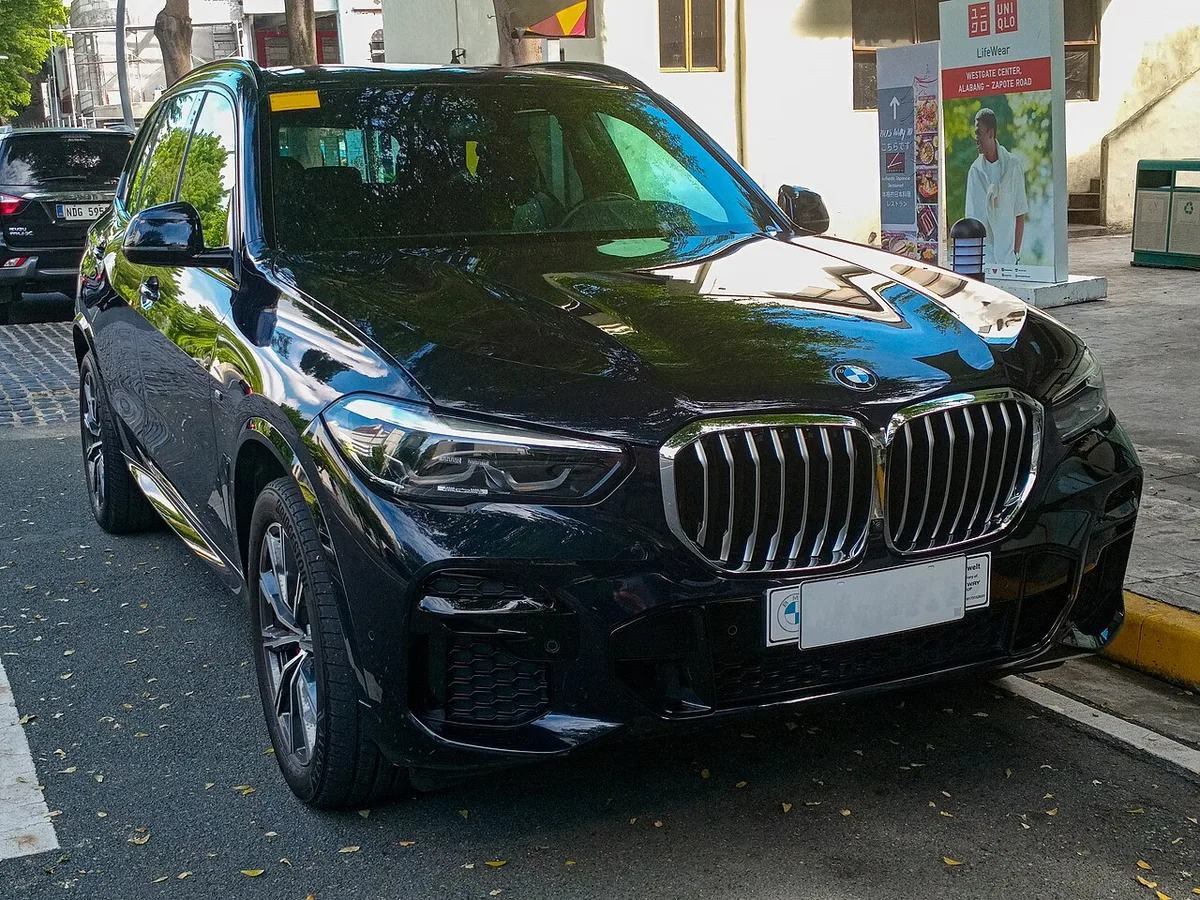
Image source: Wikimedia Commons / Ethan Llamas (CC BY-SA)
Here’s the breakdown by generation:
| Generation | Model Years | Car Wash Mode Availability |
|---|---|---|
| E70 | 2007–2013 | Not available |
| F15 | 2014–2018 | Limited (higher trims, later years) |
| G05 | 2019–present | Standard on most trims |
If you drive a G05, you almost certainly have it. For F15 owners, check your iDrive menu or consult your owner’s manual. BMW’s official documentation for the G05 X5 confirms the feature as standard equipment on 2019 and newer models.
Step-by-Step: How to Turn Car Wash Mode On

Image source: YouTube / A Little Bit Of Everything (YouTube thumbnail (fair-use with source credit))
The steps vary slightly by iDrive version, but here’s the most common path:
- Start the engine or turn the ignition to accessory mode.
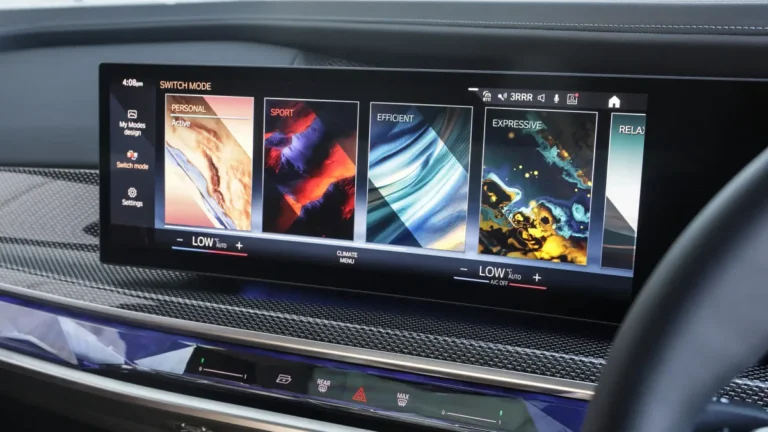
- Access the iDrive menu by turning the controller or touching the screen.
- Navigate to Settings (usually the gear icon).
- Select Vehicle (or "Vehicle Settings" on some models).
- Scroll to Car Wash Mode and select it.
- Confirm activation, you’ll see a notification on the screen.
For iDrive 7/8 (2021, present), you can also use voice control:
- Press the voice command button or say, "Hey BMW."
- Say, "Activate car wash mode."
If you don’t see the option, your model may not support it. Some older iDrive systems hide it under different menus, like "Service" or "Preparations."
How to Turn It Off (Manual vs. Automatic)
Car Wash Mode disables itself automatically once you drive above 20 mph. This prevents it from staying active during normal driving.
If you need to turn it off manually, go back to Settings > Vehicle > Car Wash Mode and toggle it off. Some models also let you use the voice command "Hey BMW, deactivate car wash mode."
If the mode stays on after driving, check for a software glitch. A quick restart of the iDrive system (hold the power button for 10 seconds) often fixes it.
What Car Wash Mode Actually Does to Your X5

Image source: YouTube / KT Garage (YouTube thumbnail (fair-use with source credit))
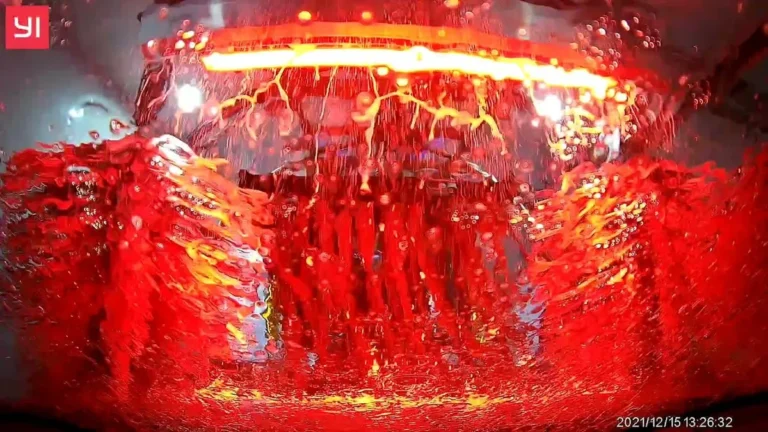
It seals your X5 against water intrusion. The windows and sunroof close completely, and the side mirrors fold in if equipped. On newer models, exterior cameras may disable to avoid damage from high-pressure jets.
The climate system may switch to recirculation mode to keep water out of the vents. This doesn’t affect performance but ensures no moisture enters the cabin.
What If Your X5 Doesn’t Have Car Wash Mode?
You’ll need to prep the vehicle manually. Close all windows and the sunroof before entering the wash. Fold the mirrors in if your model allows it.
Some owners use third-party apps or coding to enable hidden features, but this voids warranties and risks system errors. BMW doesn’t support aftermarket modifications for this function.
Pro Tips for Using It Without Issues
Always confirm activation before entering the wash. The iDrive screen should display a confirmation message. If it doesn’t, the mode may not be active.
Avoid using Car Wash Mode in extreme heat or cold. The seals and mechanisms can be stressed by temperature swings. Stick to moderate conditions for best results.
FAQs About BMW X5 Car Wash Mode
Does Car Wash Mode work with a pressure washer?
Yes, but it’s designed for automatic car washes. The seals and closures protect against high-pressure jets, but always keep the nozzle at a safe distance to avoid damage.
Why won’t my Car Wash Mode turn on?
Check your iDrive version. Older systems may not support it. If your model should have it, a software update from a BMW dealer might restore the function.
Can I drive with Car Wash Mode active?
Yes, but it will auto-disable above 20 mph. If you need to drive slowly with it on, it’s safe but not necessary.
Does it affect my X5’s performance?
No. Car Wash Mode only controls windows, sunroofs, mirrors, and some camera functions. It doesn’t impact the engine, transmission, or drivetrain.
How do I know if my X5 has it?
Look for the option in Settings > Vehicle. If it’s not there, your model likely doesn’t support it. The G05 generation (2019, present) almost always includes it.