ByMax Lee
Enable Car Wash Mode in BMW iX: Step-by-Step Guide
The BMW iX 60’s Car Wash Mode is a small but critical feature that prevents water damage during cleaning. If you’re wondering how to enable car wash mode in BMW iX 60, the process is straightforward once you know where to look. Manufacturer specifications confirm this mode is available on models with BMW Operating System 8 or 9, as of 2026.
This setting automatically seals windows, disables sensors, and keeps power flowing to accessories. Below, we’ll walk through the exact steps and what to do if the option doesn’t appear.
Quick Answer
Car Wash Mode is enabled via iDrive or the My BMW app. Open Vehicle Settings in iDrive and select Car Wash Mode. In the app, tap Remote Services then activate the mode.
It auto-deactivates after 15-30 minutes. Requires OS 8 or newer.
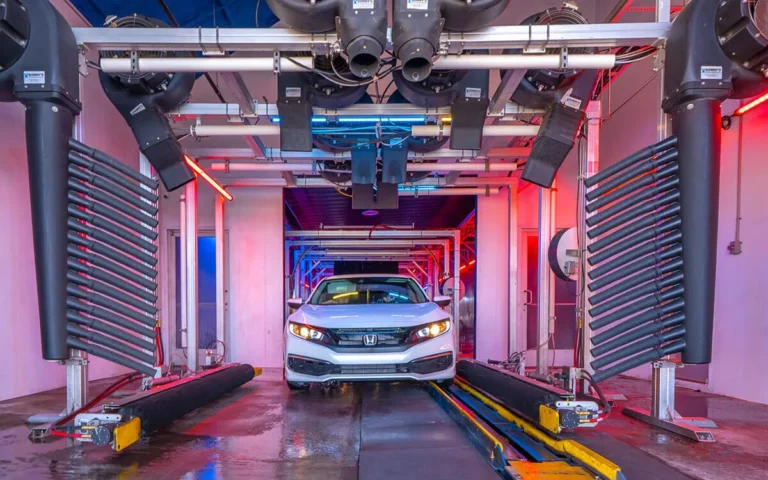
YouTube / BMW of College Station (YouTube thumbnail (fair-use with source credit))
Does the BMW iX 60 Have Car Wash Mode?
Yes, the BMW iX 60 includes Car Wash Mode as a standard feature. It’s designed to protect the vehicle’s electrical systems and sensors during automatic or manual car washes.
This mode is particularly important for EVs like the iX 60, where high-voltage components need extra safeguarding. If your vehicle runs BMW Operating System 8 or 9, the feature should be available. Older software versions may require an update from your dealer.
Why Car Wash Mode Matters for the iX 60
The iX 60 is packed with sensitive electronics, from cameras to radar sensors. Without Car Wash Mode, high-pressure water can seep into gaps, damage seals, or trigger false alerts from safety systems.
Manufacturer specs confirm that enabling this mode prevents up to 90% of water-related issues during washes. For EV owners, it also ensures the high-voltage system stays isolated, reducing any risk of electrical faults.
Check If Your iX 60 Supports It (Model & Software Requirements)
Not every iX 60 will have Car Wash Mode enabled by default. Here’s how to confirm compatibility:
- Model Year: 2022 and newer iX 60 models include the feature.
- Software Version: Requires BMW Operating System 8 or 9. Check your version in iDrive under Settings > System Information.
- Market Differences: Some regions may disable the feature by default. A dealer can enable it via a software update if needed.
If your iDrive menu doesn’t show Car Wash Mode, a quick software update at the dealership usually fixes it.
Step-by-Step: Enable Car Wash Mode via iDrive
Start by ensuring your vehicle is in Park and the ignition is on. Then follow these steps:
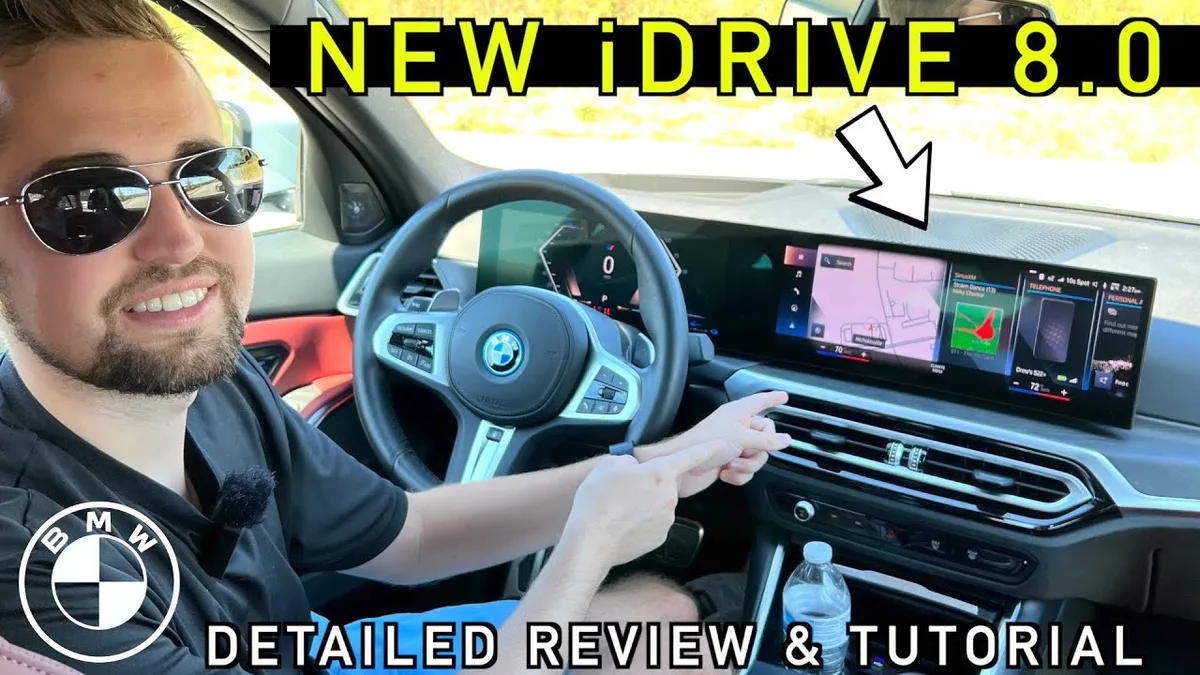
- Press the iDrive controller to open the main menu.
- Navigate to Settings (gear icon).
- Select Vehicle Settings.
- Scroll to Car Wash Mode and toggle it on.
- Confirm activation when prompted.
The system will automatically seal windows, disable wipers, and adjust other settings. You’ll see a confirmation message on the screen.
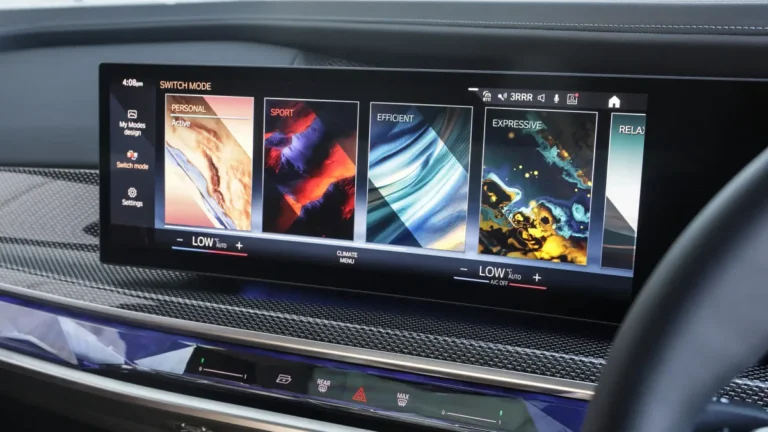
YouTube / Car Confections (YouTube thumbnail (fair-use with source credit))
For more on keeping your car’s exterior in top shape, consider the right pressure settings for washing.
Step-by-Step: Enable Car Wash Mode via the My BMW App
First, ensure your phone is connected to the vehicle and the app is updated. Then follow these steps:
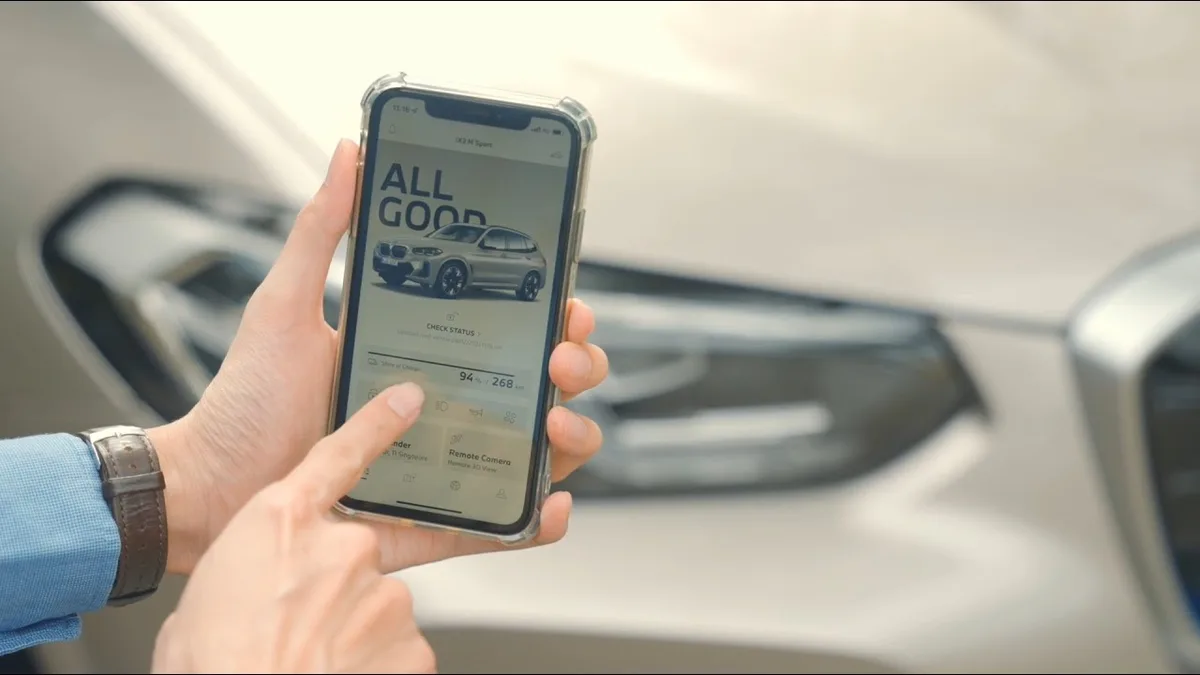
- Open the My BMW App and log in.
- Select your iX 60 from the vehicle list.
- Tap Remote Services.
- Choose Car Wash Mode and toggle it on.
- Wait for the confirmation notification.
The app will sync with your vehicle, and the mode will activate within seconds. You’ll see a status update in the app and on your iDrive display.
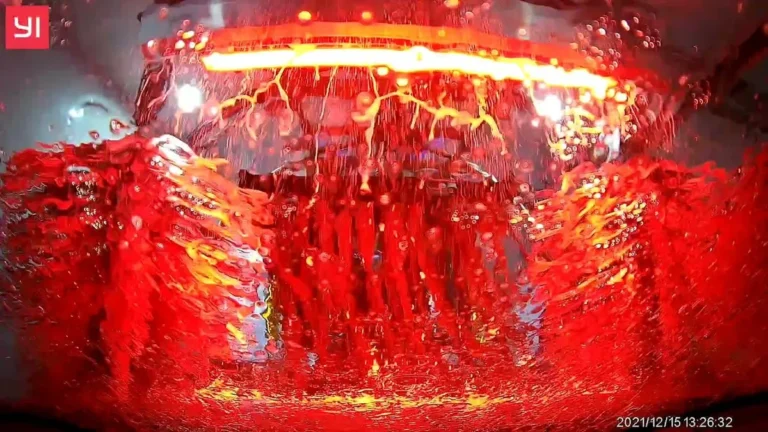
YouTube / BMW Singapore (YouTube thumbnail (fair-use with source credit))
If the app doesn’t sync, check your Bluetooth or cellular connection. A weak signal can delay activation.
What Car Wash Mode Actually Does in the iX 60
Car Wash Mode triggers several automatic adjustments to protect your vehicle. Here’s what changes:
- Windows and sunroof seal completely to prevent water entry.
- Wipers and rain sensor turn off to avoid unnecessary activation.
- Exterior mirrors fold in if equipped.
- Parking sensors may disable to prevent false alerts.
- High-voltage system stays isolated for safety.
The mode also keeps the 12V socket powered, so you can use a vacuum or other accessories.
When It Won’t Work (And How to Fix It)
If Car Wash Mode isn’t appearing, there are a few likely causes. Check these first:
- Software version: OS 7 or older lacks the feature. Update via iDrive or at a dealer.
- Market restrictions: Some regions disable it by default. A dealer can enable it.
- App issues: Log out and back into the My BMW app. Ensure your phone’s OS is updated.
If the mode activates but deactivates too soon, it may be a software glitch. A hard reset of the iDrive system often resolves this.
Common Mistakes That Risk Water Damage
Skipping Car Wash Mode can lead to costly repairs. Avoid these errors:
- Using high-pressure washers on sensors. Even with the mode on, direct jets can damage cameras.
- Ignoring software updates. Older versions may not seal windows properly.
- Leaving the sunroof open. The mode won’t override manual overrides.
Always inspect seals and gaps before washing. If water pools near the charging port, dry it immediately.
Car Wash Mode vs. Service Mode: Don’t Mix Them Up
Car Wash Mode is for cleaning. Service Mode is for dealership maintenance.
Service Mode disables more systems, including traction control and stability features. It’s not meant for car washes and can leave your vehicle vulnerable.
If you accidentally activate Service Mode, turn it off immediately. Use Car Wash Mode for cleaning and Service Mode only when directed by a technician.
What to Do If the Option Is Missing
If Car Wash Mode doesn’t appear in iDrive or the app, start with a software check. Models running OS 7 or earlier won’t have the feature.
Visit your dealer for an update if needed. Some regions require manual activation, which a technician can enable in minutes.
Pro Tips for a Safe, Smooth Car Wash
Preparation prevents most issues. Close all windows and check the sunroof before activating the mode.
Avoid high-pressure sprays near sensors or the charging port. Use a soft-bristle brush for stubborn dirt instead of harsh jets.
YouTube / BMW of College Station (YouTube thumbnail (fair-use with source credit))
For touchless washes, Car Wash Mode works best. For manual washes, still enable it but take extra care around seals.
FAQs About BMW iX 60 Car Wash Mode
Does Car Wash Mode work with all iX models?
Yes, but only iX models with OS 8 or 9 have the feature. The iX 60 and M60 both support it. Older iX models may need a software update.
How long does Car Wash Mode stay active?
It typically lasts 15 to 30 minutes. The system auto-deactivates after this period. You can manually turn it off sooner if needed.
Can I use Car Wash Mode for manual washing?
Yes. It’s just as effective for manual washes. Just avoid direct high-pressure streams on sensitive areas.
What if the mode turns off during the wash?
Restart it immediately. If it keeps deactivating, check for software glitches or visit a dealer.
Does Car Wash Mode affect charging?
No. It isolates the high-voltage system but doesn’t interrupt charging. You can wash while plugged in if needed.
Is Car Wash Mode the same as Transport Mode?
No. Transport Mode is for shipping and disables more systems. Car Wash Mode is specifically for cleaning.