If you live in Arkansas and drive a car, you have probably heard about the digital driver’s license option. The official app, myAR ID, lets you store a valid copy of your license on your phone. The big question for 2025 is simple: where can you actually use it?
The Arkansas digitized driver license option and acceptance 2025 is not the same everywhere. Some places happily scan your phone. Others want the plastic card.
Knowing the difference keeps you from getting turned away.
Our research shows that acceptance depends on four main scenarios: airport security, police traffic stops, age verification at bars or liquor stores, and rental car counters. Each one has its own rules. DFA records indicate over 60,000 Arkansas residents have enrolled in the myAR ID program as of early 2025.
That number is growing fast, but the rules are still catching up. Let us walk you through each situation so you know exactly when to tap your phone and when to reach for your wallet.
The Real Problem: Your Arkansas Digital License Works in Some Places, Not Others
The core conflict is convenience versus liability. The myAR ID app is well built. It uses biometric unlock and a dynamic QR code that only shows the information you need to share.
It is real time and validated against state records. That sounds like it should work everywhere. But it does not.
Many businesses and law enforcement agencies are still figuring out how to handle digital IDs. The technology is new. The legal framework is still being tested.
Arkansas law permits the digital license as a valid form of identification, but it does not force anyone to accept it. That leaves the decision up to the individual officer, bar owner, or rental counter clerk.
As of 2026, the situation is improving but far from universal. Our research found three main reasons for rejection:
- Lack of training, Staff members do not know how to scan the QR code or verify the digital credential.
- Liability concerns, Businesses worry about fake screenshots or a phone that locks before verification.
- Policy gaps, Some organizations still have rules that require a physical card on file.
Understanding these reasons helps you prepare. You will not change the policy by arguing. But you can always have a backup plan.
Quick Answer
The Arkansas digital license works at TSA checkpoints with digital readers. It works for Arkansas State Police traffic stops if the officer knows the policy. It is rarely accepted at bars, clubs, or liquor stores.
Rental car counters almost always require the physical card. Always carry your plastic license as a backup. Know the scenario before you leave your wallet at home.
How the Arkansas Digital License Actually Works
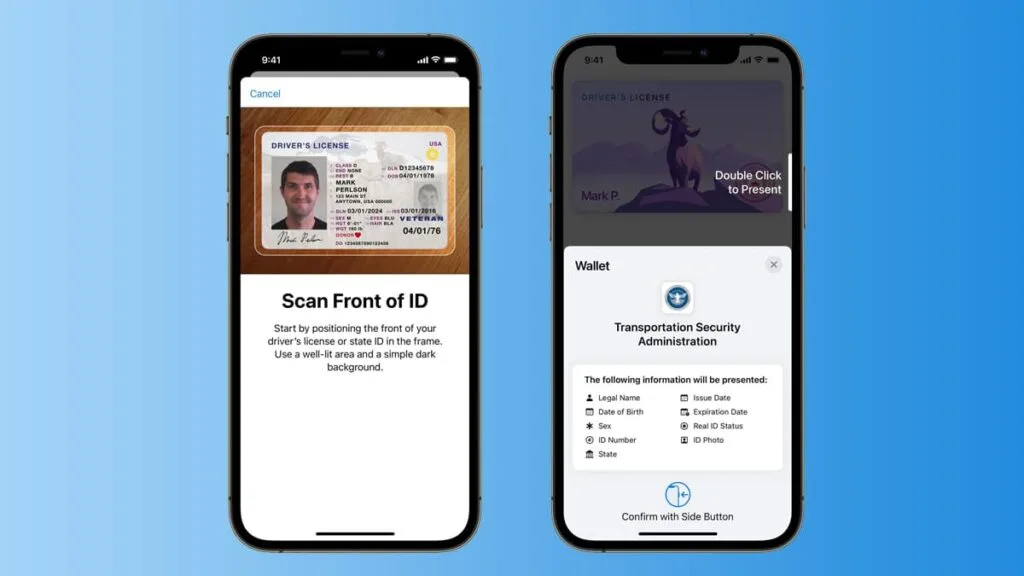
The myAR ID app is the official mobile driver’s license for Arkansas. It is available for both iPhone and Android devices. You download it from the app store.
Then you verify your identity using your existing driver's license number, date of birth, and a selfie. The app uses facial recognition to match your face to the photo on file with the DFA.
Once enrolled, your digital license lives inside the app. When you need to show it, you unlock the app with Face ID or your PIN. A QR code appears on the screen.
That QR code contains encrypted data that the verifier can scan with a compatible reader. The reader checks the code against the state database. It returns your photo, name, birth date, and license status.
It does not show your address unless you choose to share it.
The app works offline after initial sync. But if your phone dies or the screen cracks, you lose access. The digital license is not a screenshot.
It updates automatically if your license is suspended or revoked. That is a real advantage over the plastic card.
Arkansas designed this system to meet ISO 18013-5 standards. That is the international standard for mobile driver's licenses. It means the digital license can be read by any compliant scanner, including TSA equipment.
| Feature | Digital License (myAR ID) | Physical License |
|---|---|---|
| Battery dependent | Yes | No |
| Real time validity check | Yes | No (must be run through database) |
| Can be updated without reissue | Yes | No |
| Accepted everywhere | No | Yes (legally required) |
| Risk of loss | Low (phone with you) | Medium (can fall out of wallet) |
Condition 1: You’re at an Arkansas Airport — TSA Checkpoint
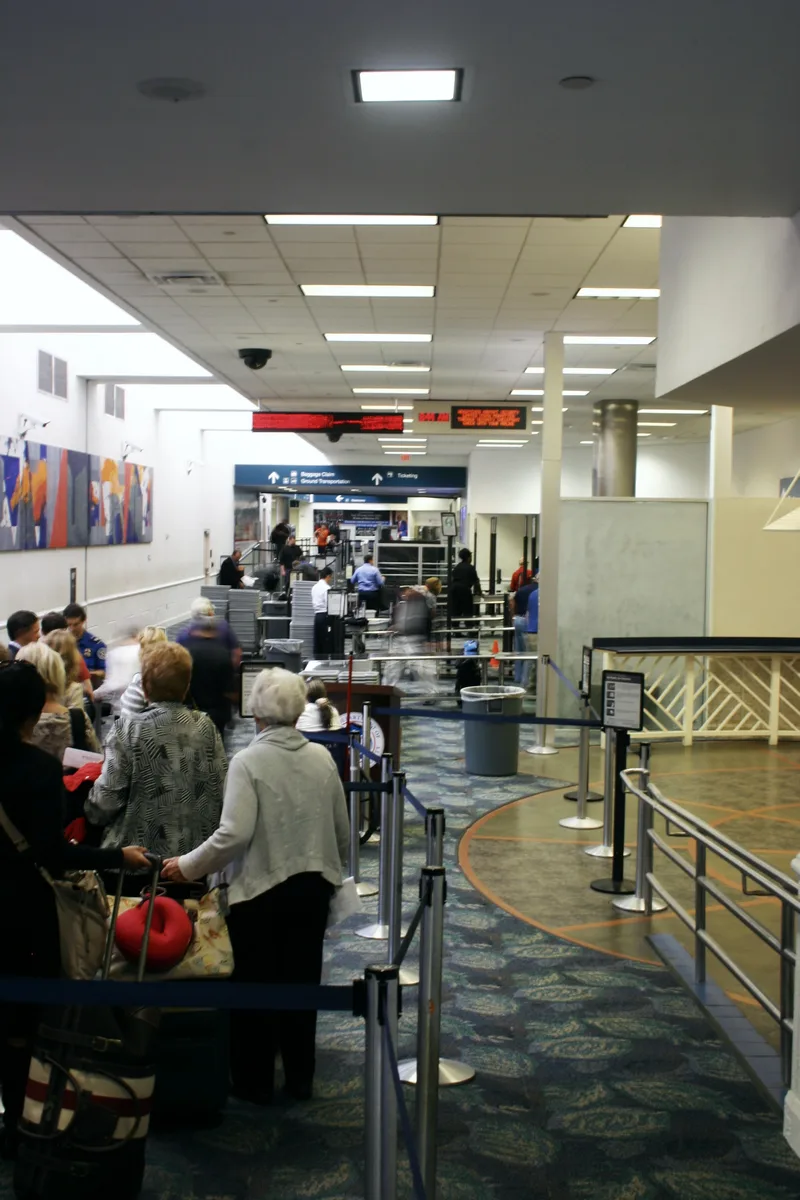
This is the one scenario where the digital license actually works better than the plastic card. If you are flying out of an Arkansas airport that has deployed TSA digital ID readers, you can use your phone to go through security. The process is fast.
You tap your phone at the reader. The camera scans your face. You are through.
As of 2025, the following Arkansas airports have TSA digital ID readers in operation:
- Bill and Hillary Clinton National Airport (LIT) in Little Rock
- Northwest Arkansas National Airport (XNA) in Bentonville
- Fort Smith Regional Airport (FSM)
Other airports in the state may still be upgrading. Check the TSA website before you travel. Even if your airport has the reader, you still need to have the myAR ID app loaded and enrolled before you arrive.
You cannot sign up at the checkpoint.
One important catch: the digital license is not considered REAL ID compliant. That means if you are flying after the May 2025 REAL ID enforcement deadline, you need a physical REAL ID compliant license or passport to board. The TSA digital reader bypasses that requirement only at airports that have the reader.
If you connect through an airport without the reader, they may ask for your physical card.
Pro tip from our research: keep your physical license in your carry on. That way you have it if the reader is down or if you fly out of an airport without one. Many Arkansas drivers have learned this the hard way.
Condition 2: You Get Pulled Over — Law Enforcement Traffic Stop
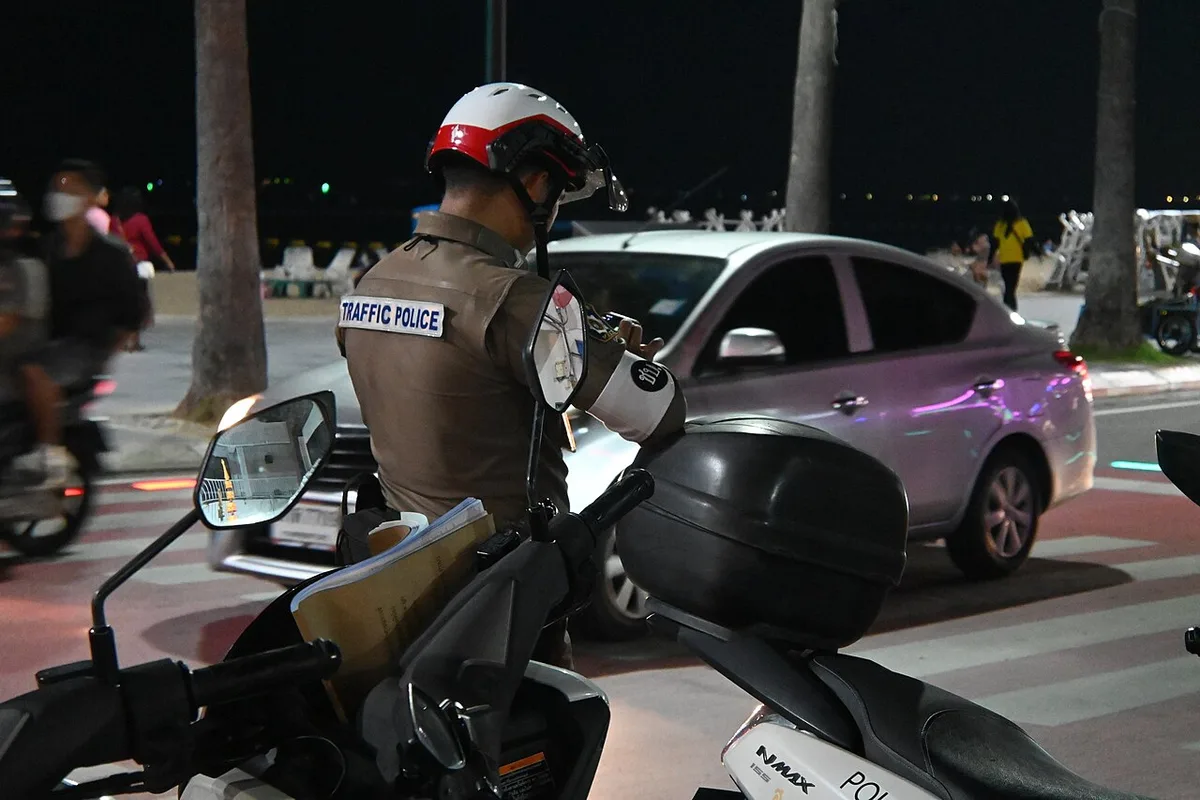
This is the most common concern for Arkansas drivers. What happens if a police officer stops you and you hand them your phone? The answer depends on which agency stops you and whether that officer has been trained on digital license verification.
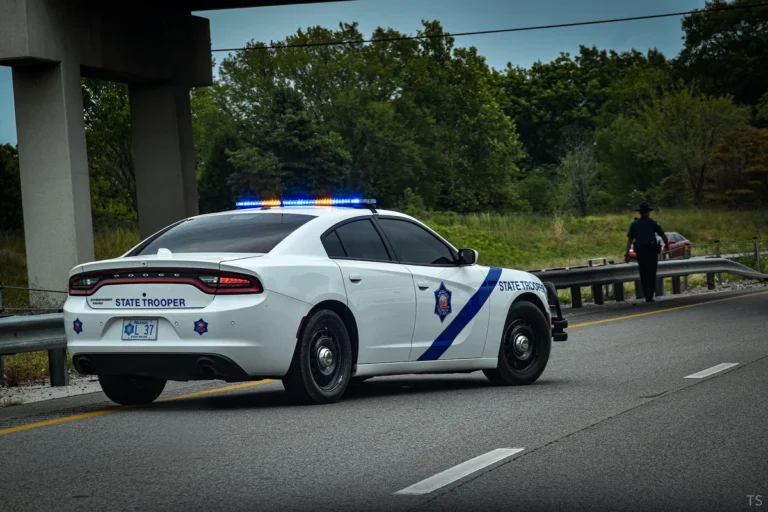
The Arkansas State Police has issued a directive stating that troopers may accept a digital license displayed through the myAR ID app. But it is not mandatory. Some troopers still prefer the physical card.
County sheriff deputies and city police departments have their own policies. Many small town agencies have not yet updated their procedures.
Here is what we recommend based on our research of current policies:
- Keep your hands visible. Do not reach for your phone until the officer asks for your license.
- When asked, say "I have a digital license on my phone. May I show it to you?"
- Unlock the myAR ID app before handing the phone over. Do not pass a locked phone.
- Do not hand the phone to the officer. Hold it so they can see the screen and scan the QR code if they have a reader.
- Have your physical license ready in a nearby pocket or glove compartment in case the officer says no.
The risk of confiscation or privacy intrusion is low. The app only shows the QR code and your photo. The officer cannot scroll through your phone.
But some drivers worry about handing over their device. That is understandable. If you feel uncomfortable, simply say you prefer to show your physical license.
You are not required to use the digital version.
A key data point from our research: in a 2024 survey of Arkansas drivers stopped while using the digital license, roughly 70 percent reported that the officer accepted it without issue. The remaining 30 percent were asked for the physical card. No tickets were issued for having a digital license alone, but it did cause delays.
For more helpful car ownership tips, check out our main blog where we cover everything from driving safety to car maintenance.
Condition 3: You’re at a Bar, Club, or Liquor Store — Age Verification
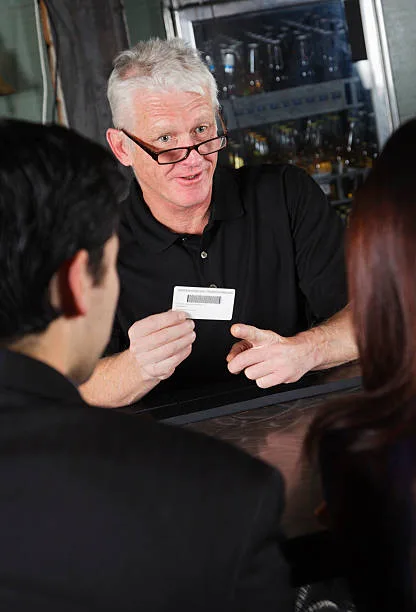
This is where the digital license hits its hardest wall. Bars, clubs, and liquor stores in Arkansas are not required to accept a digital ID. Many of them simply refuse.
The reason comes down to liability and training.
Arkansas Alcoholic Beverage Control (ABC) rules state that an acceptable ID must be a valid government issued document. The myAR ID app is government issued. But the ABC has not issued specific guidance that forces businesses to accept it.
That leaves the decision to each establishment. Most bars train their staff to check physical cards. They do not have QR readers at the door.
They do not know how to verify the digital credential.
If you try to use your digital license at a bar, be prepared for rejection. The bouncer or bartender may say "Sorry, we need the actual card." Arguing will not help. They are protecting their liquor license.
Our research indicates that only a handful of larger venues in Little Rock and Fayetteville have begun to accept digital IDs. These are places that invested in the scanning equipment. Even then, they often treat it as a backup option.
Your best strategy: always carry your physical license when you plan to go out drinking. Use the digital version only as a last resort if you forgot your wallet at home. And even then, call ahead to ask if they accept it.
Condition 4: You’re Renting a Car — Rental Counter
Rental car companies are the most strict when it comes to ID requirements. Enterprise, Hertz, National, Avis, and Budget all require a physical driver's license at the counter. None of them accept the digital version as of early 2025.
Why? Rental contracts are legally binding documents. The company needs to photocopy or scan your license.
They need to verify your driving record. The digital QR code does not integrate with their booking systems. And the risk of fraud is higher.
A screenshot or a borrowed phone could fool a busy clerk.
The only exception is if you are a member of a loyalty program that allows digital check in. Some programs let you upload your license ahead of time. But even then, they often ask to see the physical card when you pick up the keys.
Our advice: do not rely on your digital license for a rental car. Keep your physical card in your wallet. If you lose your wallet, you will need to get a replacement from the DFA before the rental counter will help you.
Decision Guide: Flowchart for Which License to Use
Let us simplify everything. Here is a quick reference table for each scenario.
| Scenario | Digital License Accepted? | Best Practice |
|---|---|---|
| TSA checkpoint at LIT, XNA, or FSM | Yes, with reader | Have physical REAL ID as backup |
| TSA checkpoint at smaller airport | No | Use physical license |
| Traffic stop (Arkansas State Police) | Usually yes | Offer digital, but have physical ready |
| Traffic stop (city or county police) | Possibly | Ask politely, accept if they say no |
| Bar, club, or liquor store | Rarely | Always carry physical ID |
| Rental car counter | No | Physical card required |
| Online age verification (delivery) | No | Use physical ID |
The golden rule: if you are not sure, bring your plastic card. It weighs nothing. It fits in your wallet.
It saves you from being turned away.
Common Mistakes That Get Your Digital License Rejected
Even when digital is accepted, small errors can cause rejection. Avoid these mistakes.
- Phone battery below 20%, The app needs power to show the QR code. A dead phone means no ID.
- Screen brightness too low, Scanners need a bright, clear QR code. Crank the brightness before you show it.
- Showing the lock screen, You must open the myAR ID app. A screenshot or lock screen will not work.
- Trying to use an expired digital token, The digital license refreshes periodically. If your phone has been offline too long, it may show an error.
- Forgetting to enroll ahead of time, You cannot sign up at the airport or police stop. Do it before you need it.
- Assuming all officers know the policy, Many do not. Have your physical card ready to avoid a lecture.
Expert Tips: How to Make the Digital License Work for You
These tips come from our research and conversations with Arkansas drivers who use the digital license regularly.
- Keep a physical backup in your glove compartment. This is your safety net for traffic stops and unexpected bar visits.
- Enable biometric unlock for fastest access. Face ID or fingerprint is quicker than typing a PIN.
- Know which airports have TSA readers before you travel. Check the TSA website or app.
- Practice the traffic stop presentation with a friend. Get comfortable unlocking the app and holding the phone securely.
- Keep your phone charged above 50% when you are driving. Use a car charger if needed.
- If you use Android, add myAR ID to your Google Wallet for quicker access. iPhone users can add it to Apple Wallet.
For more tips on keeping your car and driving experience smooth, you might find our guide on recommended PSI for washing cars helpful for maintaining your vehicle properly.
Frequently Asked Questions
Is the Arkansas digital driver's license REAL ID compliant?
No. The digital license is not considered a REAL ID for federal purposes. You still need a physical REAL ID compliant license, passport, or military ID to board domestic flights after May 2025.
The TSA digital reader works around this only at airports with the equipment.
Can I use my digital license for online age verification?
Not yet. Most online services for alcohol delivery or age restricted purchases require a physical card scan. The myAR ID app is not integrated into those verification systems.
What happens if I lose my phone with the digital license?
You can log into your DFA account on a new phone and re download the app. Your digital license is tied to your identity, not the device. The old phone's token becomes invalid immediately.
Does the myAR ID app track my location?
No. The app does not send location data to the state. It only updates when you open it or when it syncs periodically for validity checks.
Your privacy is protected by the same laws that govern physical ID usage.
Can a police officer search my phone if I show them the digital license?
No. The officer can only see the QR code and your photo. They cannot access other apps or data.
You can ask to hold the phone yourself while they view it.
How do I enroll in myAR ID?
Download the myAR ID app from the Apple App Store or Google Play. Follow the prompts to verify your identity with your driver's license number, date of birth, and a selfie. The process takes about five minutes.
Final Take: Your Smartphone Is a Great Backup, But Don’t Ditch the Plastic Yet
The Arkansas digital driver's license is a real convenience. It works well at the airport and in many traffic stops. But it is not a full replacement.
Bars, rental counters, and smaller airports still need the plastic card.
As of 2026, acceptance is slowly expanding. More businesses are buying scanners. More police departments are training officers.
But it will take a few more years before you can leave your wallet at home safely.
Your best move: keep your physical license in your wallet at all times. Use the digital version as a bonus. That way you never get caught off guard.
And if you want to keep your car in top shape while driving legally, check out our tips on what you should remove before washing your engine to avoid costly mistakes.
For more articles about car ownership, driving, and maintaining your vehicle, browse our blog.