Black Friday deals are live on Amazon · limited-time discounts, grab them before they’re gone
Grab the deals

ByMax Lee
Rivian Gear Guard: Will a Car Wash Trigger Your Alarm? Essential Facts Revealed
A car wash normally should not trigger a Rivian alarm, but that does not mean every wash is risk-free with the vehicle’s security features active. Water jets, rotating brushes, conveyor movement, strong vibration, and people working around the vehicle can all create conditions that deserve attention.
The safest approach is to treat a car wash as an unusual operating environment: secure the vehicle, follow the wash operator’s instructions, use the appropriate drive or neutral setting, and temporarily adjust security features only when necessary. Then confirm that protection is active again when you leave. For more on this, see our guide on do i need an idp to hire a.
What Is Rivian Gear Guard?
Gear Guard is Rivian’s name for a group of security and recording features rather than a single sensor. Depending on the vehicle, software version, and enabled settings, the system can involve:
- Exterior cameras and event recording
- Motion or proximity monitoring
- Vehicle security alerts
- A vehicle alarm
- Mobile-app notifications
- Recording around the vehicle when suspicious activity is detected
The exact behavior can change through over-the-air software updates and may differ between Rivian models. For current controls and terminology, compare your vehicle’s menus with the official Rivian website and the owner information supplied for your vehicle.
A common mistake is assuming that every Gear Guard function is identical to the alarm. Camera recording, motion detection, proximity alerts, and the audible alarm may have separate settings. Disabling one feature does not necessarily disable all of the others.
Will a Car Wash Set Off a Rivian Alarm?
Usually, a normal car wash will not trigger the Rivian alarm. However, Rivian owners should not assume the system will automatically recognize every wash as harmless.
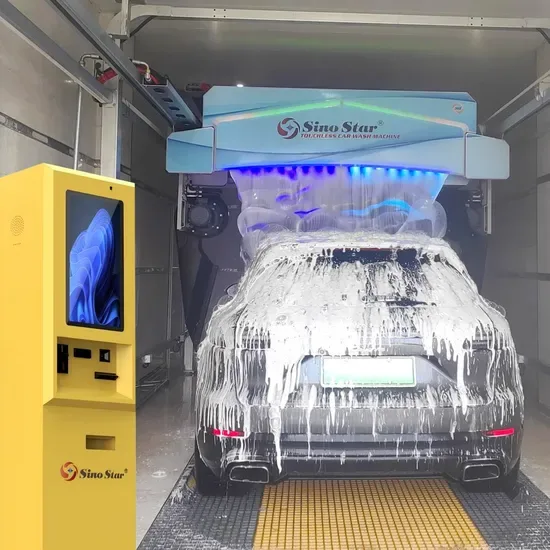
A touchless wash generally creates less physical contact than a brush or conveyor wash. Even so, high-pressure water can strike body panels, mirrors, cameras, door handles, and sensors with considerable force. A tunnel wash may add:
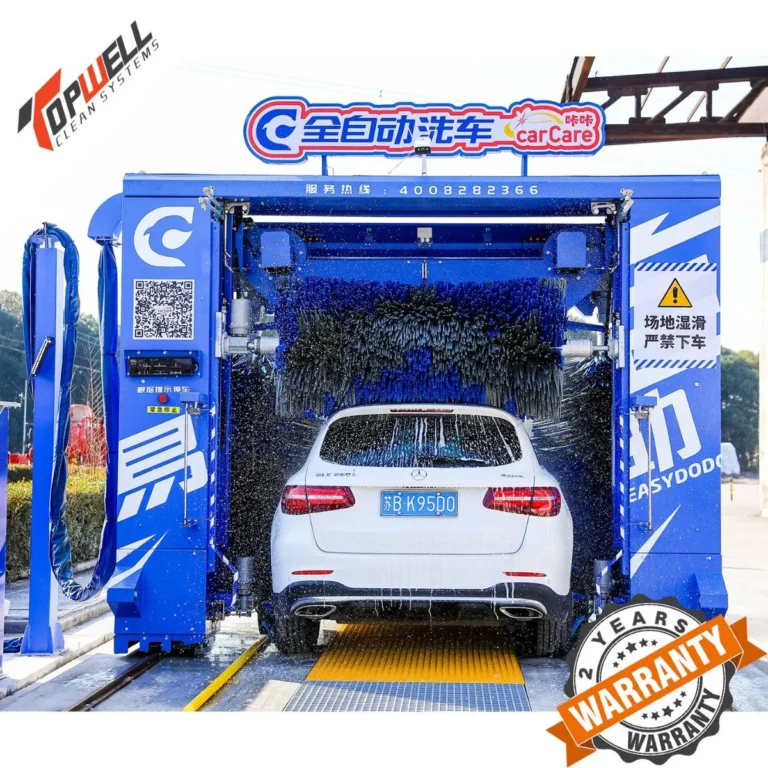
- Repeated brush contact
- Conveyor vibration
- Sudden vehicle movement
- Loud mechanical sounds
- Water and soap covering cameras
- Staff approaching or touching the vehicle
These conditions do not necessarily represent a security event, but unusual movement or an interaction with a door, liftgate, or handle could produce an alert. The likelihood depends on the wash equipment, vehicle state, software version, and the specific Gear Guard settings enabled.
The practical answer is simple: a car wash is unlikely to trigger the alarm, but temporarily putting the vehicle into the wash operator’s recommended security state is the more reliable procedure.
Alarm Versus Gear Guard Recording: Why the Difference Matters
People often use “Gear Guard alarm” to describe every security response, but the Rivian may react in several different ways:
| Response | What it may indicate |
|---|---|
| Camera recording | The system detected activity worth saving |
| Mobile notification | A security or vehicle event was reported to the app |
| Audible alarm | The vehicle judged an event serious enough to sound the alarm |
| No response | The movement or contact was ignored as normal activity |
Recording an event does not automatically mean the audible alarm will sound. Likewise, a brief alert does not prove that the vehicle was damaged or entered.
This distinction is useful after a wash. If you receive a notification, review the event and inspect the vehicle rather than assuming that the wash caused a fault.
How to Prepare a Rivian Before a Car Wash
1. Choose the wash type carefully
A touchless wash minimizes direct brush contact and is often the least disruptive option for cameras, trim, mirrors, and sensors. It is not automatically harmless: strong water pressure can still affect loose trim or dirty camera lenses.
A soft-cloth or brush tunnel may clean more aggressively, but the conveyor and brushes create more contact and vibration. If you have concerns about paint, trim, or security alerts, hand washing or a careful two-bucket process offers greater control. This paint-safe washing method explains how to reduce grit-related scratching when cleaning at home.
2. Follow the wash’s operating instructions
Before entering, check whether the operator requires you to:
- Disable automatic wipers
- Fold the mirrors
- Remove roof or bed accessories
- Close the windows and tonneau or liftgate
- Turn off automatic hold or other driver-assistance functions
- Shift into neutral
- Keep your hands off the steering wheel
- Remain in the vehicle
The wash’s instructions take priority because conveyor systems differ. Never select a drive mode, open a door, or apply the brakes unless the operator tells you to do so.
3. Close every opening
Check the windows, doors, liftgate, frunk, and any other powered openings. A slightly open window can allow water into the cabin, while an incompletely latched panel can create alerts or stop the wash.
Do not rely only on the dashboard message. Visually confirm that the openings are shut before the vehicle enters the wash.
4. Review Gear Guard and alarm controls
Use the vehicle touchscreen and Rivian app to review the active security settings. If the wash operator recommends disabling an alarm or motion-related feature, do so temporarily according to the current vehicle instructions.
Do not guess which setting controls which function. The names and menu locations can change with software updates. If you cannot identify the correct setting, ask the wash attendant whether the vehicle can be safely washed without entering the tunnel, or choose a hand wash instead.
5. Remove loose exterior equipment
A wash can catch or damage:
- Temporary magnetic signs
- Loose license-plate frames
- Antennas or accessory mounts
- Unsecured cargo
- Bike-rack components
- Decorative trim
- Removable camera or sensor covers
A security alert is not the only concern. Loose equipment can become a hazard to the vehicle, the wash machinery, or the car behind you.
6. Update software before troubleshooting
Rivian periodically changes vehicle behavior through software updates. Keeping the vehicle current can resolve known bugs and ensure that the menus match current support instructions. It does not guarantee that a particular wash will be ignored, so preparation is still important.
Should You Turn Gear Guard Off?
There is no universal rule that every Rivian must have all Gear Guard functions disabled before washing. The correct choice depends on the wash type and the controls available in your vehicle.
When temporarily disabling a feature may make sense
Consider following the wash operator’s recommendation when:
- The vehicle will be pulled through a conveyor
- Brushes will contact the body or glass
- The wash requires staff to approach the vehicle
- The vehicle will be left unattended inside the facility
- You have previously experienced false alerts
- The alarm or motion setting is unusually sensitive
The trade-off is reduced security while the feature is disabled. If you leave the vehicle, disable only what is necessary and restore protection as soon as the wash is complete.
When leaving security active may be reasonable
Keeping security active may be reasonable during a brief touchless wash when:
- The vehicle remains under your supervision
- The wash does not require staff to handle it
- The vehicle is stationary
- The windows and panels are fully closed
- The operator does not instruct you to change a security setting
Do not assume that active Gear Guard will prevent every problem. It is a security system, not a car-wash mode or a guarantee against false alerts.
What to Do If the Alarm Sounds During the Wash
If the alarm activates, stay calm and follow the wash facility’s safety instructions. Do not exit the vehicle while it is moving on a conveyor.
Depending on the vehicle’s current state and available controls, you may be able to silence the alert through the Rivian app, key fob, or vehicle controls. The exact method can vary, so consult the current in-vehicle instructions rather than relying on an older online procedure.
After the wash:
- Move to a safe location away from the conveyor.
- Confirm that the alarm has stopped.
- Check the Rivian app for an event notification.
- Inspect the doors, windows, mirrors, cameras, trim, and glass.
- Look for water inside the cabin or signs of forced entry.
- Restore the Gear Guard and alarm settings.
- Contact Rivian service if the alarm repeats without an obvious cause.
Avoid repeatedly triggering the alarm while testing it in a wash bay. Staff need to keep the equipment moving safely, and repeated false alerts can make it harder to identify a genuine security problem.
After-Wash Checks That Owners Commonly Miss
A clean exterior does not mean every sensor is ready for normal use. Before driving away, inspect the following:
- Front and rear cameras
- Side cameras and mirror areas
- Parking sensors
- Door handles
- Windshield and wiper blades
- License plates and frames
- Charging-port door
- Bed accessories or tonneau components
- Windows and door seals
Water spots, soap film, or wax residue on a camera can reduce image quality even if the camera appears clean from a distance. Wipe lenses only with a suitable clean microfiber cloth and avoid scraping dried residue across the lens.
If you check tire pressure after washing or before a long trip, use a properly calibrated gauge. Owners who maintain their own equipment can review this guide to choosing a suitable tire compressor for inflating tires safely.
Touchless, Tunnel, or Hand Wash: Which Is Best?
| Wash type | Gear Guard and vehicle considerations |
|---|---|
| Touchless automatic | Less physical contact, but high-pressure water can still strike sensors and trim |
| Soft-cloth tunnel | More contact and vibration; follow the operator’s instructions carefully |
| Conveyor wash | Requires correct neutral or vehicle mode and close attention to staff directions |
| Hand wash | Maximum control, but people are working close to the vehicle |
| Home wash | No conveyor risk; careful technique is needed to avoid grit and paint damage |
The best option depends on more than Gear Guard. A touchless wash may reduce brush contact but use stronger water pressure. A hand wash avoids conveyor movement but creates more direct interaction around doors and cameras. When exterior trim, cameras, or a previous alarm event is a concern, a controlled hand wash is often the easiest environment to manage.
For winter washing, avoid leaving water trapped around handles, seals, or charging components in freezing conditions. Guidance for another EV’s winter door-handle concerns can provide useful general preparation ideas, but Rivian owners should follow Rivian-specific instructions for their vehicle.
Security Considerations Beyond the Car Wash
A car wash can temporarily reduce your control over the vehicle, but the larger security issue is what happens when the vehicle is parked afterward. Restore all disabled settings before leaving the facility, and confirm that the vehicle is locked.
Gear Guard is only one part of vehicle security. Park in a well-lit location, keep valuables out of sight, and investigate repeated alerts rather than dismissing them as harmless. If you are concerned about theft-related vehicle damage, this overview of deterring catalytic-converter theft covers a broader preventive-security issue, although it is not a substitute for Rivian’s own security controls.
Quick Pre-Wash Checklist
Use this checklist before entering an automatic wash:
- Windows, doors, frunk, and liftgate are fully closed
- Loose accessories and cargo are removed or secured
- Automatic wipers and other wash-sensitive functions are adjusted
- Gear Guard and alarm settings match the wash operator’s instructions
- The correct vehicle mode or neutral setting is selected
- Mirrors and accessories are positioned as required
- You know how to silence an alert if one occurs
- You will restore security settings after the wash
Frequently Asked Questions
Will a car wash usually trigger a Rivian alarm?
Usually not. Gear Guard is designed to distinguish ordinary environmental activity from suspicious events, but a rough conveyor, strong water impact, physical contact, or staff interaction can still produce an alert. Preparing the vehicle reduces the chance of a false alarm.
Should I turn Gear Guard off before washing my Rivian?
Not automatically. Review the current vehicle controls and follow the wash operator’s instructions. A conveyor wash or unattended service may justify temporarily changing a relevant security setting, while a supervised touchless wash may not.
Is there a dedicated Rivian car wash mode?
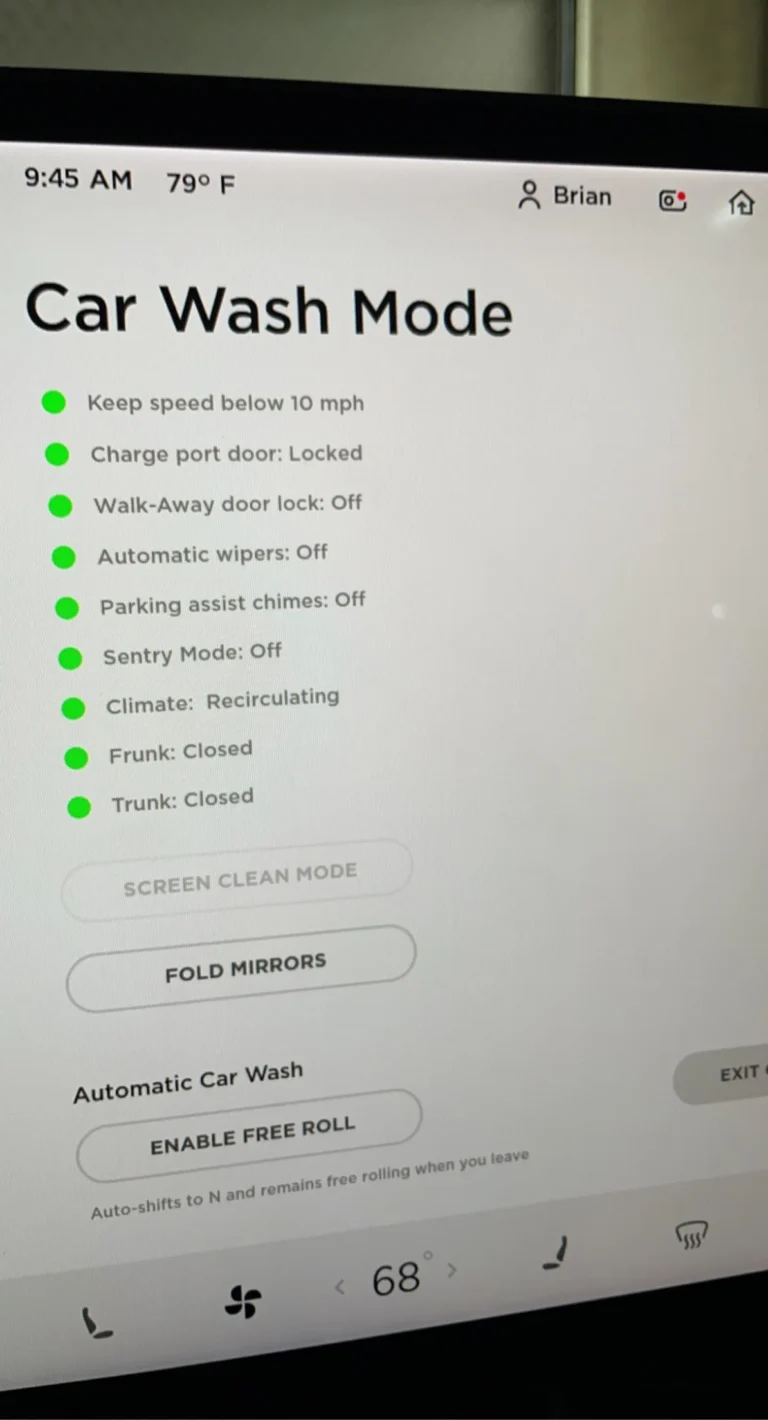
Do not assume that a dedicated wash mode is available on every Rivian model or software version. Menu names and functions can change. Check the current touchscreen, Rivian app, and vehicle documentation rather than relying on advice written for another model year.
Can water damage Gear Guard cameras?
Water itself is expected during normal vehicle use, but soap film, wax, dirt, and mineral spots can obstruct a camera’s view. High-pressure spray should not be directed unnecessarily at seals, loose trim, charging equipment, or sensitive areas. Clean camera surfaces gently after the wash.
What should I do if the alarm keeps going off after washing?
Move away from the wash area, silence the alarm using an available approved control, and inspect the vehicle for an open panel, damage, trapped water, or an object near a sensor. If alerts continue after the vehicle is clean, dry, locked, and parked normally, document the time and conditions and contact Rivian service.
Is a touchless wash safer for Gear Guard?
A touchless wash generally creates less brush contact and vibration, so it can be a lower-risk choice for false alerts and exterior trim. It can still use powerful water jets, however, and it does not remove the need to close the vehicle and follow the operator’s instructions.
Final Takeaway
A car wash is unlikely to trigger a Rivian alarm, but “unlikely” is not the same as impossible. Gear Guard includes several security and recording functions, and they may respond differently to water, vibration, brushes, conveyor movement, or people approaching the vehicle.
Before washing, close every opening, remove loose equipment, follow the facility’s vehicle instructions, and review the current Gear Guard controls. Afterward, inspect cameras and exterior components, confirm the vehicle is locked, and immediately restore any security features you temporarily changed.
With those precautions, you can wash a Rivian safely without sacrificing protection or creating unnecessary alarm problems.