**You can register to vote through the Florida Motor Vehicle Division online portal when you renew or replace your driver license or ID card. It’s part of the federal Motor Voter law designed to make registration convenient. But the process hides several traps that can cost you your vote if you don’t handle them carefully.
One misclick or skipped screen can leave you unregistered at your current address, change your party affiliation without you knowing, or lock in an old signature that will get your mail ballot rejected later.**
The National Voter Registration Act of 1993 requires every state to offer voter registration at DMV offices, and Florida extends that to the online portal. As of 2026, the FLHSMV system is the largest single source of new voter registrations in the state, processing hundreds of thousands of applications every election cycle. That convenience is real, but it only works if you understand exactly what the system does with your data.
Quick Answer
You can register to vote through the FLHSMV online portal during any driver license or ID card transaction. The system sends your application to your county Supervisor of Elections automatically. Check your voter status on your county SOE website within two weeks.
Your signature comes from your license, so make sure it still matches your hand.
Why Registering Through the FLHSMV Portal Is Trickier Than It Looks
The portal makes voter registration look like a checkbox you tick and forget. You renew your license, click one button, and walk away thinking you're registered. That assumption causes thousands of Florida voters to show up on Election Day with inactive or misdirected registrations.
The catch is that the DMV system and the county elections system are two separate databases that talk to each other but not perfectly. Your transaction gets a confirmation number, but that number only confirms the DMV sent your application. It does not confirm your county accepted it.
County election offices regularly report cases where applicants thought they were registered but never appeared on the rolls.
The deeper issue is that the online portal pre-fills your voter registration based on whatever the DMV has on file. If your DMV record has an old address, a forgotten middle name, or a signature from 2008, that is exactly what gets submitted. The system asks you to update your information, but the screens are easy to breeze through without catching the error.
In our research, the most common failures come from three specific traps that the portal does not warn you about. Each one can quietly invalidate your registration without sending you any error message.
How the "Motor Voter" Integration Actually Works
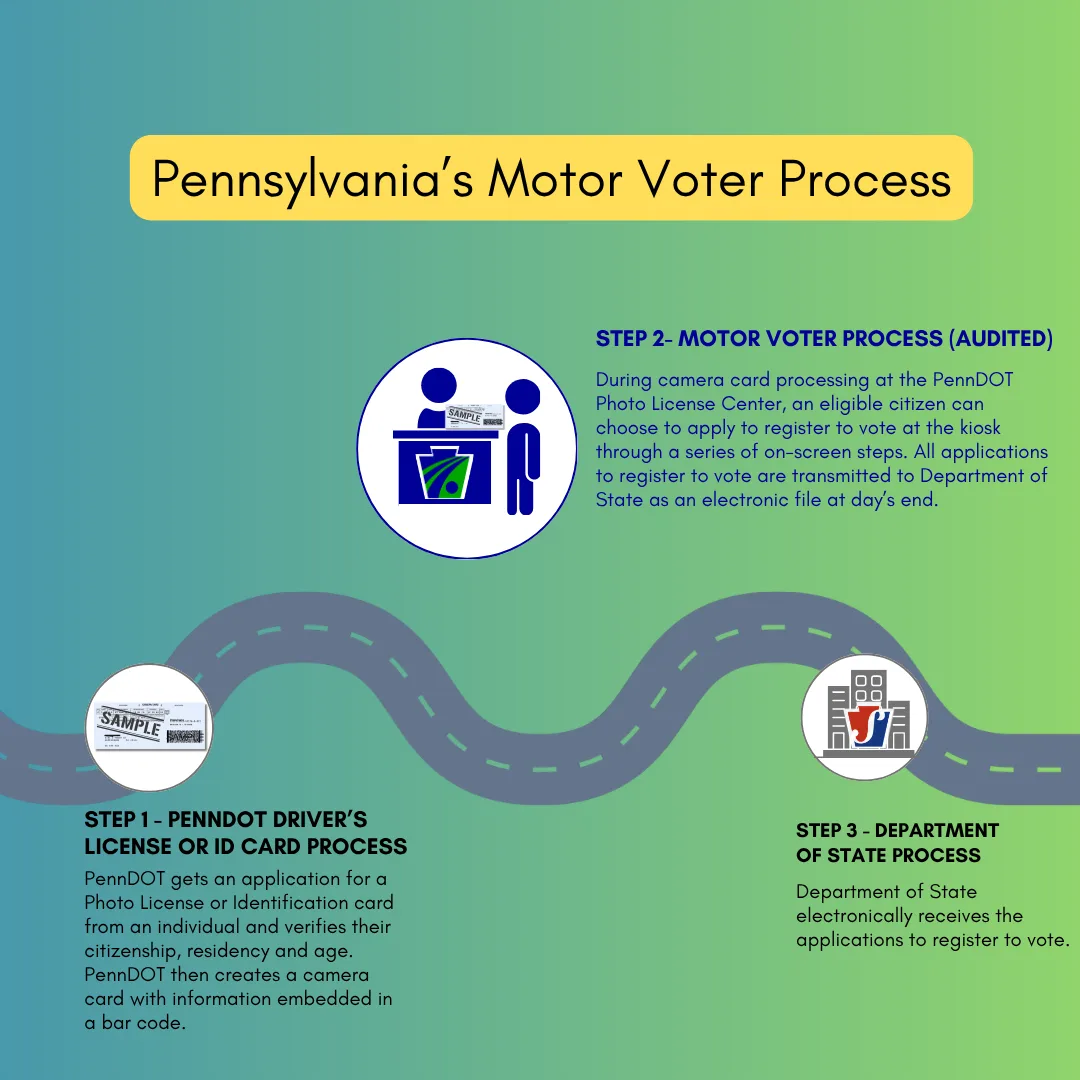
Florida's "Motor Voter" system is an automated data transfer between the Florida Department of Highway Safety and Motor Vehicles and the 67 county Supervisors of Elections. When you complete an eligible transaction online, license renewal, ID card issuance, address change, or duplicate license request, the system checks a box that triggers a voter registration workflow.
That workflow is not optional. Federal law requires the DMV to offer you the chance to register or update your voter information. Florida handles this through a specific screen inside the GoRenew.com portal.
You answer three questions:
- Are you a United States citizen?
- If so, do you want to register to vote or update your existing registration?
- If yes, what party affiliation (if any) do you choose?
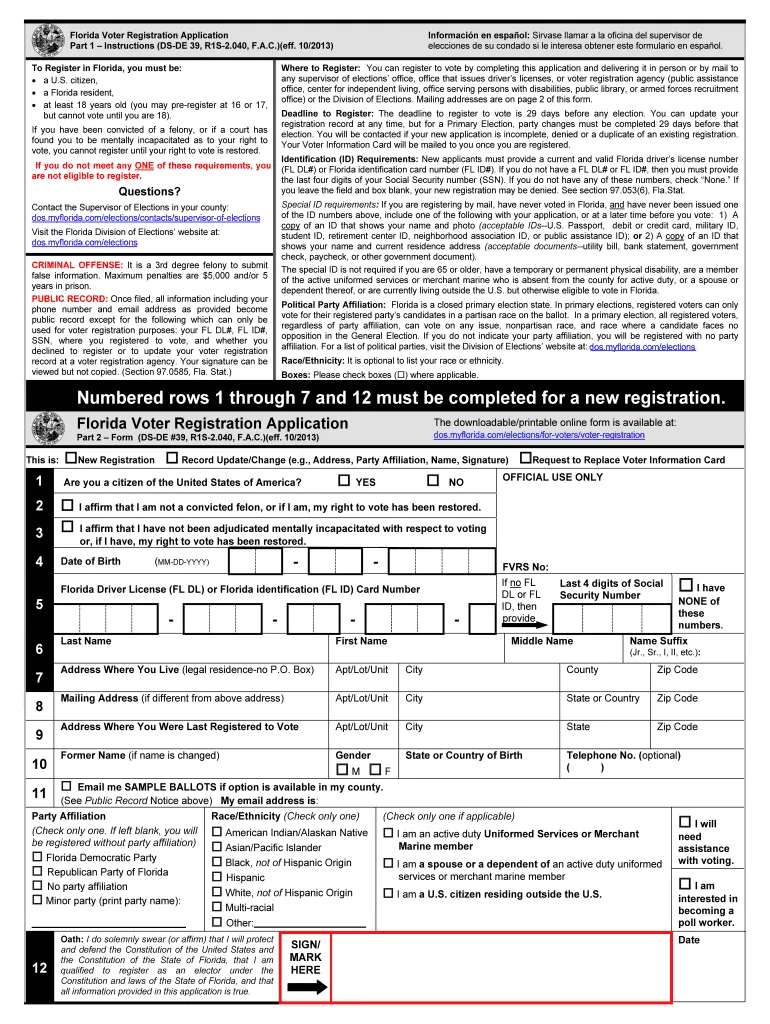
Your answers get combined with your driver license data, including your name, date of birth, and your digitized signature. The system formats that into a Florida Voter Registration Application (Form DS-DE 39) and sends it electronically to the county where your address falls.
The transfer usually happens within 24 to 48 hours. The county SOE then processes the application, matches your information against their existing records, and either adds you to the rolls or rejects the application for incomplete data.
Here is the key operational detail: you can complete your driver license transaction without completing the voter registration workflow. If the process is interrupted or you skip the voter screen, your license renewal goes through but your voter registration remains unchanged or not submitted at all. That is how the first trap happens.
The 3 Critical Traps That Can Invalidate Your Registration
Three specific scenarios cause the majority of DMV portal registration failures. Each one happens on the screen, and none of them triggers an error notification to your email or phone.
Trap #1: Your Driver License Signature Overwrites Your Ballot Signature
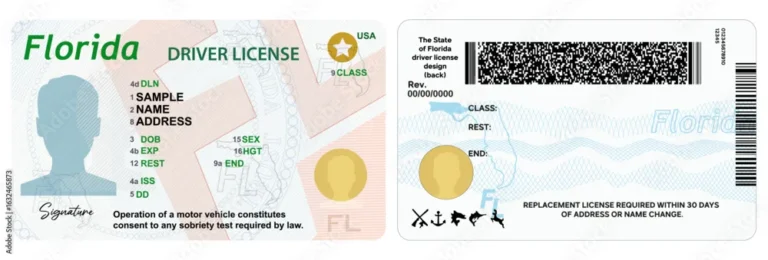
The voter registration application uses the electronic signature stored on your driver license. That is the only signature option. You cannot upload a new one.
If your license was issued five or ten years ago and you signed it with a different style, that old signature will be the one tied to your voter record.
Vote-by-mail and provisional ballot signatures are verified against that same voter signature on file. If yours has changed even slightly, your ballot will be flagged as a mismatch and may never be counted. Florida uses signature verification standards that can reject ballots for seemingly minor differences.
The fix is not through the portal. You can update your driver license signature in person at a Florida tax collector office. Do that before you register to vote through the DMV system.
Or use the standalone online voter registration portal at RegisterToVoteFlorida.gov, which requires a separate electronic signature during the process.
Trap #2: The Party Affiliation Screen Is Easy to Skip or Misread
The driver license renewal screen asks for your political party affiliation. But that field controls your license record, not your voter registration. They are two separate databases.
On the voter registration screen, you must explicitly select a party again. If you do not make a choice and the system defaults to something other than what you want, or if you choose "No Party Affiliation" when you intended to pick a party, you will be locked out of Florida's closed primaries. You cannot vote in the Democratic or Republican primary unless you are registered as that party.
The safest approach is to read every dropdown list. Do not assume the system remembers your previous voter party. Confirm it on the voter screen before you submit.
Trap #3: Opting Out Leaves Your Old Registration Alive
This is the most common silent failure. You already registered to vote at your new address. You are just renewing your license.
The screen asks: "Do you want to update your voter registration?" You think, "I am already registered. No need." So you click no.
The problem is that your old voter registration may still be tied to your previous address. When you opt out, the system does not transfer your existing registration to match your new DMV address. You stay registered at the old place.
Your new county never gets your name. You discover this when you arrive at a polling location that does not have you on the list.
Always choose yes and go through the voter registration screens during your DMV transaction. Even if you think you are already registered correctly. Confirm your current address on the voter screen and hit submit.
Updating twice is better than being left off the list.
Step-by-Step: What You Need to Do Inside the Portal (Safely)
Follow these exact steps when using the FLHSMV online portal. Do not skip any of them.
Go to GoRenew.com or the FLHSMV E-Services page. Log in with your driver license number, date of birth, and PIN (the last four digits of your social, unless you set a custom one).
Start your eligible transaction. Choose your renewal, duplicate, or address change. Fill out the fields carefully. Your full legal name must match exactly what appears on your voter record.
When the voter registration screen appears, read every field. The screen asks whether you are a citizen and whether you want to register. Always select yes, even if you are already registered.
Select your party affiliation on the voter screen. This is separate from your license party choice. Pick the party you want for primary voting.
Review your address. If the address shown is not where you currently live, enter the correct residential address. Your voter precinct depends on this. A PO Box cannot be your residential address.
Provide your signature by completing the transaction. The system uses the digital signature already on your license. Confirm the name displayed matches how you sign your name today.
Save the confirmation number. The screen will display a transaction ID. Write it down, take a screenshot, or both. You will need it to prove your registration was submitted if your county does not receive it.
Check your registration status on your county Supervisor of Elections website. Wait at least two weeks for your application to be processed. Look for "Active" status and your correct party and address.
When You Should Never Use the Online Portal (And What to Do Instead)
The DMV portal is convenient, but it is not right for every situation. In some cases, using the portal will cause delays or rejections that a different method avoids.
You should use a different registration method if:
| Situation | Why | What to do instead |
|---|---|---|
| Your signature has changed significantly since your last license photo | The portal locks you into your old license signature | Update your signature at a tax collector office, then register via RegisterToVoteFlorida.gov or a paper form |
| You are in the Address Confidentiality Program (Safe at Home) | The DMV system is not designed to handle program protections | Register by mail using the special confidential form from your program coordinator |
| You are registering for the first time as a new Florida resident | New residents often need to resolve citizenship or NVC documents remotely | Use the paper DS-DE 39 form or register in person at a voter registration agency |
| Your name recently changed and your Social Security card is updated | The DMV online portal does not allow name changes during this transaction | Visit a tax collector office to update your name, then register to vote in the same visit |
| Your county is rushing a special election or has a tight book closing date | Postal or portal processing delays could cause you to miss the deadline | Register in person at the county Supervisor of Elections office |
For those situations, the standalone online voter registration portal at RegisterToVoteFlorida.gov is a better choice. It allows you to submit a new signature at the time of application and is not tied to the DMV data flow. Paper forms dropped in person at your county elections office give you the same control with instant verification.
If you are ever unsure, the safest path is a paper form submitted in person. You get a receipt, you see a human being, and you know the application was accepted. The price of that extra effort is small compared to the risk of not being on the voter roll.
County SOE Verification: Why It's Non-Negotiable
The FLHSMV portal gives you a confirmation number. Many people see that number and think the job is done. Our research shows that the confirmation number only proves the DMV sent your data.
It does not prove the county received it or processed it correctly.
Each of Florida's 67 counties runs its own voter registration database. The state transmits your application, but the county is responsible for matching it to existing records, checking for duplicates, and verifying your address against their precinct maps. Errors happen during that transfer more often than you'd think.
You must check your voter registration status on your county Supervisor of Elections website. Wait at least two weeks after your DMV transaction to allow processing time. Look for three things:
- Status must say "Active". If it says "Pending" or "Inactive", call the office.
- Party affiliation must match what you selected on the voter screen, not the license screen.
- Residential address must match your current residence. A PO Box in the mailing address field is fine, but the residential address is what determines your polling place.
If any of those is wrong, your registration has not been set up correctly. You can fix it by filling out a new application at the county office or by using RegisterToVoteFlorida.gov before the book closing deadline.
The 29-Day Book Closing Deadline Is Absolute
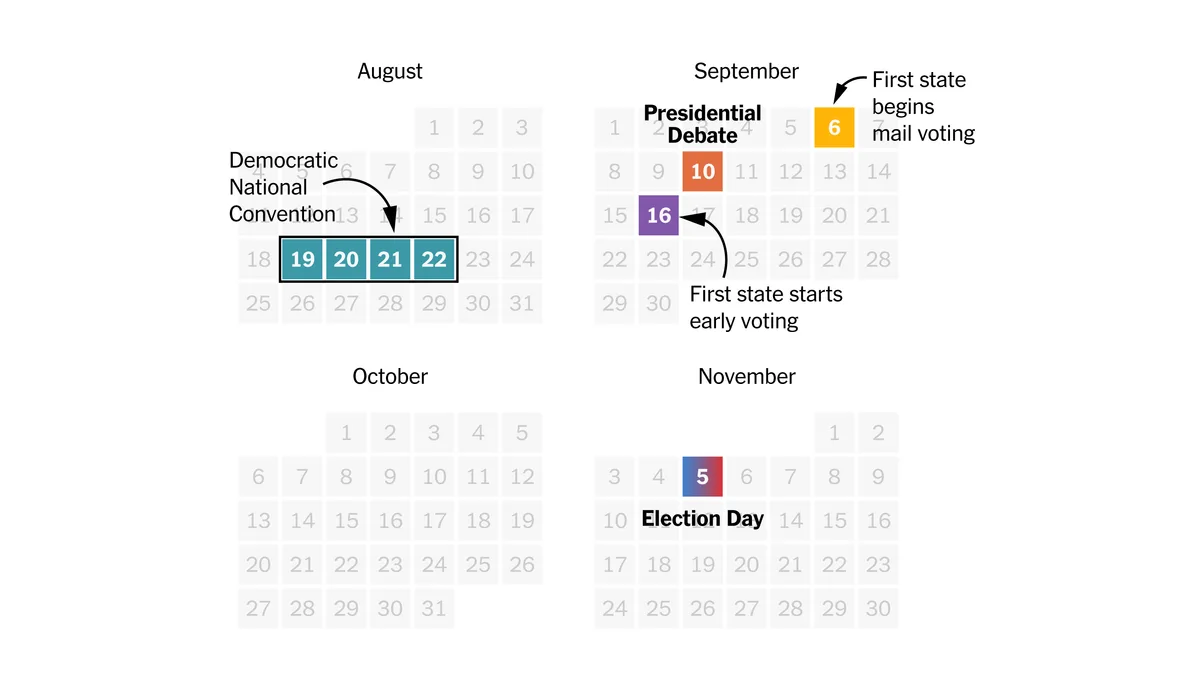
Florida law sets a strict cutoff for voter registration before any election. Your application must be submitted no later than 29 days before election day. That deadline applies to the DMV portal, the standalone online portal, paper forms, and in-person registration.
There are no exceptions.
The DMV portal time stamps your submission when you click the final button. If you do that at 11:59 PM on the deadline, it counts. But the system occasionally bundles applications and sends them in batches.
If your submission lands in a batch that is processed after the deadline, your county may reject it.
You should never wait until the final week. Our advice: complete your DMV registration transaction at least six weeks before any major election. That gives you time for processing and verification.
If there is a special election or municipal runoff, check your county's website for the exact book closing date. It can differ from the state primary or general election dates.
This deadline also applies when you must be registered in a party to vote in a closed primary. Changing your party affiliation through the DMV portal must happen at least 29 days before the primary election. Miss the window and you are locked into your current party for that election.
Legal and Compliance Warnings You Need to Know
Registering to vote through the DMV portal is not a casual checkbox. The electronic application you submit is a sworn statement. You are affirming under penalty of perjury that you are a United States citizen, a Florida resident, and not currently adjudicated mentally incapacitated with respect to voting rights.
False statements can carry legal penalties.
Florida also restricts who can register to vote. If you have a felony conviction, your voting rights depend on the nature of your offense and whether you have completed all terms of your sentence, including any restitution. The DMV portal does not check your eligibility.
It submits the application regardless. If you are ineligible, your county will reject the application, and it may trigger unnecessary follow-up.
If you are registered in another state, registering in Florida through the DMV portal effectively cancels your old registration. The state participates in the Electronic Registration Information Center (ERIC) system, which cross checks duplicate registrations across states. You cannot legally be registered in two states at once.
The address you supply on the voter screen becomes your legal voting residence. If you move within Florida and update your voter registration through the DMV portal, make sure the residential address is the place where you actually live. Using a seasonal address or a business address can be flagged during list maintenance and result in an inactive status.
For official details on voter eligibility and registration requirements, visit the Florida Division of Elections.
Your Pre-Submit Verification Checklist
Before you click that final submit button in the FLHSMV portal, run through this checklist. Each item addresses one of the common failure points.
- Full legal name. Does it exactly match your driver license and your Social Security record? Mismatches cause processing delays.
- Residential address. Is this where you physically live? Not a mailbox, not a vacation home.
- Mailing address. If different, have you entered it separately? Your ballot may be mailed here.
- Party affiliation. Did you select it on the voter screen, not just the license screen?
- Signature. Does your current hand signature still match the one on your license? If not, update it in person first.
- Confirmation number. Did you save the transaction ID? Take a screenshot.
After you submit, set a reminder for two weeks later to verify your status on the county Supervisor of Elections website. If you cannot find your record, contact the SOE office directly. Do not assume it will work itself out.
Before you click that final submit button in the FLHSMV portal, run through this checklist. Each item addresses one of the common failure points.
- Full legal name. Does it exactly match your driver license and your Social Security record? Mismatches cause processing delays.
- Residential address. Is this where you physically live? Not a mailbox, not a vacation home.
- Mailing address. If different, have you entered it separately? Your ballot may be mailed here.
- Party affiliation. Did you select it on the voter screen, not just the license screen?
- Signature. Does your current hand signature still match the one on your license? If not, update it in person first.
- Confirmation number. Did you save the transaction ID? Take a screenshot.
After you submit, set a reminder for two weeks later to verify your status on the county Supervisor of Elections website. If you cannot find your record, contact the SOE office directly. Do not assume it will work itself out.
Frequently Asked Questions
Can I register to vote without a Florida driver license?
Yes. If you do not have a Florida driver license or ID card, you cannot use the DMV portal. Use the standalone online portal at RegisterToVoteFlorida.gov or submit a paper Form DS-DE 39 to your county Supervisor of Elections.
How long does it take for the DMV portal registration to show up?
Most applications appear on the county voter rolls within 2 to 4 weeks. If you do not see your record after one month, call your county SOE office and provide the confirmation number from your DMV transaction.
Does the DMV portal work if I am already registered?
Yes. The system lets you update your address, name, and party affiliation. Always choose yes when asked about updating your voter registration.
This ensures your current information is transmitted even if nothing changed.
Can I change my party affiliation through the DMV portal?
Yes. When you go through the voter registration workflow, you can select a new party. Remember that the change must happen at least 29 days before a primary election if you want to vote in that primary.
What should I do if my registration never shows up?
Contact your county Supervisor of Elections office immediately. Provide the confirmation number from your DMV transaction. They can look up whether your application was received and, if not, help you register before the deadline.
If time is short, register in person at the SOE office.