Louisiana OMV Virtual Lobby services and the LA Wallet mobile ID program offer eligible residents online and digital-access options. These tools let you handle DMV tasks remotely or verify your identity with just your phone. As of 2026, over 1 million Louisianans use LA Wallet, proving its growing adoption.
The Virtual Lobby cuts wait times in half, while LA Wallet works at TSA checkpoints and most local businesses. Here’s how they actually work and when to use each.
Quick Answer
Louisiana OMV Virtual Lobby services and the LA Wallet mobile ID program offer eligible residents online and digital-access options. Virtual Lobby lets you schedule OMV visits. LA Wallet turns your phone into a legal ID.
Both are free to use. TSA accepts LA Wallet at Baton Rouge and New Orleans airports.
What Louisiana’s OMV Virtual Lobby and LA Wallet Actually Do
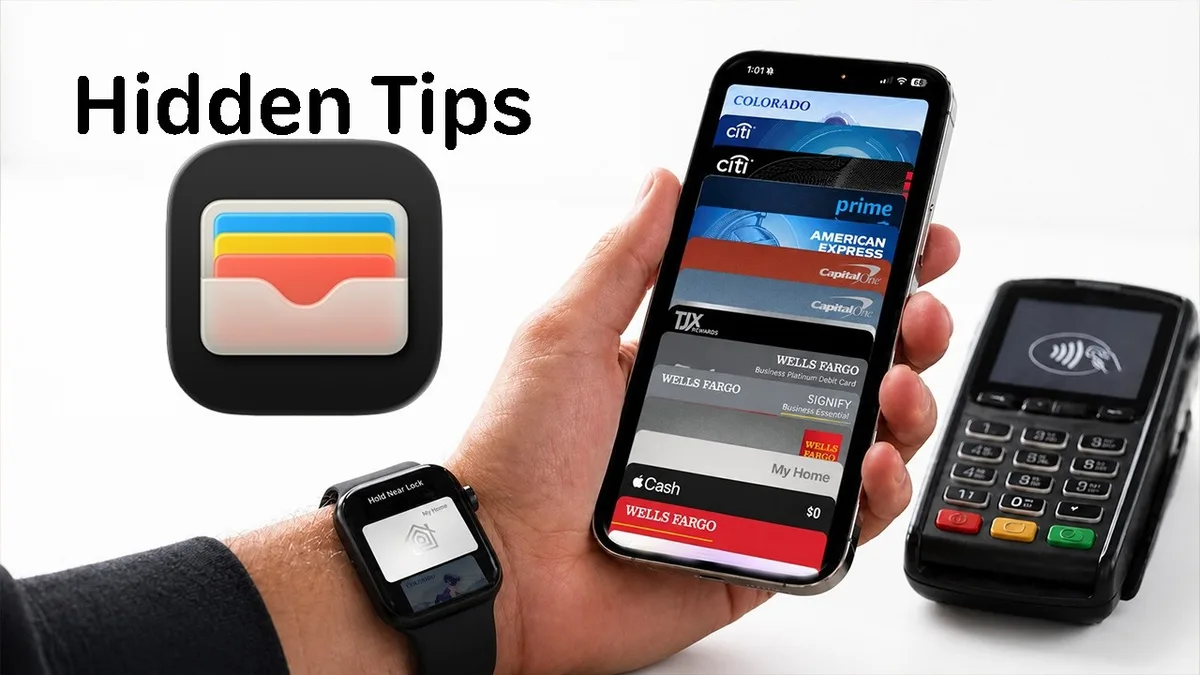
These are two separate but complementary services from the Louisiana Office of Motor Vehicles. The Virtual Lobby is an online queue system that lets you reserve a spot for in-person OMV services. LA Wallet is a mobile app that stores a digital version of your Louisiana driver’s license or state ID.
The Virtual Lobby doesn’t replace in-person visits but makes them faster. LA Wallet replaces your physical ID in most situations.
How LA Wallet Works as Your Digital ID
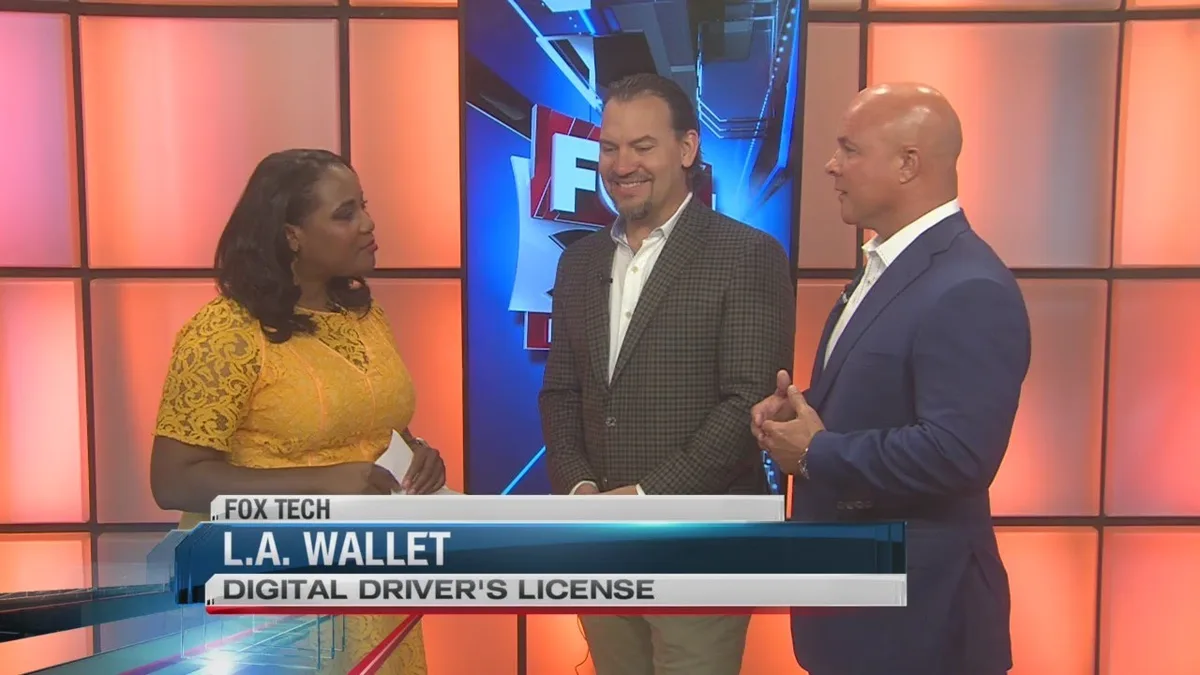
LA Wallet is the first state-approved mobile driver’s license in the U.S. It’s a free app that turns your Louisiana-issued ID into a digital version on your phone. The app uses encryption and a QR code to verify your identity securely.
To use it, download the app and scan your physical license. A selfie confirms your identity. Once approved, your digital ID appears in the app within 24 hours.
The digital ID works offline, so you don’t need an internet connection to display it. Law enforcement, TSA, and most businesses in Louisiana accept it as valid proof of identity. As of 2026, it’s legally equivalent to your physical license under Louisiana Revised Statute 32:410.
How the OMV Virtual Lobby Helps You Skip the Line
The Virtual Lobby is an online system that lets you join a digital queue for OMV services. Instead of waiting in line at the office, you can check in remotely and arrive when it’s your turn. This reduces in-person crowding and wait times.
Visit the OMV ExpressLane website. Select your service type, then choose your preferred OMV location and time slot. Arrive when notified, or complete some services entirely online.
Not all OMV services are available through the Virtual Lobby. For example, first-time Real ID applications still require an in-person visit. However, for eligible services, users report cutting their wait time by about 50% compared to walking in.
Who Can Use These Services (And Who Can’t)
Eligibility for both services depends on your current Louisiana ID status.
LA Wallet eligibility:
- Valid Louisiana driver’s license or state ID
- License must not be suspended, revoked, or expired
- Must be at least 17 years old (or have parental consent)
Virtual Lobby eligibility:
- Louisiana resident with a valid ID
- Requested service must be available at a participating OMV location
- Some services still require in-person visits
Non-residents, temporary visitors, or those with out-of-state licenses cannot use either service. LA Wallet is only available for Louisiana-issued IDs.
Step-by-Step: Setting Up LA Wallet on Your Phone
Setting up LA Wallet takes about 5 minutes.
- Download the app from the App Store or Google Play
- Scan your physical license using your phone’s camera
- Take a selfie to verify your identity
- Create a 4-digit PIN to secure your digital ID
- Wait for approval (typically within 24 hours)
If your license is expired or invalid, the app will reject your submission. Make sure your physical ID is current before attempting setup.
Step-by-Step: Using the Virtual Lobby for OMV Visits
Start at the OMV ExpressLane website. Select your nearest office and the service you need. The system shows real-time wait estimates.
If your service qualifies for remote check-in, you’ll get a confirmation code. Arrive within the allotted window to avoid losing your spot. Some transactions like renewals can be completed entirely online.
Not all offices participate. Check the website for your location before heading out.
Where LA Wallet Is Accepted (And Where It Isn’t)
LA Wallet works at all Louisiana law enforcement stops. TSA accepts it at Baton Rouge and New Orleans airports. Most bars, stores, and businesses in Louisiana recognize it.
Out of state, acceptance varies. Some airports and businesses may not have the scanners to verify it. Always carry your physical ID as a backup for travel outside Louisiana.
LA Wallet vs. Physical ID: Pros and Drawbacks
LA Wallet wins for convenience. No need to carry a physical card. It’s encrypted and harder to lose or steal. The QR code speeds up verification at equipped locations.
Physical ID wins for universality. It works everywhere, no phone or battery required. Some out-of-state businesses and agencies don’t accept mobile IDs yet.
Both have limitations. LA Wallet requires a smartphone. Physical IDs can be damaged or forgotten. For most Louisiana residents, using both covers all scenarios.
Virtual Lobby vs. Walking In: Which Saves More Time?
Virtual Lobby cuts average wait times by about 50%. You can check in from home or work and arrive when notified. This is ideal for renewals, duplicates, or simple updates.
Walking in means unpredictable waits. Peak hours can mean 1-2 hours in line. If your service isn’t in the Virtual Lobby system, you have no choice but to wait.
For complex services like first-time Real ID applications, you’ll need to visit in person regardless. The Virtual Lobby just makes the process more efficient.
Common Mistakes That Waste Time or Get You Rejected
Forgetting your LA Wallet PIN locks you out. Write it down securely or use a password manager. Without it, you can’t access your digital ID.
Using an expired license to set up LA Wallet causes automatic rejection. Update your physical ID first. The same applies if your license is suspended or revoked.
With Virtual Lobby, showing up late forfeits your spot. Arrive within the given window or reschedule. Some services still require in-person verification even with an appointment.
Costs, Wait Times, and Other Key Details
LA Wallet is free to download and use. The Virtual Lobby is also free, though some OMV services may have their own fees.
Average Virtual Lobby wait times are 30 to 60 minutes. Walk-ins often wait 1 to 2 hours. LA Wallet verification is instant once your ID is displayed.
Both services require a smartphone with a camera. LA Wallet needs iOS 12 or Android 8 or higher. The Virtual Lobby works on any device with a web browser.
Safety and Legal Fine Print You Should Know
LA Wallet is legally equivalent to your physical ID under Louisiana law. The data is encrypted and stored only on your device. The app does not track your location or usage.
The Virtual Lobby does not store personal data beyond what’s needed for your appointment. Your information is protected by state privacy laws.
If your phone is lost or stolen, your LA Wallet ID is still secure. The PIN requirement prevents unauthorized access. You can also remotely disable the app through your account.
Real-Life Scenarios: When to Use Each Service
Use LA Wallet when you need to prove your age or identity quickly. Bars, stores, and police stops accept it. It’s also handy for TSA at Louisiana airports.
Use the Virtual Lobby when you need to visit the OMV for renewals or updates. It saves time and reduces in-person crowding.
For the smoothest experience, use both. LA Wallet handles daily ID needs. The Virtual Lobby streamlines OMV visits.
FAQs About Louisiana’s Digital OMV Options
Is LA Wallet accepted everywhere in Louisiana?
Yes, Louisiana law requires all state agencies and businesses to accept LA Wallet. This includes law enforcement, bars, and stores. Some out-of-state locations may not have the technology to verify it.
Can I use the Virtual Lobby for a first-time license?
No, first-time licenses require in-person verification. The Virtual Lobby is for renewals, duplicates, and other eligible services. Check the OMV website for a full list.
What if my phone dies and I need to show my ID?
Always carry your physical ID as a backup. LA Wallet requires a charged phone to display your digital ID. Some locations may not accept a screenshot.
How do I reset my LA Wallet PIN?
Open the app and select "Forgot PIN." Follow the prompts to verify your identity and create a new PIN. You’ll need access to the email or phone number linked to your account.
Does the Virtual Lobby work for all OMV locations?
No, not all locations participate. Check the OMV ExpressLane website for a list of participating offices. Availability may change, so verify before your visit.